
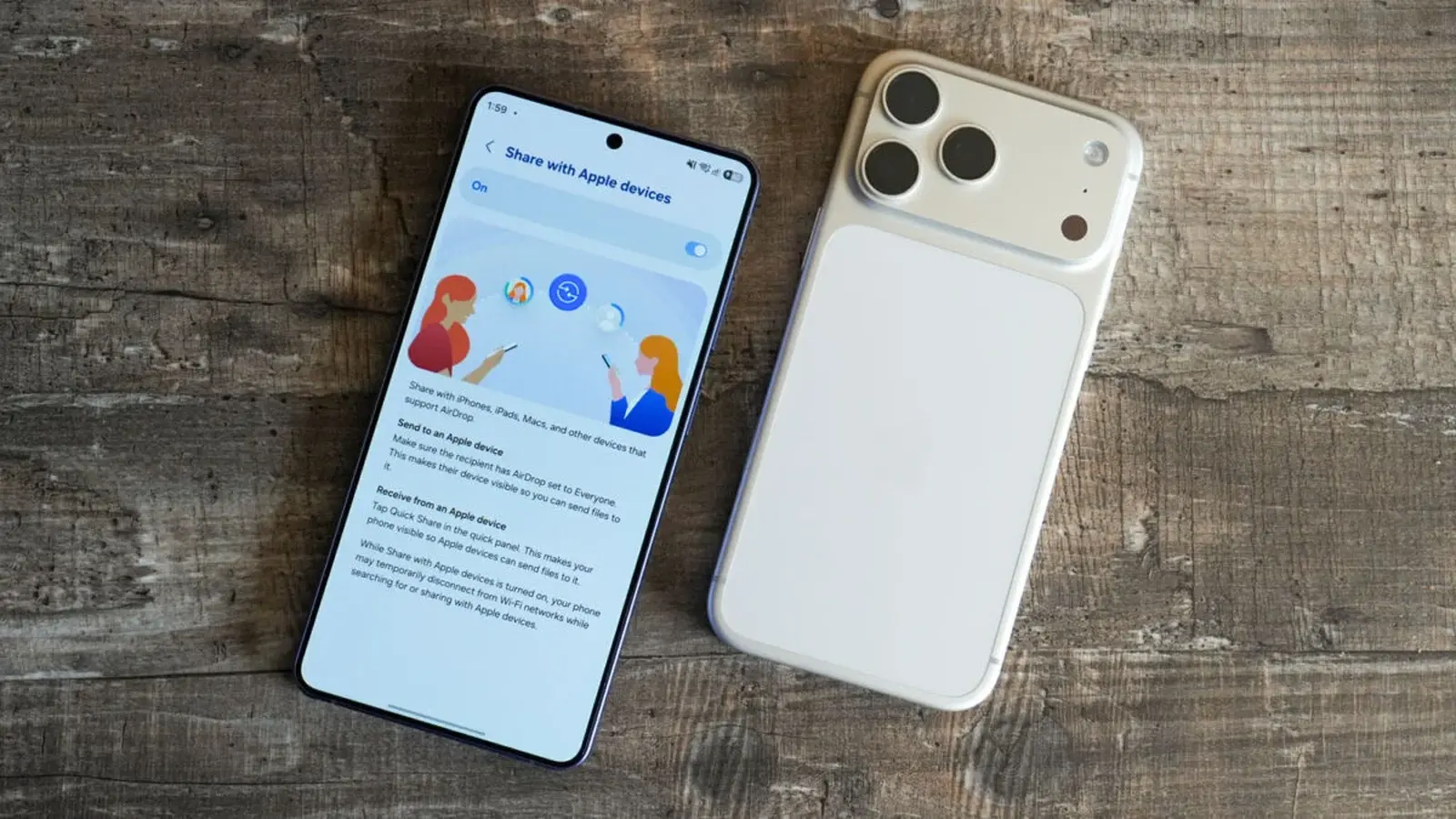
Changing phones used to mean losing fragments of your digital life. Not anymore. With Android 17, Google has quietly rebuilt Android Switch into a migration tool that does far more than copy photos and videos.
Released in stable form for Pixel phones, the updated Switch walks you through a surprisingly thorough transfer from iPhone to Android. The old promise—bring your media, and you’re mostly set—has been replaced with something closer to a full unpacking service. Google now moves Google accounts and calendar attachments, call logs, and the full history of iMessage threads, stickers and all. Yes, even encrypted RCS messages can come along for the ride where supported.

Home screen settings travel too: layout, shortcuts and wallpapers follow you. Personal files and folders move across, as do alerts, reminders, and attachments from Apple Notes. Connectivity data isn’t left behind—saved Wi‑Fi networks, eSIM profiles, and network info can be migrated. Passwords and passkeys? Included. And when an app developer permits it, in-app data can be copied so your apps feel familiar on day one.
Not everything is instantaneous or universal. Some accessibility settings are selectively transferred, and the depth of in-app migration depends on developer support. Samsung owners should take note: parts of this expanded feature set are not yet active on One UI 8.5 (the Android 16-based builds). Expect broader availability once One UI 9.0 rolls out to Galaxy devices.
What this means in plain terms: the friction of switching ecosystems is lower. The tool still works for Android-to-Android transfers, too, but its real headline is removing the most annoying barriers that kept people tied to their old phones.
Curious? Back up everything, give the new Switch a test run, and decide whether the grass on the other side really is greener.

Leave a Comment
Comments
No comments yet. Be the first.