
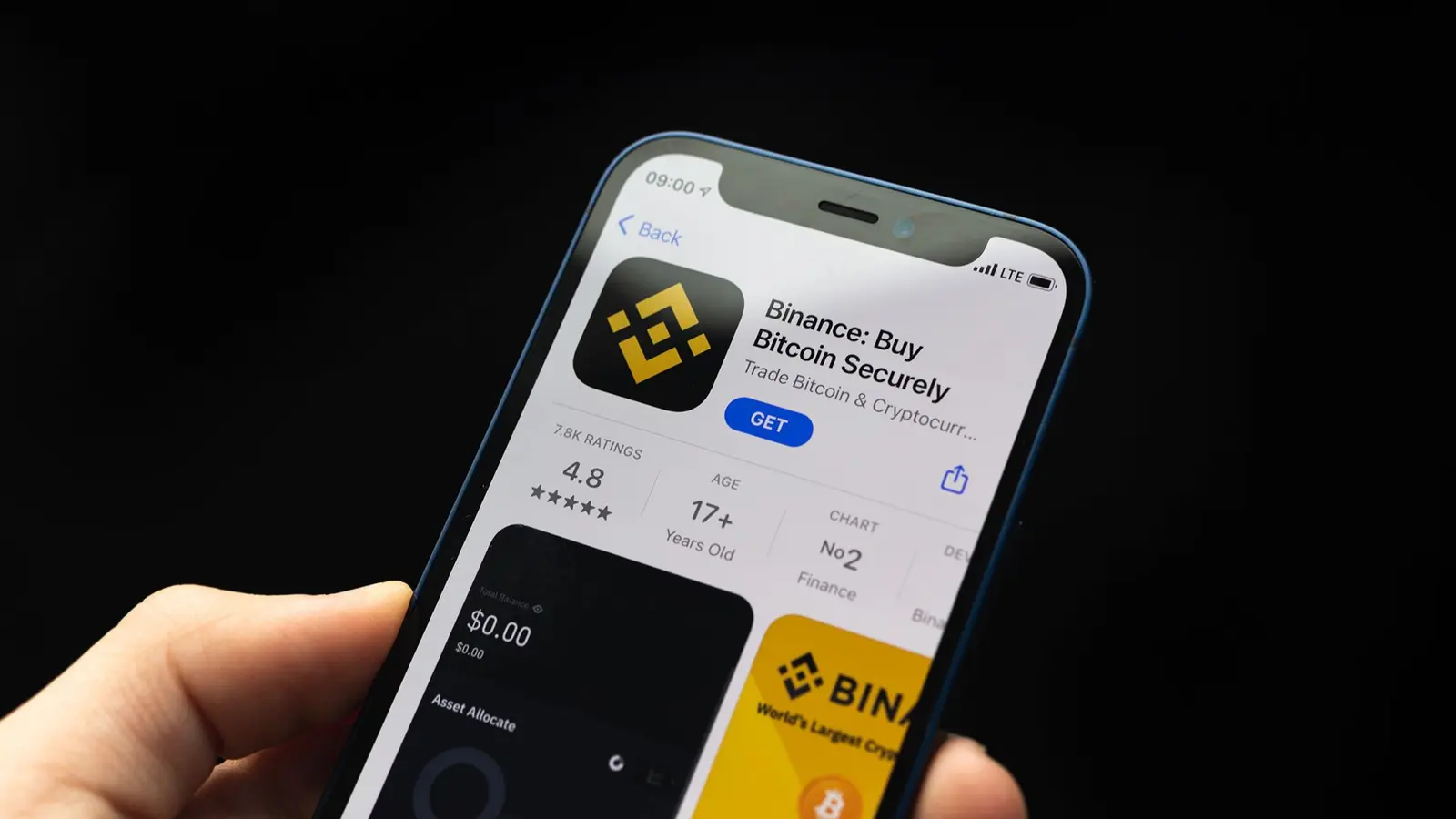
Binance warns iPhone and iPad users after FomoPeek malware discovery
Binance has issued an urgent security advisory to iPhone and iPad users after security researchers uncovered malicious code in versions 1.1 and 1.2 of a popular app called FomoPeek. Analysis by blockchain security firms including SlowMist, working with OKX security researchers, shows the app contained an iOS kernel exploitation framework able to elevate privileges on affected devices and exfiltrate highly sensitive data such as private keys, seed phrases, login credentials, chat logs and local files.
Why this matters for crypto users and self custody holders
FomoPeek is not a targeted attack against a specific wallet application. Instead, the discovered malware aims at the device level, escaping the iOS sandbox and decrypting Keychain entries and files belonging to other apps. That means any cryptocurrency wallet stored or accessed on a compromised phone or tablet could be at risk. Self custody users who control private keys or seed phrases on an affected device face potential theft unless they act quickly.
Binance and SlowMist have provided practical guidance: uninstall FomoPeek, avoid reinstalling it, update iOS to the latest available release, and, crucially, create new wallets on a clean device that has never had the malicious app installed. Funds should be migrated to the new addresses immediately if there is any chance the old keys were exposed. Anyone who notices unusual activity should preserve the compromised device and evidence before contacting support or law enforcement.
How FomoPeek versions 1.1 and 1.2 operated
Kernel exploit framework and multi-method attack
Researchers found two covert modules embedded in FomoPeek versions 1.1 (build 105) and 1.2 (build 110) that had no relationship to the app's advertised functionality. One module contained an iOS kernel exploitation framework with eight separate exploit methods. The framework was designed to select the optimal exploit chain based on the device model and installed iOS version, enabling attackers to maximize success across a broad range of targets.
.webp "Apple Issues Emergency iOS Patch After Zero-Click Exploit Threatens Crypto Wallets")
According to SlowMist, the framework claimed coverage across several iOS generations, including legacy ranges from iOS 12.0 through 18.7.2 and more recent iOS 26.0 through 26.1. The analysis noted that older iOS releases generally present a higher risk, but the exploit framework's modular design allowed it to adapt to both legacy and newer firmware within the declared ranges.
Sandbox escape, Keychain decryption and remote control
Once an exploit succeeded, the malicious code could break out of iOS's sandbox protections, extract and decrypt Keychain data, and access files and data stored by other applications. That gives attackers the ability to obtain wallet recovery phrases, private keys, passwords, messages, photos and other locally stored assets.
Researchers also observed that the malware communicated with Command-and-Control infrastructure unrelated to the app's legitimate services. These communications allowed operators to remotely instruct which exploits to run, when to execute them and how frequently to attempt escalation. Historical App Store copies show that FomoPeek 1.0 did not include the malicious frameworks, which appeared in version 1.1 and persisted into 1.2, then were removed in version 1.3 (build 111) on Sept. 17, according to the security timeline.
Distribution through the App Store and why that is concerning
A notable aspect of this incident is that the affected FomoPeek builds were distributed through Apple's official App Store rather than via side-loading, re-signed packages or third-party stores. That highlights an ongoing challenge: even official app marketplaces can occasionally host apps that later reveal malicious components or hidden functionality. For crypto users, the implication is that vetting apps by source alone is insufficient; device hygiene, OS updates and conservative app permissions remain essential.
Context: mobile malware targeting crypto has a long history
Mobile devices have been a persistent target for malware that harvests crypto wallet credentials. In recent years researchers have documented multiple families and campaigns that collect seed phrases, private keys and credentials:
- SparkKitty and SparkCat: Malware families reported to harvest images that contained wallet recovery phrases and use OCR to extract sensitive text. Kaspersky uncovered SparkKitty and earlier SparkCat samples distributed across official and unofficial channels.
- Coruna exploit kit: Google's Threat Intelligence Group described an iPhone exploit toolkit containing multiple exploit chains capable of searching compromised phones for wallet recovery phrases and financial data.
- BOM: A fake app investigated by SlowMist in early 2025 compromised over 13,000 wallets across Android and iOS, scanning device storage for mnemonic phrases and transmitting them to attacker-controlled servers.
- Wallet impersonation scams: Fake wallet apps masquerading as Wasabi, Ledger Live and others have repeatedly appeared on the App Store and other platforms, directly tricking users into entering recovery phrases and losing funds.
These incidents show two common attacker strategies: convincing users to reveal recovery phrases via fake wallet interfaces, and covertly exploiting device vulnerabilities to extract keys and files without direct user interaction. SlowMist's analysis suggests FomoPeek used the second approach, seeking privileged access to gather data across apps rather than relying on social-engineering prompts alone.
Practical steps for users: immediate and longer-term actions
Immediate response if you installed FomoPeek
- Uninstall the FomoPeek app from any device where it was installed and do not reinstall it.
- Update iOS to the latest version available for your device; security patches may block exploit chains used by the malware.
- If you use self custody wallets on any device that ran FomoPeek 1.1 or 1.2, assume compromise. Generate a new wallet and private key on a separate, clean device that has never had the app installed.
- Transfer funds from possibly exposed addresses to the new wallet immediately. Prioritize high-value assets first.
- Preserve the compromised device and any logs or evidence if you detect suspicious activity. Contact the wallet provider, exchange support or law enforcement with that information.
Longer-term precautions for crypto holders
- Prefer hardware wallets or air-gapped signing devices for large sums and long-term custody. Hardware wallets significantly reduce risk from mobile or desktop malware targeting private keys.
- Back up recovery phrases securely and avoid storing screenshots or plaintext copies on devices that connect to the internet.
- Keep device firmware and apps up to date; install security patches promptly.
- Limit app permissions and avoid installing software from unknown or untrusted developers, even if listed in official stores.
- Use endpoint security tools and mobile threat detection where available for added protection against spyware and privilege escalation attempts.
What security researchers and platforms are doing
SlowMist, OKX security and other blockchain security teams published technical analyses and timelines showing how the malicious code was introduced and subsequently removed from later builds. Binance amplified those findings with a customer-facing alert advising users to inspect devices and take remediation steps.
The incident underlines the importance of collaboration between app stores, security researchers and platform operators to detect and remove malicious apps quickly. It also illustrates why blockchain security firms continue to emphasize device-level controls and the value of hardware-backed self custody.
Final takeaways for the crypto community

FomoPeek's malicious components demonstrate a sophisticated, device-level threat that goes beyond simple wallet impersonation. The ability to escape the iOS sandbox, decrypt Keychain items and access files across applications raises the stakes for self custody and mobile wallet users.
Immediate action for anyone who installed FomoPeek 1.1 or 1.2 is essential: remove the app, update iOS, create new keys on a trusted device, and transfer funds. Long-term, adopting hardware wallets, strict device hygiene and cautious app installation practices will reduce the risk of future compromises. Security incidents like this reinforce that protecting private keys requires both safe user behavior and ongoing vigilance across the mobile ecosystem.

Leave a Comment
Comments (3)
feels a bit overhyped but valid warning. hardware wallets for big sums, update iOS, stop storing seeds on phones ok?
Is this even true? i mean kernel exploit via App Store, seems wild. Need more proof, samples pls
wow this is scary, i had no idea App Store could host that level of spyware! Uninstall now and move funds ASAP. who vets these apps??