
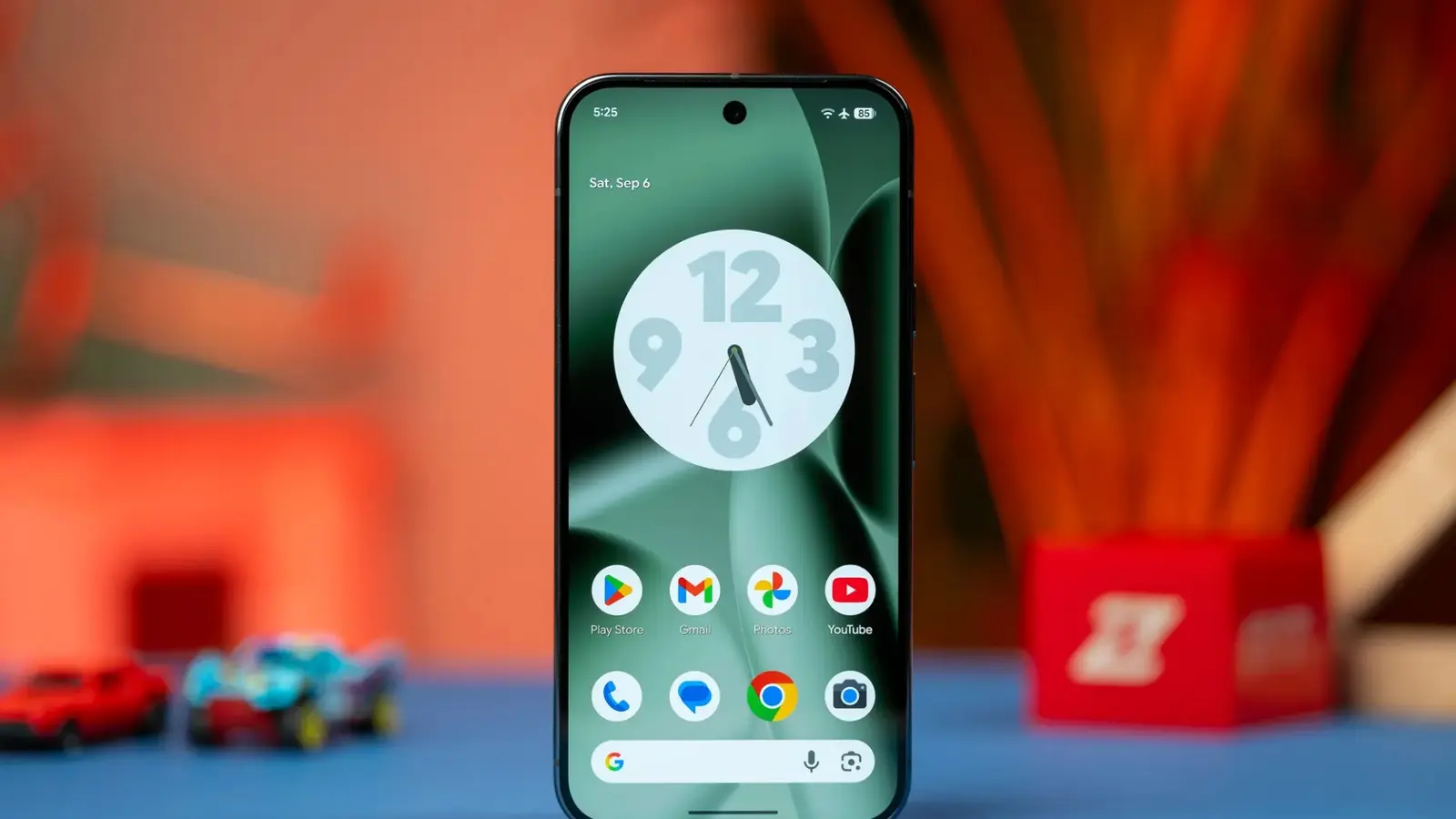
Handing a smartphone to a child used to feel like giving them a compass in a storm. Now, with Android 17, Google is trying to steady the needle.
What started as a Pixel 10 exclusive has been folded into the latest Android release and placed directly in the Settings app. These aren’t add-on apps or hidden menus. They live where parents already go to manage their device—making supervision more straightforward and less technical.
Expect familiar tools, but improved. Parents can track screen time with clearer timelines. They can set automatic downtime so devices lock during predetermined hours. There are filters for Google Play to keep age-inappropriate apps out of reach, limits that cap how long individual apps can run, and even the option to block apps entirely. Short bursts of enforcement. Long-term control.

Those controls are designed to pair smoothly with Google Family Link. Remote monitoring, approval requests for downloads, a dedicated "school time" mode and location alerts arrive as part of the same ecosystem. In practice that means a single dashboard to approve, restrict and review a child’s phone behavior—without juggling multiple services.
All devices that upgrade to Android 17 will gain access to these parental tools. Carriers and manufacturers may adjust timing or add their own layers, but the baseline features are part of the OS update itself.
There’s a cultural angle here, too. Tech that makes oversight simple can ease daily friction, but it also asks families to decide how much monitoring feels healthy. Too strict, and trust erodes. Too loose, and risks grow. These settings give choices. They don’t write the rules.
For parents worried about where to start: focus on conversations first, then use the new Android 17 controls to reinforce agreements. If the phone becomes less of a battleground, what will kids do with the extra quiet hours?


Leave a Comment
Comments
No comments yet. Be the first.