
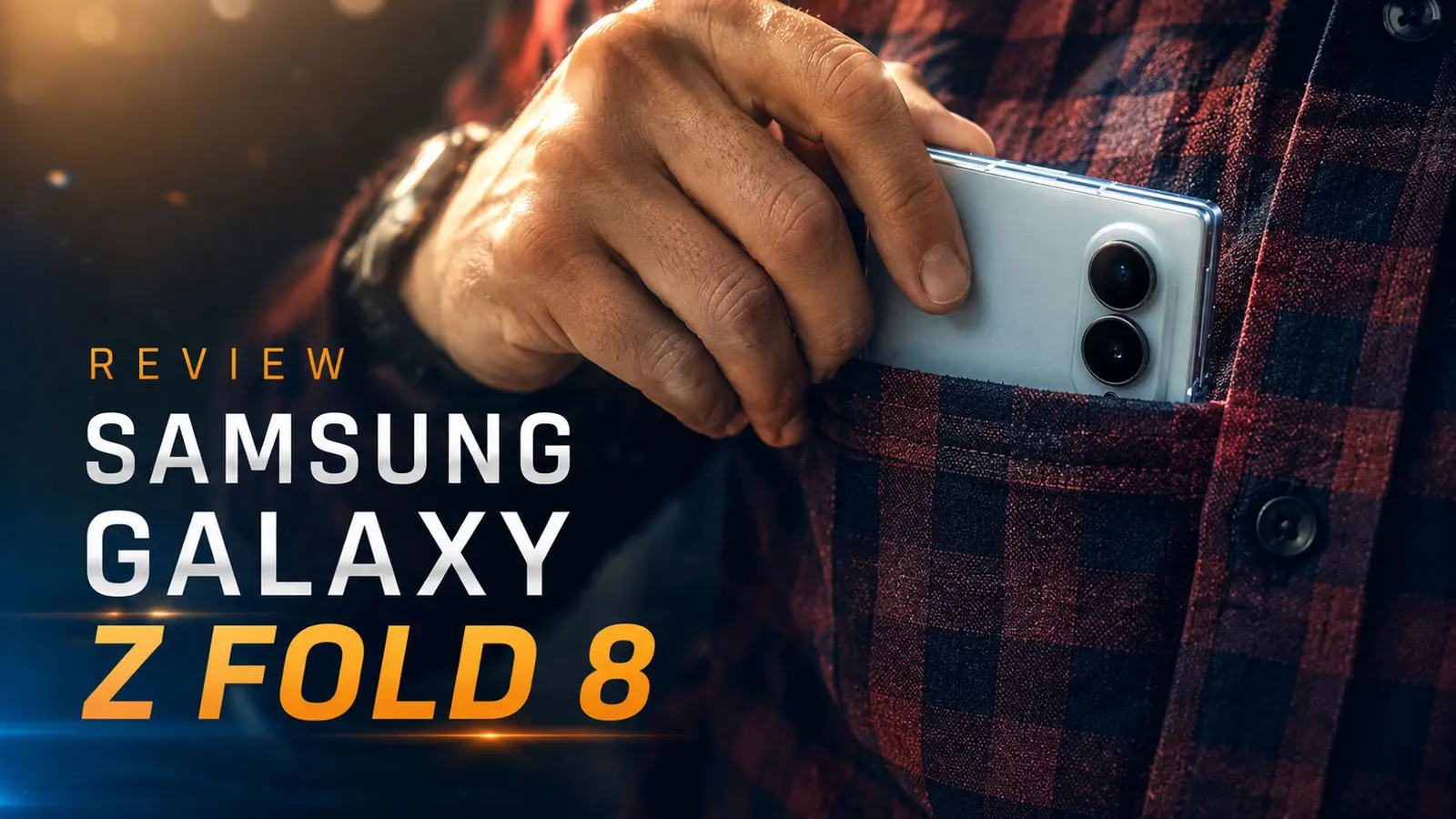
On the first day, when I opened the box, the first thing that caught me off guard was the phone's weight. Not because it was heavy; quite the opposite. It was so light that for a few seconds, I thought I might have opened the wrong box. A week has passed, and as I write this, that first impression is still with me: the Galaxy Z Fold 8 is a phone that, instead of trying to have everything, has learned to say "no" sometimes. And those "no's" have created an experience I never thought I would expect from a Samsung foldable.
Before I get into the details, let me be honest: seven days is not enough time to make a complete judgment about a phone at this price level. But for real-world, everyday use such as messaging, attending meetings, watching movies, taking photos of the kids while traveling, and even playing games late into the night for a few nights, it was enough to understand where this phone shines and where it still has room for improvement. Stay with me as I take you through that experience.

Design: When Samsung Decided to Build Less to Give More
The first time I held the Galaxy Z Fold 8, I instinctively opened and closed it several times, not as a test, but simply because it felt good! At 201 grams, the phone is even lighter than Samsung's classic flagship, the Galaxy S26 Ultra, a remarkable figure for a device with a full-sized foldable display tucked inside its body.

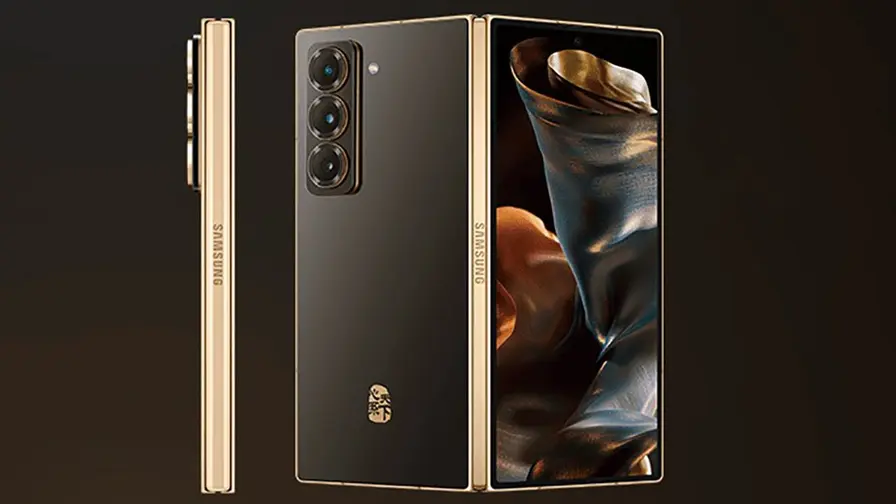
With this generation, Samsung has experimented with a new form factor that has become known among users and the media as the "passport" design. Instead of the tall and narrow body of previous generations, we now have a wider, more balanced rectangle that, when closed, feels exactly like a passport rather than a digital brick that refuses to fit into a shirt pocket!
One thing that really clicked with me during this week was the button placement. The power and volume buttons are positioned so that in all three usage modes, closed, opened horizontally, and opened vertically, they always sit under the thumb of my right hand. It might seem like a small detail at first, but after holding the phone in different orientations for several days, you realize this was a smart design decision, not an accident! Personally, I prefer having the fingerprint sensor on the side button rather than embedded in the display, and I find it more practical. Despite being quite slim, this little button performs exceptionally well on such a thin body.
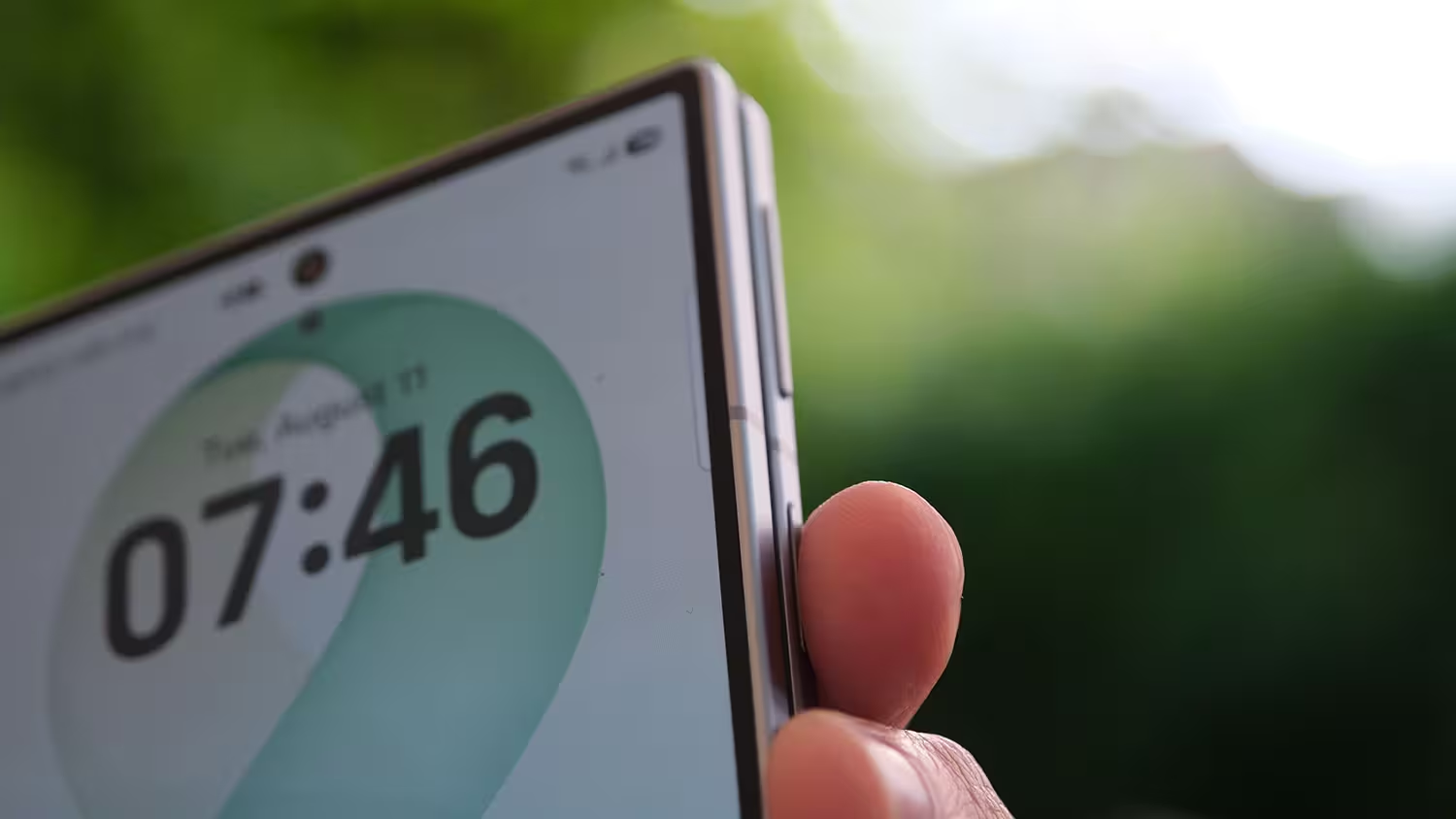
But this slimming did not come for free, and we need to be honest about that.

The Sacrifices Made for Thinness
- A simpler hinge: Samsung has used a Titanium Flex Hinge in this generation, which operates with a flat spring system and opens and closes decisively. The price, however, is the complete removal of Flex Mode. In other words, you can no longer, or at least can only do so with difficulty, keep the phone at your preferred angle, for example to take a photo while it is standing on a table or watch a movie at an inclined angle. The phone basically moves between two states: fully open or fully closed. The first time I realized this, I was a little disappointed because I had become accustomed to using this feature for video calls on a table. Of course, with a little effort, you can leave the phone partially open, but there is no real stability or guarantee that it will remain in that position!
- The crease in the middle of the display is almost gone: This was one of the most pleasant surprises of the week. The new hinge structure prevents the relatively deep indentation in the middle of the display that was clearly noticeable after a few days of use on previous generations. Now, whether you run your finger across the screen or simply look at it, there is almost no sign of the crease.
- Thickness at the limits of physics: When unfolded, the body of the device is virtually flush with the USB-C port. This means the Z Fold 8 feels less like a scaled-down Fold Ultra and more like an elongated Galaxy Flip!

 |  |
In terms of materials, the combination of Armor Aluminum on the frame and Gorilla Glass Armor 3 on the front panel gives the device a solid feel. The rounded frames prevent the phone from feeling sharp in the palm, while the pistachio green color of my review unit gave it a luxurious and distinctive appearance that caught people's attention several times when I was out with friends.
There are, however, two downsides that may bother some users:
First, there are no internal magnets similar to MagSafe. The body has become so thin that there is not enough room for magnetic coils, so if you want to use magnetic chargers, you will need to purchase a separate case. Second, and perhaps more importantly, despite its price of more than €2,000, the device still lacks an official dust-resistance rating, something that would be expected from a phone in this price range in 2026.

In my view, the Z Fold 8 is an ergonomic masterpiece, but we have to accept that this phone is an elongated Flip, not a scaled-down Fold Ultra! By prioritizing the form factor, Samsung has sacrificed part of the Fold series' "absolute power" identity. For a user like me who values everyday comfort more than technical records, this trade-off has worked in my favor!
Display: The Outer Screen No Longer Feels "Outer"!
If I had to name one part of this phone as the biggest change in this generation, without a doubt, it would be the display.

| Feature | Outer Display | Inner Display |
|---|---|---|
| Panel Type | Dynamic AMOLED 2X | Dynamic AMOLED 2X |
| Display Size | 5.5 inches (wide) | 7.6 inches, 4:3 aspect ratio |
| Protection | Gorilla Glass Armor 3 | Anti-reflective coating |
| Refresh Rate | Adaptive 120Hz | Adaptive 120Hz |

Throughout this week, I spent most of my time using the outer screen, and that is an important point in itself. Making this display wider means you no longer have to unfold the phone for every short message or notification check. The cover screen alone feels like a complete, independent smartphone rather than a secondary display. The reduced vertical height also means I no longer have to perform that thumb gymnastics routine to reach the upper corners, something that was always annoying on the slim, elongated foldables of the past.
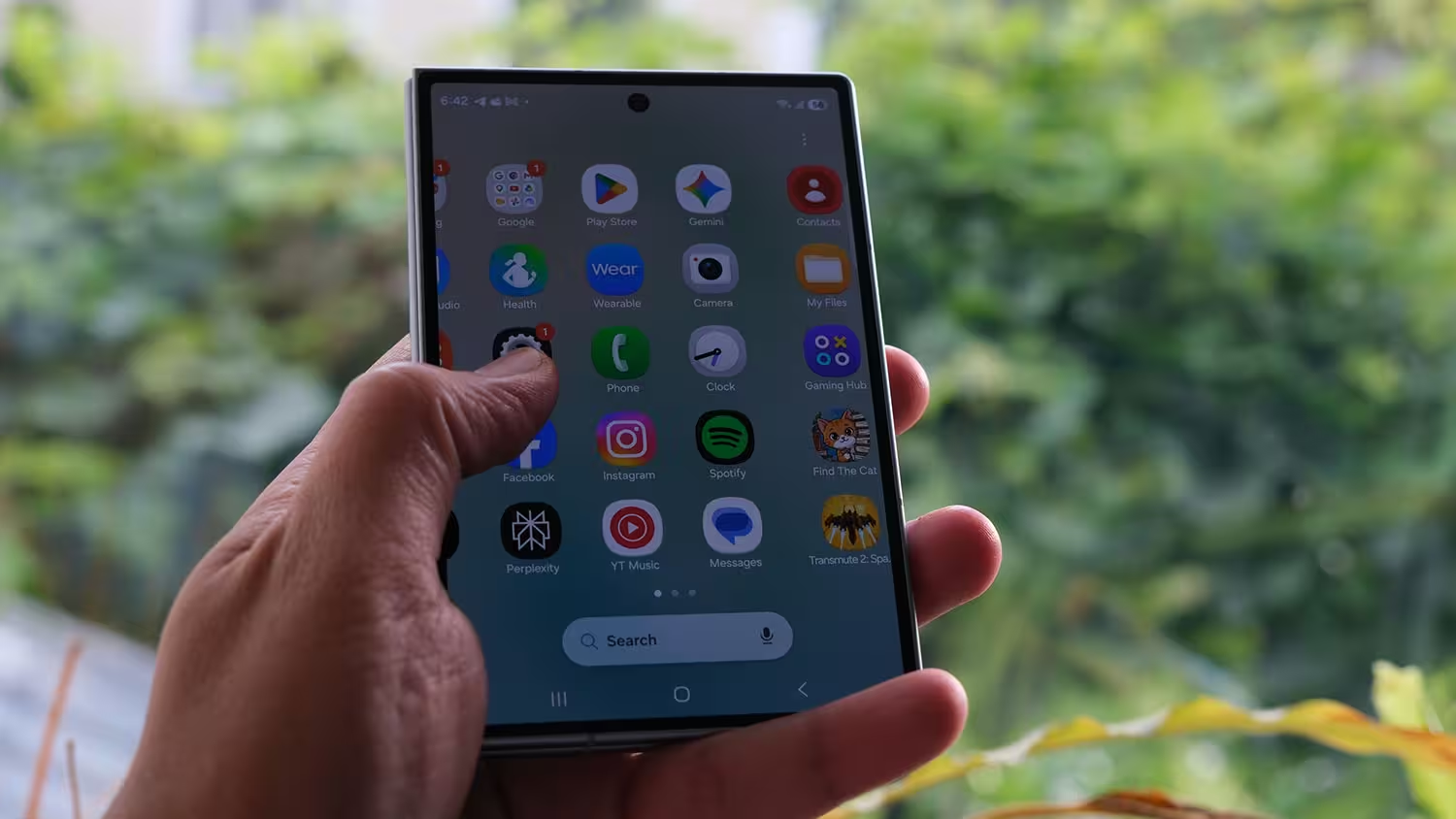
But once you open the display, the story changes. The 4:3 aspect ratio of the inner display feels exactly like carrying a small iPad in your pocket. For long reading sessions, it offers an experience similar to a Kindle; for running multiple apps simultaneously, it gives you plenty of space; and for watching widescreen videos, the sheer width of the display makes the image feel genuinely larger than what you see on something like the S26 Ultra.

A Contradiction We Need to Be Honest About
There is one thing that confused me a little during the first few days: the lack of an anti-reflective coating on the outer display, while the inner display has one. The result is an inconsistent user experience in brightly lit environments. When the phone is closed, you have to deal with reflections, but the moment you open it, you are suddenly greeted by much better clarity. I feel this is one of those areas where Samsung has deliberately drawn a line between the standard and Ultra models so it does not put all its eggs in one basket!

Another thing that became apparent during this week was the compatibility of some apps with the new aspect ratio. For example, while testing Find the Cat, the image sometimes jumped, or a game displayed with excessive black borders around it. There were very few such apps, of course, but it is a reminder that changing the form factor comes with a software cost as well, and the app ecosystem has not yet fully adapted to it.

Another point that should not be forgotten is the drop in brightness depending on temperature. In outdoor and sunny environments, the display reduces its brightness to protect itself. Although a recent software update has improved the situation to some extent, it is still something I noticed several times during the hot days of this week.

With all that said, my overall opinion of the display is positive. The Galaxy Z Fold 8 is Samsung's "most practical" foldable smartphone to date, even if it is not necessarily its "most complete."

Hardware: Plenty of Power, Surrounded by Physics
At the heart of this phone is the Snapdragon 8 Elite Gen 5 chipset, offered in two configurations with 12GB and 16GB of RAM. The 16GB version is available only with 1TB of internal storage. My review unit had 12GB of RAM.

In everyday use, such as switching between apps, scrolling through social media, editing photos, and even playing a few rounds of Raid and Call of Duty on the inner display, this chipset never kept me waiting. Gaming on the 4:3 panel created a genuinely immersive experience; the touch controls sat exactly where my fingers naturally rested, an advantage I had not experienced so easily on conventional smartphones.
The Z Fold 8's light weight and slim body also made gaming twice as enjoyable for me, and I have to say that it can get you excited almost to the level of a handheld console.

But as I mentioned in the display section, this aspect ratio is a double-edged sword. Some older apps, including several banking platforms I had installed for testing, were still displayed in a stretched and enlarged format. They were not broken, of course, but they felt slightly out of sync with the rest of my experience on the phone.
The Thermal Story You Cannot Ignore

Slimming the body down to roughly the thickness of the USB-C port forced Samsung to remove the vapor chamber, and this is exactly where I felt the phone's limitations firsthand during the week. One day, while testing the phone by recording several minutes of video in APV format and Log mode, the temperature rose quickly and the battery also drained faster.
The good news is that recent software updates have improved the power management logic. These updates not only made the 45W charging behavior more understandable, but also largely addressed the battery drain issue during long video calls, such as a relatively lengthy Google Meet session I had this week.
Overall, the Galaxy Z Fold 8 is unrivaled for users whose priorities are easy portability and everyday multitasking. However, if you plan to record professional video for hours every day, you should take its thermal limitations seriously.

Camera: A Sacrifice That May Not Have Been Unreasonable
This is where Samsung's most controversial decision of this generation comes into play: the complete removal of the telephoto camera!
| Lens Type | Resolution | Key Feature |
|---|---|---|
| Main (Wide) | 50MP | Compensates for the lack of telephoto with smart cropping |
| Ultrawide | 50MP | Suitable for vlogging and a wide field of view |
| Telephoto | Removed | No optical compression at long distances |
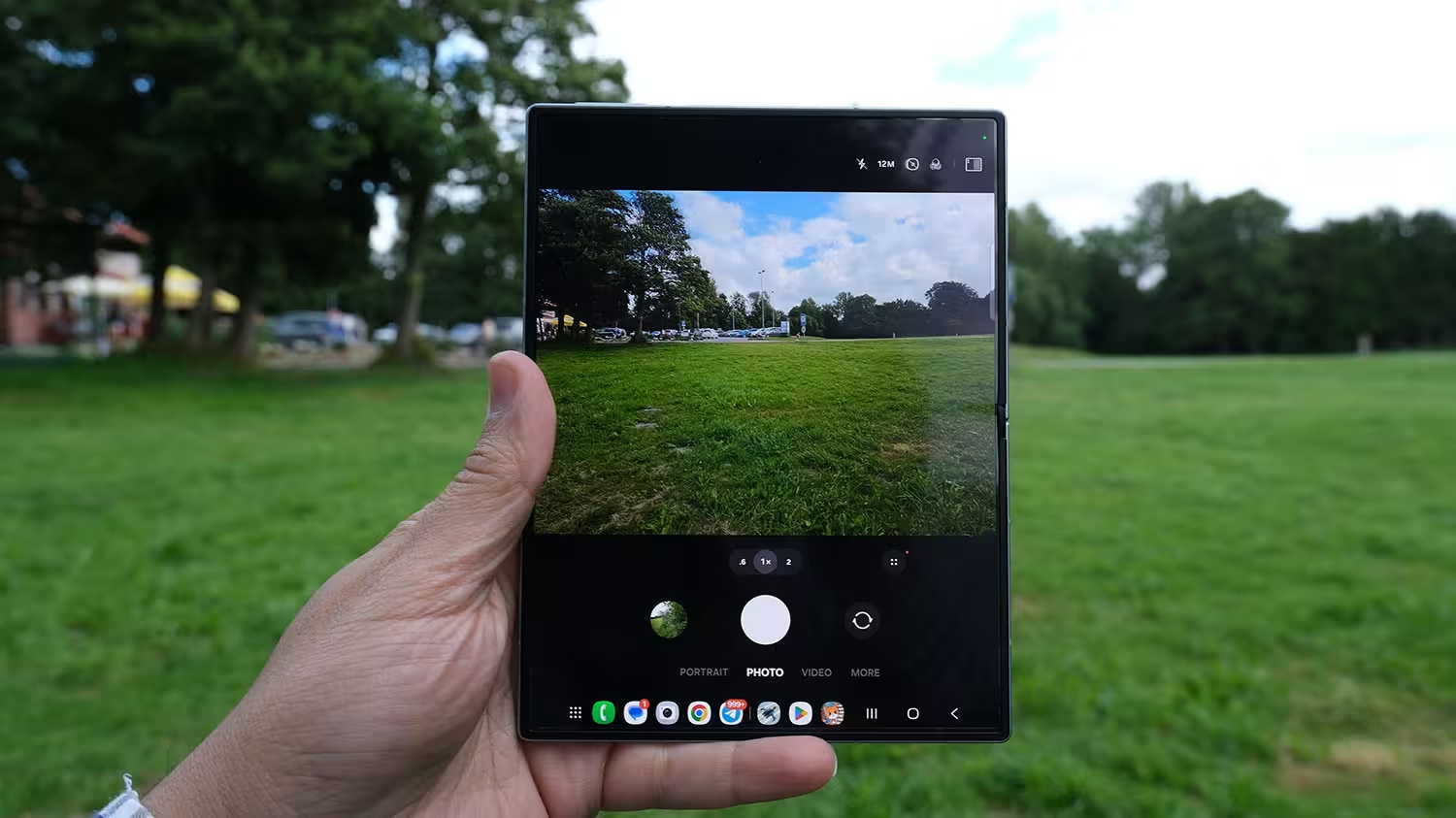
On the third day of using the phone, I tried to take a photo of a distant landscape while traveling, and that was when I really felt the absence of the telephoto camera. Without this lens, you lose the perspective compression that photographers use to capture classic portraits. It is true that the 50MP main sensor, with smart cropping, can preserve a reasonable amount of detail at 2x to 3x zoom, but for people looking to shoot photos and videos in places such as concerts, this is genuinely a step backward.


On the other hand, for everyday photography, which accounts for most of my smartphone camera use, this choice has resulted in a device that fits much more comfortably in the pocket and has better weight balance. The Snapdragon 8 Elite's image signal processing power also compensates for part of this hardware shortcoming by improving dynamic range and computational noise reduction.
Everyday Camera Experience
- Night photography: Thanks to the new algorithms, low-light performance was satisfactory. However, because of the physical size of the sensor, it is still not on the same level as the Ultra models, and some noise can still be seen in images.
- Subject separation: Without a telephoto lens, bokeh is created entirely through software. Edge detection has improved in One UI 9, but it does not have the natural depth of field of a real optical lens.
- Video capabilities: Support for APV format and Log recording, combined with built-in LUTs in the Gallery, turns this phone into a small editing workstation, although with the same thermal limitation mentioned earlier.
- Selfie camera: Using the outer display as a viewfinder to take selfies with the 50MP main camera was one of the best selfie experiences I have had with a phone to date. The under-display camera on the inner screen, however, offers more ordinary quality and is mainly useful for office video calls.
Below, you can see sample photos I took with the phone in different conditions.

 |  |  |
 |  |  |
 |  |  |
If I had to sum up this section with a simple example: the Z Fold 8 is like a pizza that has become slightly cheaper, is a little smaller, and has had one of its main toppings, the telephoto camera, removed. But the quality of the ingredients, meaning the build quality and body materials, has improved significantly. So you may not be completely full after one slice, but you will enjoy a better taste!
User Interface and AI: Where Everything Comes Together
If someone asked me what the biggest reason was for using this phone every day, my answer would be multitasking. One UI 9, on this wider display, has reached a level of usability that really only makes sense on screens larger than 7 inches.
The ability to use three apps simultaneously is genuinely useful this time, rather than just a stage-demo feature. Resizing windows happens without any noticeable delay, and dragging a new app onto existing windows immediately replaces it. But the feature that helped me the most during this week was the automatic saving of multitasking layouts in the recent apps list. I created a three-app combination of Spotify, Notes, and the browser that opened in exactly the same layout every morning with just one tap.

On the other hand, checking my emails became more enjoyable, as did browsing Telegram and reading channel posts, all with greater speed and quality. In short, the interface is laid out so well that you will enjoy almost every moment of using it, especially on such a large and high-quality display.
Artificial Intelligence: Powerful, but Hidden
One thing that many buyers of this phone will probably never discover is that many AI tools, such as the Smart Search bar, the Bixby-powered Finder feature, and AI mode in the search widget, are disabled by default and need to be activated through the settings. I did not even notice them until the fourth day.

But once I activated them, the experience genuinely changed. The Smart Search bar lets you quickly access information through text, voice, and even by humming a song. Finder is no longer just a file-search tool either. You can use it to execute complex requests for changing system settings or finding specific data within files on the phone.
Beyond these tools, One UI 9 also includes several smaller improvements that become noticeable in everyday use: a bottom toolbar that can expand from four to eight apps, a side panel for quick access, and visual details such as responsive clocks and thicker sliders in the Quick Settings panel that improve touch accuracy.

Sound: Clear, but One-Sided!
It may sound strange, but one of the things that affected my experience more than expected this week was the speakers. To compress the internal components, Samsung has placed both speakers on the left half of the body when the phone is unfolded, and this arrangement creates a pseudo-mono effect. The sound is powerful enough, but when the phone is open, it lacks the depth of true stereo separation.
When the phone is closed, the cover screen provides a more balanced audio experience because the speakers are positioned at the top and bottom. For watching movies with the phone unfolded, after trying it two or three times, I personally got used to keeping my headphones with me!


Battery: Silicon-Carbon vs. Physics
With this generation, Samsung has used silicon-carbon battery technology, allowing it to maintain a 4,800mAh capacity in a body this thin.
| Technical Specification | Details |
|---|---|
| Battery Capacity | 4,800mAh (Silicon-Carbon) |
| Wired Charging Speed | Up to 45W |
| Wireless Charging Speed | 20W (requires a separate magnetic case for proper alignment) |
In mixed use throughout the week, including web browsing, file management, navigation, social media, some gaming, and watching movies, I recorded between 5 and 7 hours of screen-on time (SoT). That was enough for a typical working day. The phone generally lasted from the morning until I went to bed at night, with one exception: on the day I recorded APV video for an extended period during testing, the battery drained much faster than usual. That was exactly the same thermal issue I described in the hardware section, showing up here as well.
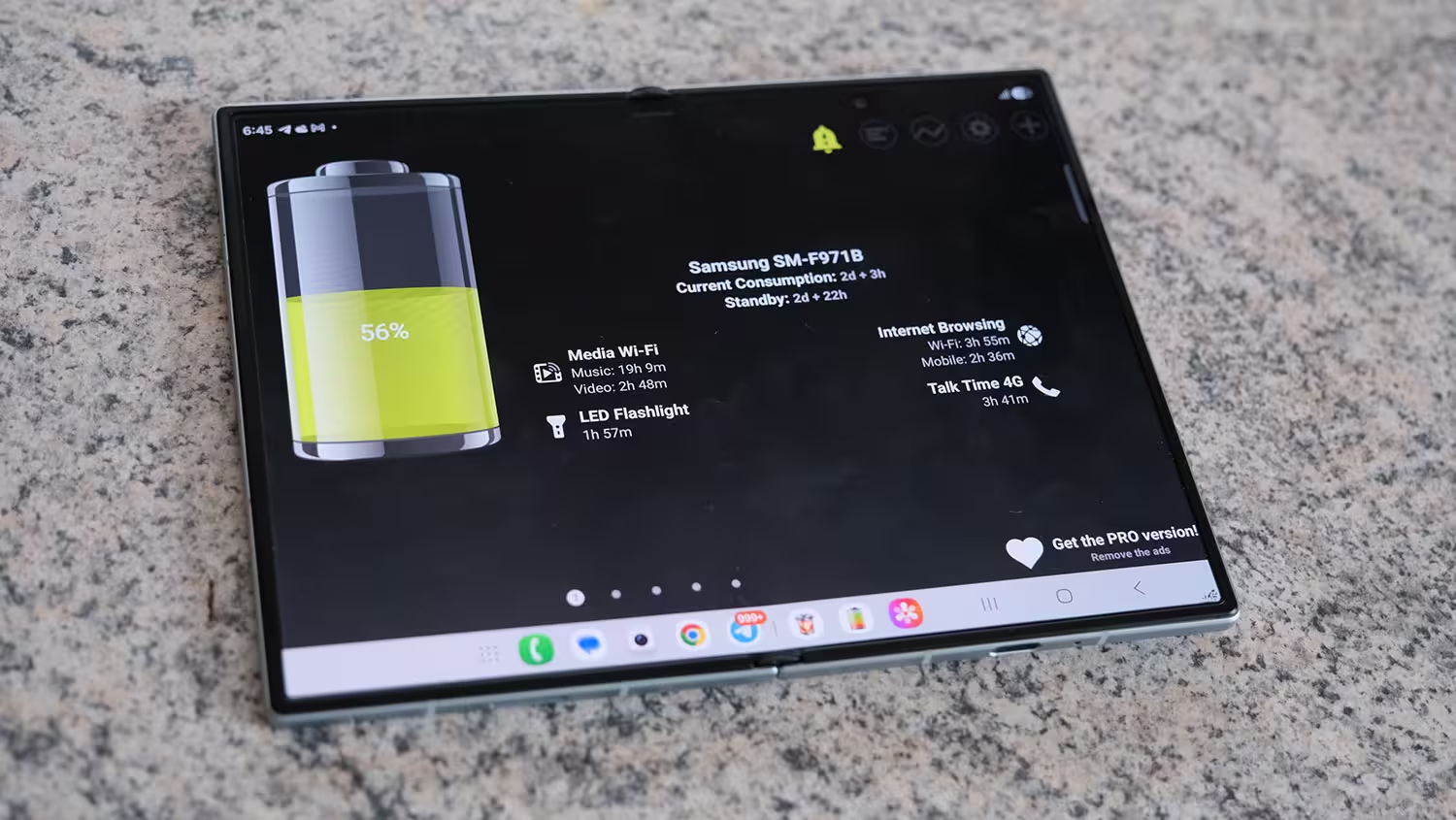
One positive point worth mentioning is the 45W charging. My experience with this charging speed changed my usage pattern from long overnight charging sessions to short and effective top-ups. A few minutes of charging during breakfast was enough to get me through several more hours, although it still falls short of brands such as Xiaomi and Realme, which can charge at roughly twice that speed.
Overall, I have to say that from an energy-system perspective, the Galaxy Z Fold 8 represents a genuine engineering leap in the paradigm of efficiency combined with slimness. Although the removal of the telephoto camera and Flex Mode was the price paid to achieve this weight and battery configuration, for users who prioritize productivity on the go, it seems like a logical trade-off, provided that you take the thermal challenges in hot outdoor environments into account.
After One Week, What Do I Think?
The Galaxy Z Fold 8 should be viewed as the culmination of Samsung's physical refinement in foldable smartphones. In the 2026 market, Samsung has recognized that not every user is looking for a heavy tank of a phone and has positioned this device as its most practical foldable. After a week of real-world use, I think that claim is largely justified.

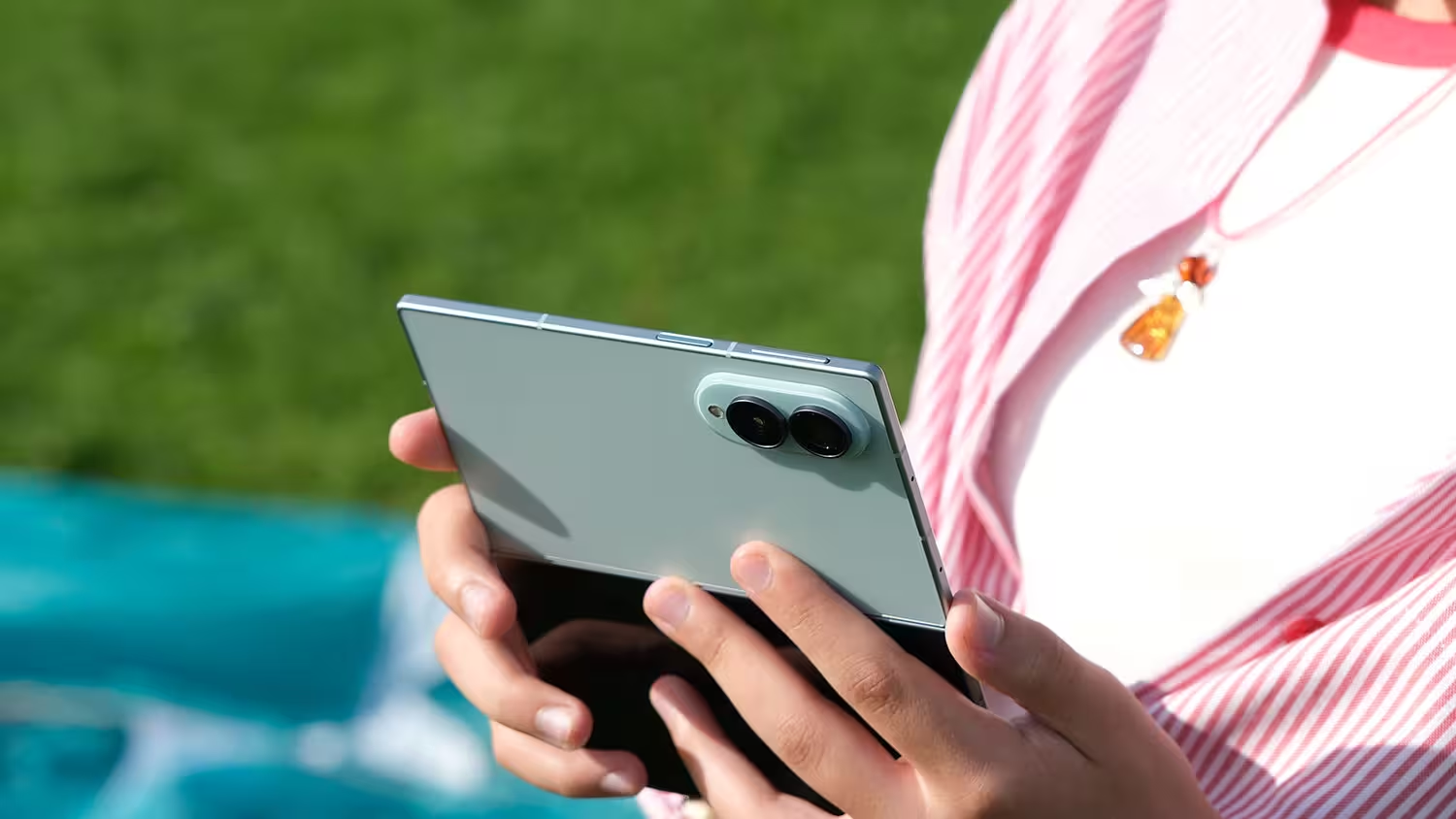
This phone establishes a strategic balance between bold innovation and everyday performance. Unlike the Ultra model, which aims to set technical records, the Z Fold 8 focuses on a smooth user experience. Sacrificing features such as the telephoto camera and Flex Mode is, in my opinion, not a step backward but a smart engineering decision, one that brings foldables closer to becoming practical everyday tools rather than luxury and experimental products. That said, it must be acknowledged that this price, even on a global level, still puts Samsung's product firmly in the category of very expensive smartphones.
Who Should Buy This Phone?
People who are looking for the best tablet experience in their pocket, value ergonomics and one-handed use, and enjoy reading and everyday multitasking. Exactly the use cases where I got the most out of this phone during the week.
Who Should Not Buy This Phone?
Professional photographers who need optical zoom, gamers who regularly play games that are incompatible with the 4:3 aspect ratio, and people whose priority is still having the most complete specification sheet on paper rather than the best everyday experience!

At more than €2,000 for a device that does not have the best camera on the market, you could reasonably say that this phone is very expensive. But if you define value in terms of ease of use and the pleasure of holding the device, exactly what I felt every day this week, I think the Z Fold 8 currently has very few serious rivals on the market.
On paper, this phone may not be an "everything phone." But after seven days of living with it, I can confidently say that in practice, it is the most enjoyable and practical foldable phone experience I have had to date: a phone designed for people who are tired of the "weight of technology" and are looking for performance wrapped in ultimate elegance.


Leave a Comment
Comments (6)
Feels like a compromise sold as progress. Flex Mode gone? weird move. 45W fine but not fast enough, and pseudo-mono speakers sound weird when unfolded.
Pretty balanced take... Samsung chose comfort over specs. Passport shape looks slick, but some apps still freak with 4:3. Not bad, just different.
I've been poking at phones for years, and thin design always bites you in thermal tests. The missing vapor chamber explains the hot recording issues i saw here. For day to day I love it, but for pro video no thanks, you'd need extra cooling.
Is the crease actually gone or just less visible after a week? And no dust rating at this price, seriously? seems odd, anyone stress-test it in rain?
Pretty smart tradeoff: lighter, comfy, yet no telephoto. I get the ergonomics, but €2k for less zoom? hmm.
wow, that lightness surprised me, I honestly thought I'd opened the wrong box. Sacrificing telephoto and flex mode sounds risky but kinda liberating, curious how long the crease stays gone tho