
3 Minutes
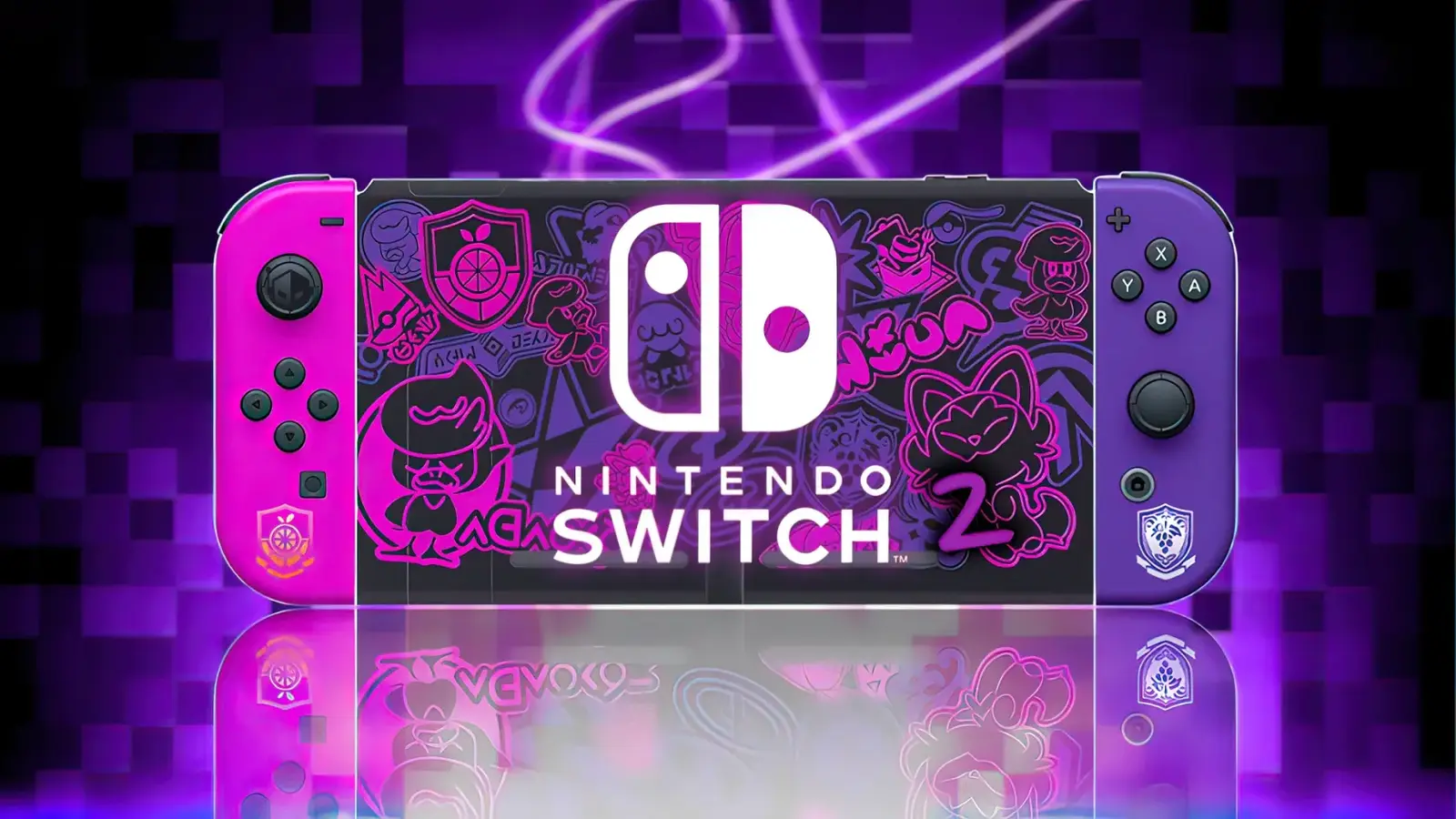
Nintendo has rolled out a small but important system update for both the original Switch and the new Switch 2, addressing several connectivity headaches and improving overall stability. The patch targets file-transfer errors and Bluetooth reconnection bugs that had been frustrating some users.
What’s in the 21.0.1 firmware?
The recent Switch 2 firmware bump to version 21.0.1 (also released for the original Switch) focuses squarely on two problem areas:
- Fixes for error codes 2011-0301 and 2168-0002 that appeared when using Local Communication to transfer system data from an older Switch to a Switch 2.
- Resolution of a Bluetooth reconnection bug that stopped wireless controllers and audio devices from re-pairing after the console woke from sleep or when Airplane Mode was toggled off.
Gaming outlets like GamingBolt reported that the troublesome transfer errors should now be fully resolved, making migrations to Switch 2 smoother for players moving saves and accounts via local transfer.
More than bug fixes: system stability tweaks
Alongside those targeted corrections, Nintendo says the update includes general stability improvements designed to reduce crashes and make everyday play feel more reliable. Think of this as a quality-of-life patch: not flashy, but noticeable if you were running into the specific issues above.
An earlier update and dock compatibility headaches
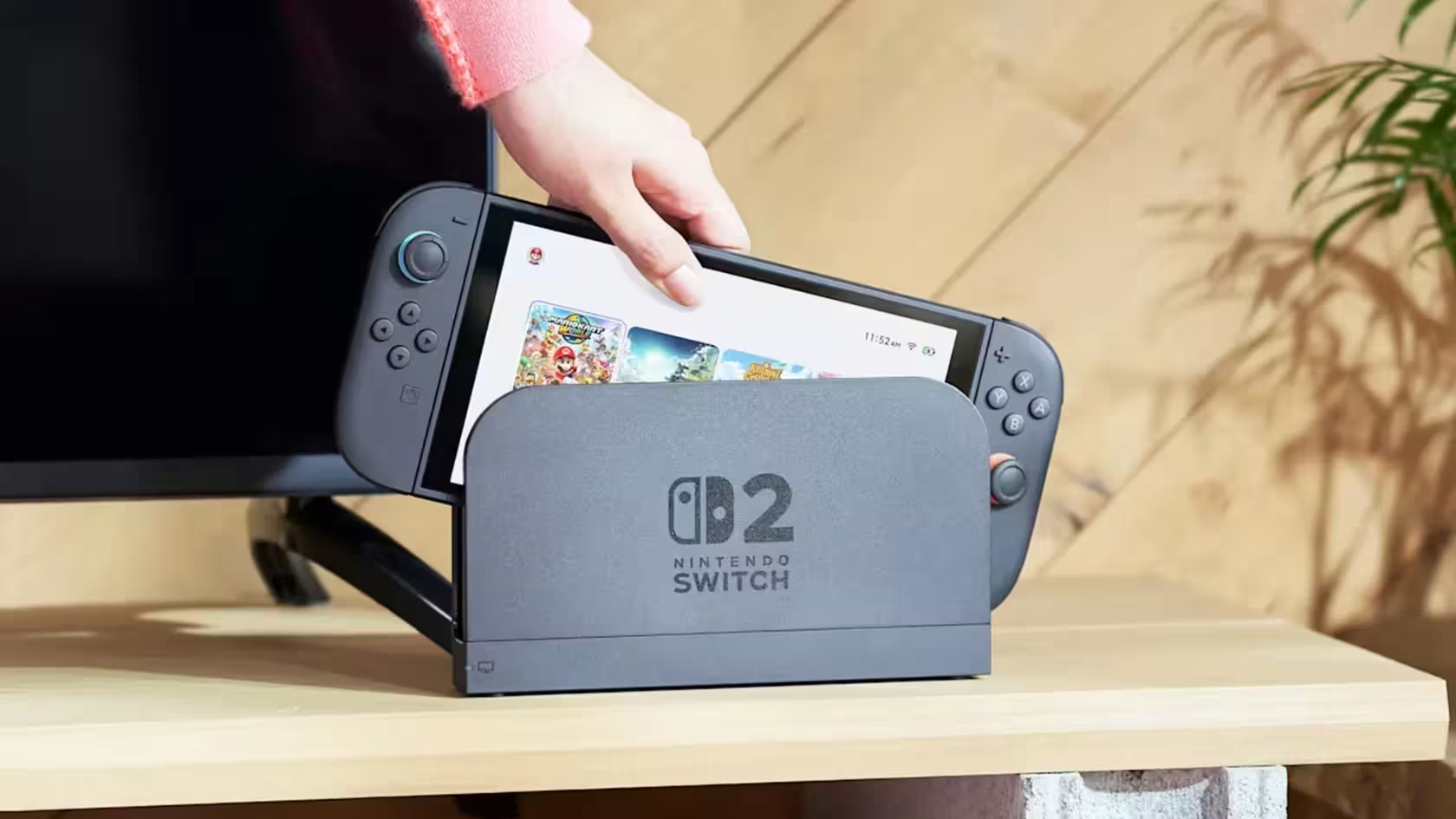
This small patch follows a larger update released earlier in the month that introduced noticeable UI changes — icons on the home menu that clarify whether a game is physical or digital, and new GameChat features to stop Switch titles from auto-sleeping during voice chat. Those changes were broadly welcomed, but the prior update also introduced an unexpected side effect for some users.
Several reports surfaced that third-party docks for the Switch 2 stopped working after the larger update. One user described the issue like this: 'A cheap dock my friend bought stopped functioning after the last update. The official Nintendo dock wasn’t updated, so it seems unlikely Nintendo intentionally altered protocols.' The problem appears linked to software-level interactions and the USB-C port's sensitivity on the new hardware.
Why this matters to players
For everyday Switch owners and those upgrading to Switch 2, the fixes are meaningful. Seamless migration between consoles and dependable Bluetooth reconnections are core to a smooth gaming experience — especially for households that share controllers, headsets, or rely on local transfers when moving to new hardware.
Despite these teething troubles, Nintendo’s new hardware launch remains a strong commercial success. Company president Shuntaro Furukawa noted that over 84% of active Switch 2 users migrated from the original Switch, underscoring a loyal player base and strong hardware uptake.
If you hit any of the bugs mentioned above, installing the 21.0.1 update should be your first step. If third-party docks still fail after updating, check for firmware notes from the dock maker or test with an official dock to isolate whether the issue is software or hardware-related.


Leave a Comment
Comments
No comments yet. Be the first.