
4 Minutes
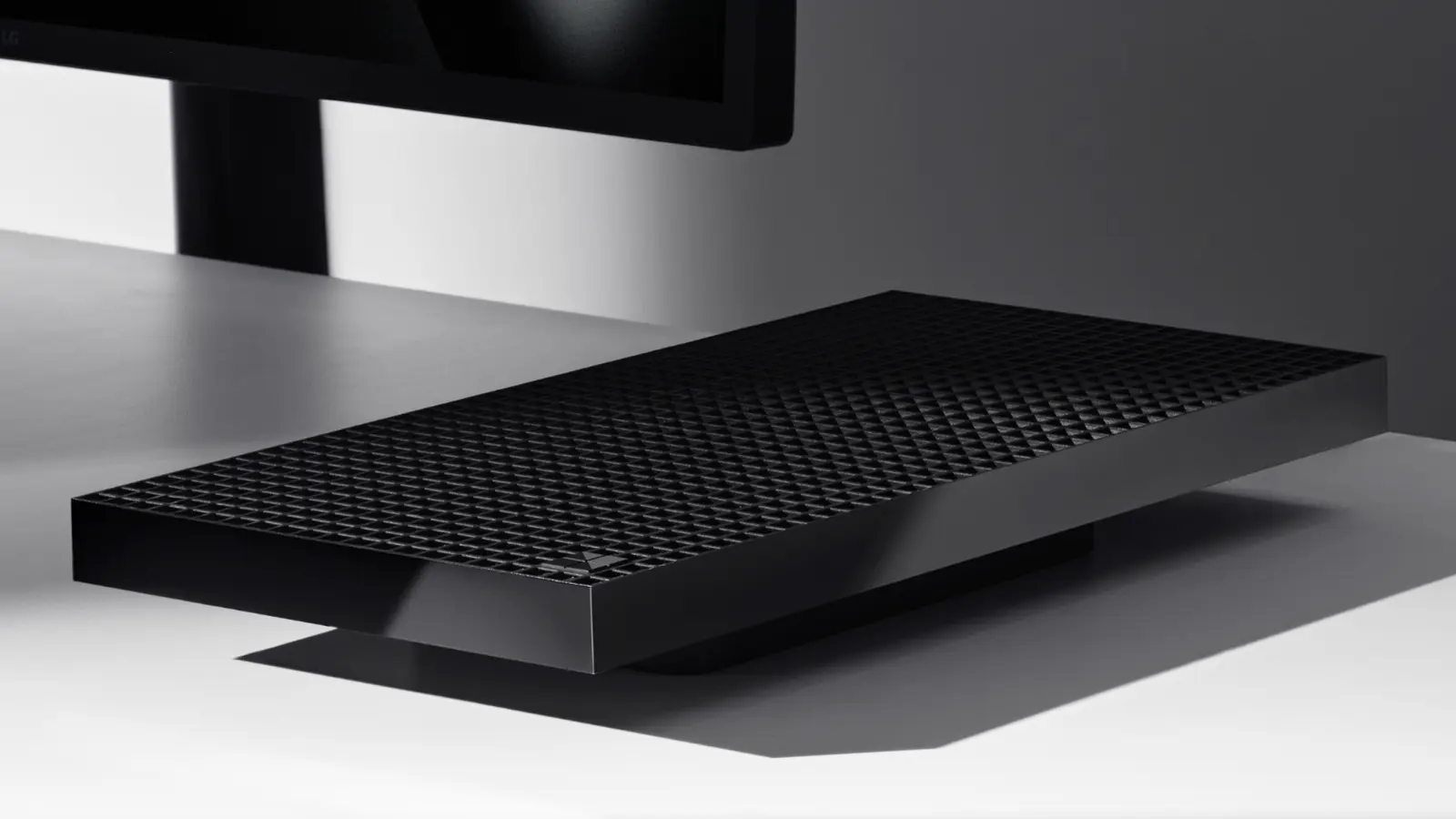
Imagine the capabilities of a high-end AI laptop, unshackled from battery and thermal compromises. Small, dense, and unapologetically powerful, Microsoft's new Surface RTX Spark Dev Box is exactly that: a compact desktop built to run large models on your desk instead of in a data center.
At the heart of the Dev Box is the RTX Spark system-on-chip — a hybrid that pairs a 20-core Arm-based Grace CPU (ten Cortex‑X925 cores plus ten Cortex‑A725 cores) with a Blackwell-class GPU. The headline numbers are striking: roughly 1 petaflop of FP4 compute with sparse-matrix acceleration and 128GB of unified memory. Translate that into developer speak and you get the ability to load and infer models in the ~120 billion parameter range locally, without constantly pinging cloud endpoints.

This is aimed squarely at engineers who need sustained local AI performance for experimentation, fine-tuning, and agentic workflows.
What makes the package unusual is how Microsoft has framed it for software creators. The Dev Box ships with Windows 11 Pro tuned for development: dark mode enabled out of the box, popular dev tools preinstalled, and PowerShell 7 set as the default shell. Under the hood, WSL 2 arrives with GPU passthrough and CUDA support configured. That last bit matters. Many AI toolchains and inference stacks expect a Linux runtime; WSL with GPU access narrows the gap between a Windows desktop and Linux-based AI servers.

Hardware enthusiasts will note the marketing details and the practical trade-offs at once. The Blackwell GPU in RTX Spark is positioned as roughly equivalent to an RTX 5070 in CUDA core count — Microsoft cites about 6,144 CUDA cores — but the differentiator is the memory: this chip packs far more VRAM than you’ll find on consumer cards, and the RAM is unified across CPU and GPU to reduce bottlenecks when loading large weights. Cooling is handled by a 3D-printed aluminum chassis riddled with 1,000 vents — a playful nod to “1,000 teraflops” — and though the case design helps, the system isn’t passively cooled; it can actively dissipate up to 100W when pushed.
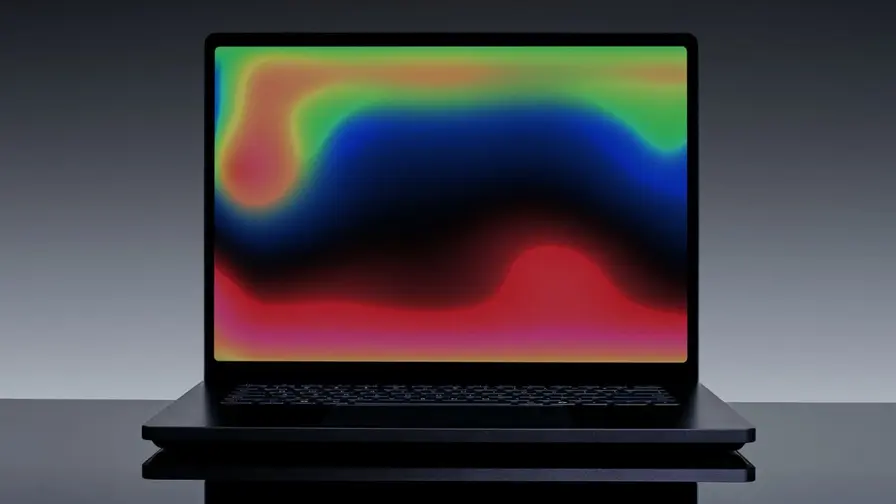
Why build a box when the Surface Laptop Ultra also carries the same RTX Spark silicon? The answer is simple: form factor limits. A laptop must balance heat, battery life, and sustained throughput. A desktop does not. In short bursts, the laptop and box might match. Over sustained training or inference runs the Dev Box will hold higher throughput for longer.

Connections are straightforward and pragmatic: an HDMI port for local displays, two USB‑C ports, one USB‑A port, a gigabit Ethernet jack, and a 3.5mm audio socket. Use it as your main dev workstation, a remote inference host for lighter laptops, or a dedicated agentic AI node tucked in an office rack. Microsoft bills it as a development machine, but the form and substance also invite comparisons to a Windows take on the Mac Studio — a compact, high-performance node for creators and developers who want local compute density without the cloud bill.
Availability is limited at launch: Microsoft says the Surface RTX Spark Dev Box will ship later this year and will be sold exclusively through Microsoft.com in the US initially. Pricing and wider regional availability remain unannounced. The company also hasn’t revealed a price for the Surface Laptop Ultra, but the Dev Box should come in cheaper on paper since it forgoes the display and battery.
There’s a lot to like if your work depends on iterating with large models, testing inference at scale, or simply avoiding the latency and cost of cloud-bound prototypes. But a few questions linger: how will software ecosystems adapt to unified RAM architectures, and will developers prefer a local box or a hybrid cloud approach? Either way, Microsoft has staked a clear claim: local AI compute is worth designing for, not just renting.

Leave a Comment
Comments (2)
Local 120B models sounds great but is unified RAM a pain for tooling? Feels niche, pricing will tell.
Wow, a petaflop box on your desk? If that's real then goodbye cloud bills for small teams. Cool but curious about drivers, thermal noise, and actual model support…