
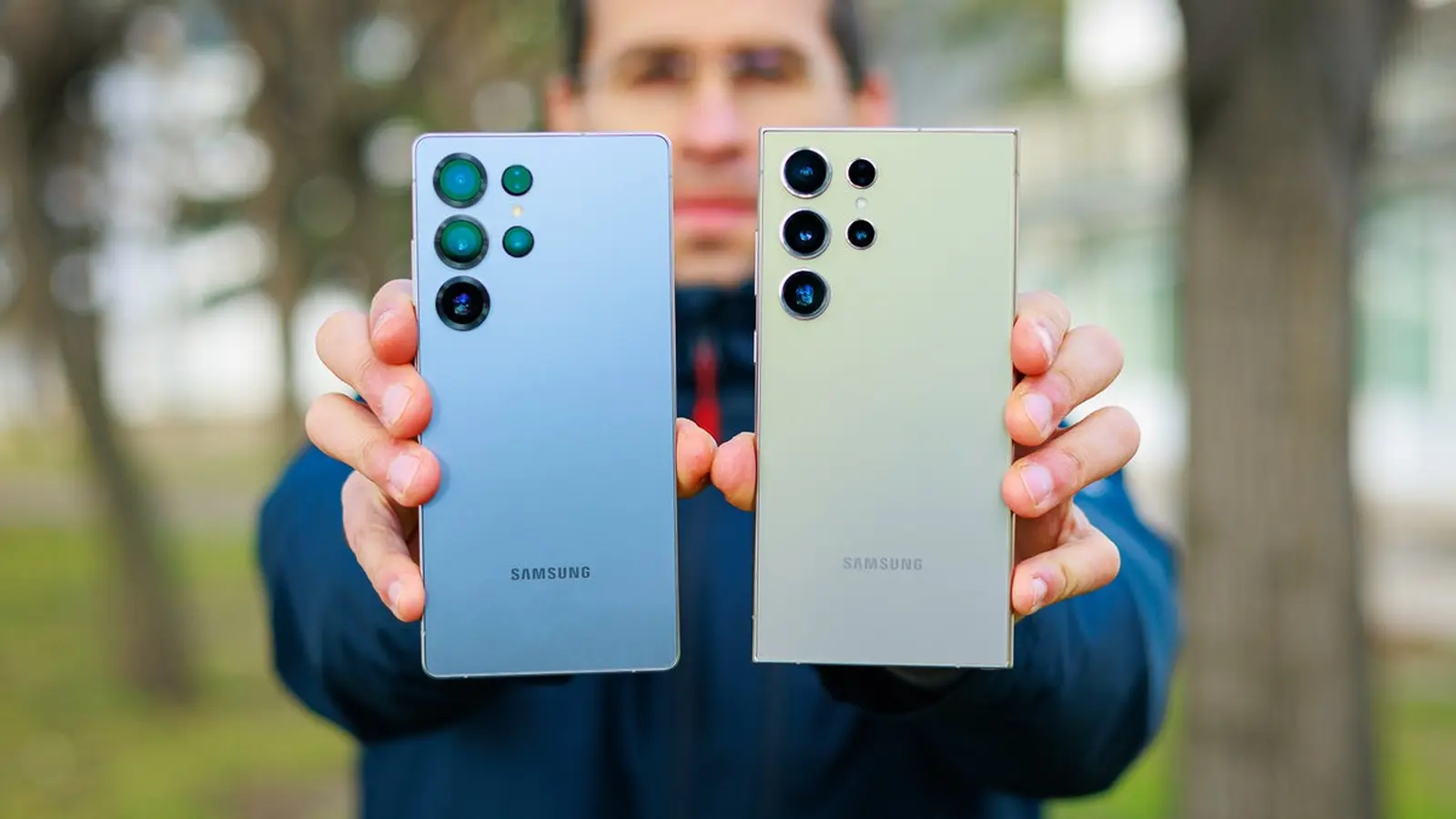
Phones getting hot in your hand and the battery evaporating by noon — that’s the story many Galaxy Ultra owners woke up to after July’s patch. Reports have flooded Samsung’s community boards and Reddit threads: devices that used to sail through a day are now gasping for power, sometimes dropping from the mid-80s at midnight to single digits by midday with only a couple of hours of screen-on time.
One S25 Ultra owner described idle drain of 5–7% per hour, something they never saw before the update. Another said their S24 Ultra, once a reliable all-day performer, now struggles to reach evening without aggressive power-savings. It’s not just the life that’s shortened; many users are also noticing higher surface temperatures during light use and slower charge cycles that don’t respond to the usual fixes.
The pattern is telling. Complaints cluster around the Ultra models — S25 and S24 — and people point to the July security firmware as the common denominator. Not everyone is affected, but the volume and similarity of the reports make a hardware cascade unlikely and a software regression far more plausible.

Has Samsung acknowledged it? Not yet. There’s no official statement admitting a widespread issue or promising a hotfix. That leaves owners to triage on their own: some have tried killing background apps, performing factory resets, and hunting for rogue processes. Others boot into safe mode, check battery usage graphs, or uninstall recently updated apps. Many say those measures help little or not at all.
If you’re seeing this on your Ultra, record battery stats and file a detailed report through Samsung Members — your logs could be the clue engineers need.
Why do patches sometimes cause this kind of trouble? Small changes to system services, misbehaving drivers, or a shifted power-management policy can push a component into higher activity. A single app or background process can be the spark — or it can be the OS itself. Android manufacturers, Samsung included, have rolled out follow-up fixes for similar post-update issues before, so a resolution isn’t out of the question.
For now, practical steps make sense. Keep an eye on Android’s Battery section to see which apps or services are hungry. Reboot the phone after the update. If you suspect a specific app changed at the same time, try uninstalling or rolling back updates for that app. Use safe mode to test whether third-party software is the culprit. And, crucially, submit logs to Samsung’s support channels so engineers have data to analyze.
There’s an odd comfort in the repetition: software patches sometimes cause headaches, and software patches sometimes fix them. But if your Ultra device is burning through battery or heating up, don’t sit on it — document, report, and share your findings with the community; collective detail is often what nudges a fix from the factory.


Leave a Comment
Comments
No comments yet. Be the first.