
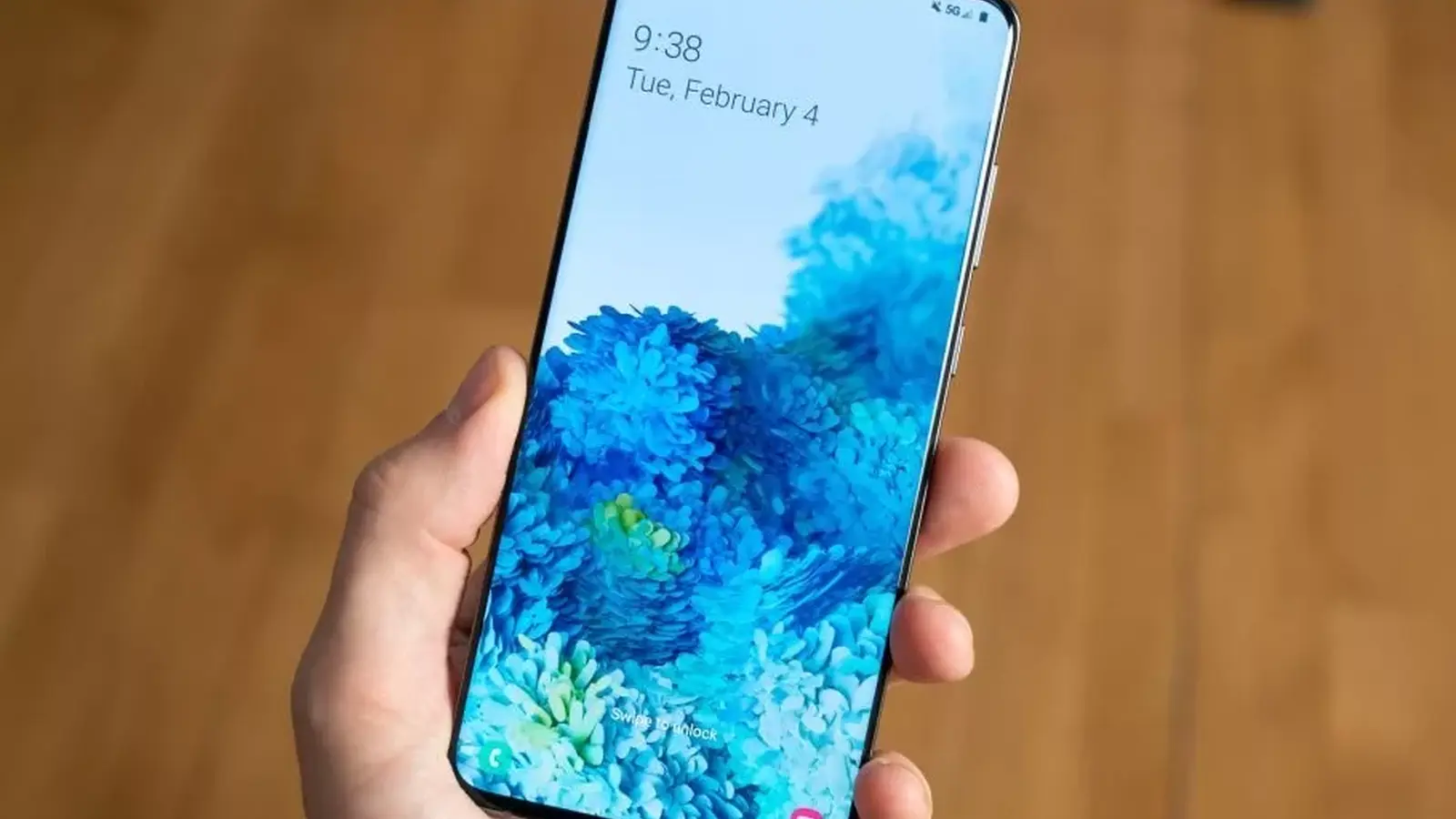
Imagine a phone that refuses to forgive. Samsung’s One UI 9, built on Android 17, brings a new, unforgiving lockout policy: enter a PIN, pattern, or password wrong 13 times in a row and the device becomes permanently locked until you perform a factory reset.
Hardline? Absolutely. The change is deliberate. Samsung says it’s aimed squarely at brute-force attacks, where an attacker storms through thousands of password combinations until a match appears. Previously, One UI relied mostly on progressively longer timeouts and offered an optional factory reset after 15 failed attempts. Now the path is shorter and less forgiving.
So how does this actually behave day-to-day? The system applies stepwise delays after the fourth failed try. No delay for the first four mistakes. After that, wait times kick in and grow sharply. Here’s the cadence:
- 5 failed attempts — 1 minute
- 6 failed attempts — 5 minutes
- 7 failed attempts — 15 minutes
- 8 failed attempts — 30 minutes
- 9 failed attempts — 90 minutes
- 10 failed attempts — 4 hours
- 11 failed attempts — 12 hours
- 12 failed attempts — 24 hours
- 13 failed attempts — permanent lock; only a full factory reset will restore use

It feels extreme when you read that last line. But there’s nuance. To even reach the thirteenth try, a user must wait out every timeout in order, which adds up to more than 42 hours of enforced waiting. Samsung also surfaces clear on-screen warnings showing how many attempts remain, so the device isn’t silently counting down toward a wipe.
Worried about toddlers or accidental pocket taps? Samsung built a mitigation called Smart Counting. If the same incorrect code is entered twice in immediate succession, the system counts it as a single failed attempt. That reduces the risk of repetitive accidental inputs — the kind kids or a bouncing pocket could produce.
If you reach 13 failed attempts, the only way back is a full factory reset that erases all stored data.
What about biometrics? Fingerprint and face unlock still work as convenient unlock methods, but they don’t replace the need for your backup PIN or password forever. Under Android security requirements, the system will ask for the textual backup credential at least once every 72 hours or after a reboot. So biometrics are fast, but not a permanent bypass to the stronger fallback credential.
Is this too draconian for ordinary users? The feature deliberately favors data protection over convenience. For anyone storing sensitive material on a Galaxy device, this makes unauthorized mass guessing far less attractive. For people who forget PINs or who have small children playing with phones, it raises the stakes and underscores a single practical defense: frequent backups.
The practical advice is simple: enable automatic cloud or local backups, register a reliable recovery option like Samsung’s Find My Mobile, and consider using a passphrase you can reliably recall. And if you’re testing the new behavior on a device, test with caution — a factory reset isn’t hypothetical.
Samsung’s tighter lockout is blunt but honest: protect the data, even when that protection is inconvenient. How comfortable are you surrendering convenience for that kind of certainty?

Leave a Comment
Comments
No comments yet. Be the first.