
2 Minutes
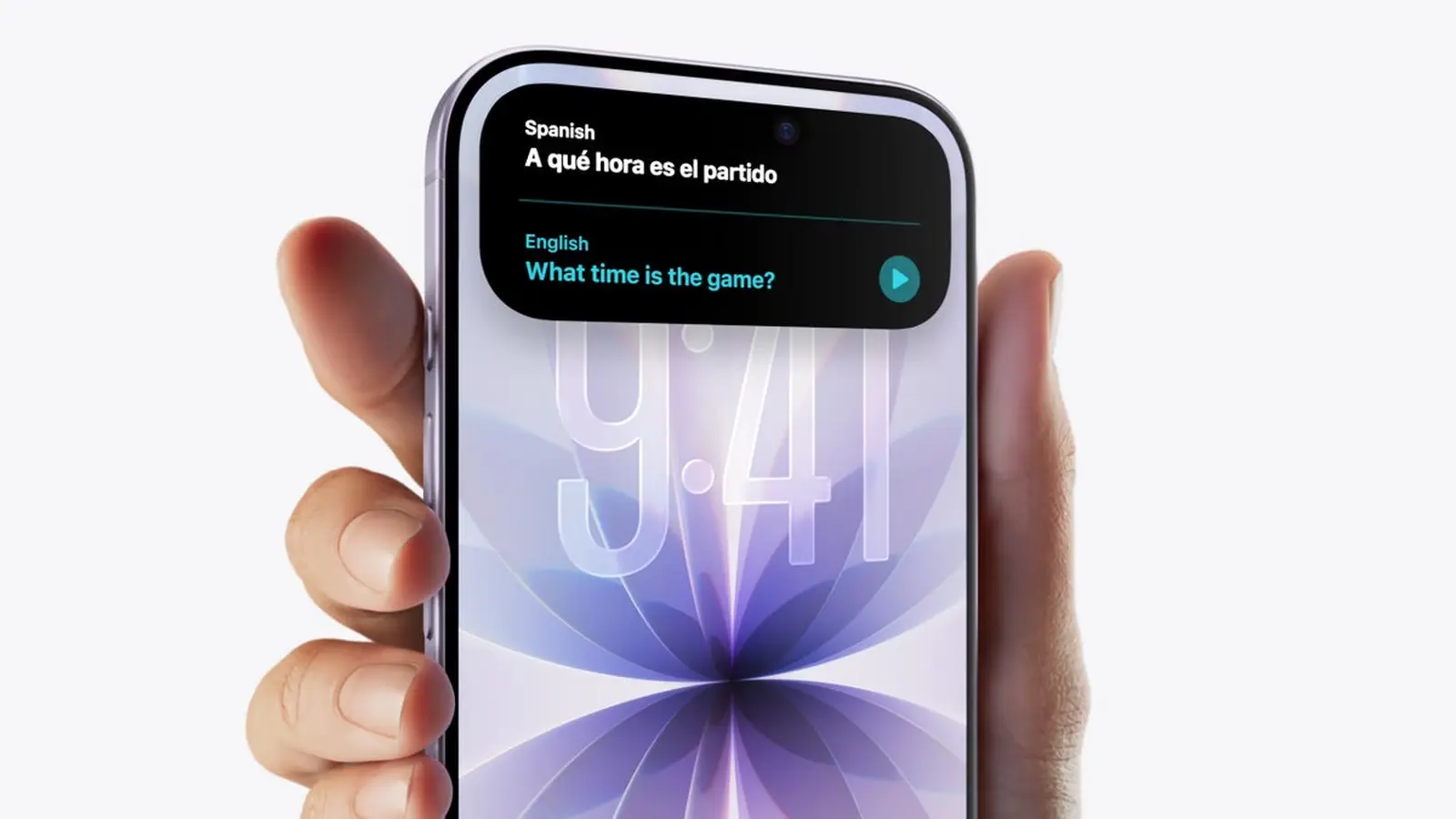
Some iPhone 17 owners are reporting that Apple Intelligence — Apple’s built-in AI suite — appears to be installed but won’t run. Early reports point to a software glitch that prevents the AI features from activating, leaving affected users stuck at a download or install prompt.
What users are seeing
Multiple owners of the new iPhone 17 family say Apple Intelligence shows up in storage or briefly appears to be downloading, but the features never become usable. In some cases the phone repeatedly prompts users to download Apple Intelligence even though the package is already present on the device. The behavior suggests an installation or activation issue rather than missing files.
Reports are not confined to a single model: owners of the base iPhone 17, iPhone 17 Pro, iPhone 17 Pro Max and the new iPhone Air have all described similar symptoms. While the number of reports is relatively small compared with total sales, the problem is not entirely isolated either.
Apple response and immediate steps
At least one affected customer says Apple Support advised waiting for a forthcoming update to resolve the issue, indicating Apple is likely aware of the problem. If you see the same behavior, try these basic troubleshooting steps first: reboot the phone, check for the latest iOS update, confirm sufficient free storage, and sign out/in to your Apple ID. If none of that helps, contact Apple Support and document the behavior — screenshots or short screen recordings help engineers diagnose intermittent bugs.

It’s worth noting that this isn’t the only issue users have flagged with the iPhone 17 launch. Many owners have reported cellular connectivity glitches, and some iPhone 17 Pro units appear more prone to cosmetic damage because the new aluminum chassis is softer than the previous titanium design. These combined concerns underline that early adopters may encounter teething problems beyond the Apple Intelligence hiccup.
Conclusion
While Apple Intelligence failing to activate affects a minority of iPhone 17 devices so far, the bug highlights a broader quality-control concern for recent software rollouts. Users experiencing the issue should follow standard troubleshooting steps and contact Apple Support. Expect a carrier or iOS update to be pushed if Apple confirms a systemic problem — and keep an eye on official release notes for a permanent fix.










Leave a Comment
Comments
No comments yet. Be the first.