
2 Minutes
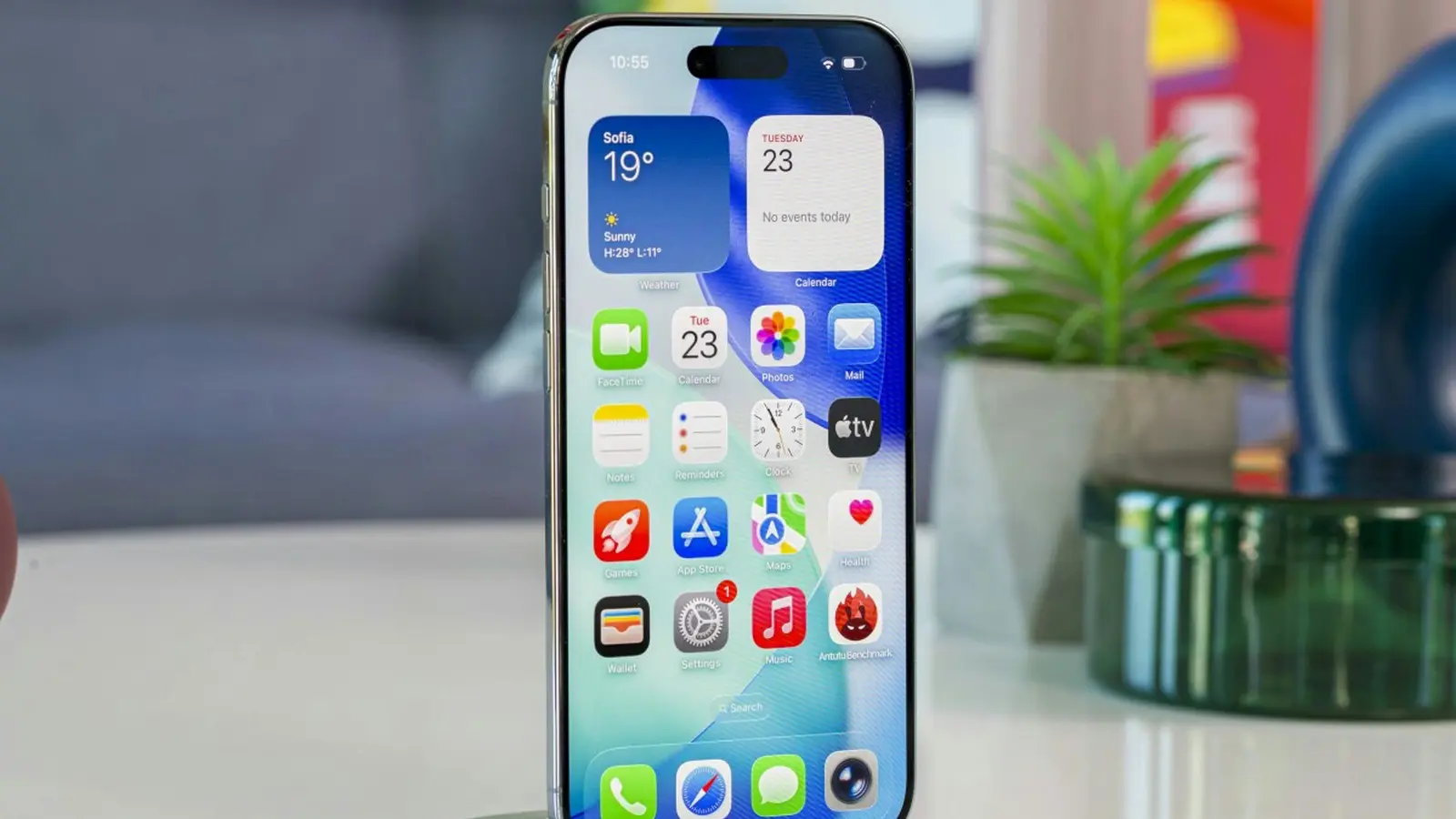
Apple has rolled out iOS 26.0.1, a small but important follow-up update aimed at resolving connectivity, imaging, and accessibility problems affecting the newest iPhone models. The release focuses on stability and security rather than new features, and is already available for supported iPhones and iPads (as iPadOS 26.0.1).
What Apple fixed in iOS 26.0.1
The official changelog highlights several practical issues that some users have experienced since the iOS 26 launch. Key fixes include:
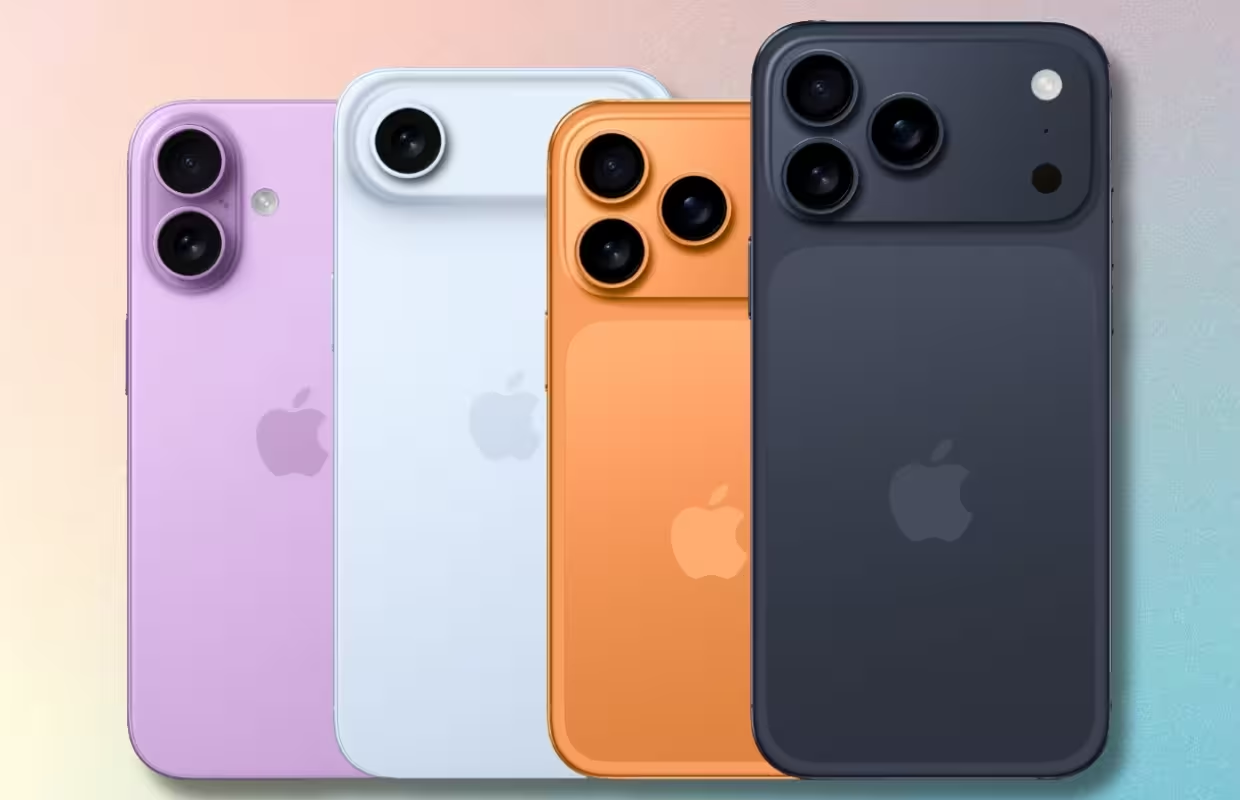
- Intermittent Wi-Fi and Bluetooth disconnections on iPhone 17, iPhone Air, and iPhone 17 Pro models.
- A rare problem that could prevent some iPhones from connecting to a cellular network after updating to iOS 26.
- Unexpected artifacts appearing in photos taken under certain lighting conditions on iPhone 17, iPhone Air, and iPhone 17 Pro devices.
- Blank or missing app icons after applying a custom tint.
- VoiceOver becoming disabled for some users after the iOS 26 upgrade.
These corrections address both usability and security, so they matter for everyday iPhone owners as well as those who rely on accessibility features.
How and why you should install it now
Because the update resolves connection and accessibility issues and includes security patches, it's advisable to install iOS 26.0.1 as soon as it's available for your device. To update: open Settings, go to General > Software Update, and follow the prompts. Backing up your device beforehand is a good precaution, though this is a minor point release that most users can install without issues.
If you noticed Wi-Fi or Bluetooth dropouts, photo artifacts in specific lighting, or missing app icons after moving to iOS 26, this update is especially relevant. iPad users should look for iPadOS 26.0.1, which is being distributed alongside the iPhone build.
Conclusion
iOS 26.0.1 doesn't add new features, but it delivers targeted fixes for several annoying and potentially serious problems reported after the iOS 26 release. Installing the update will improve reliability on newer iPhone models and patch security issues, so check for the update and install it at your convenience.

.webp "Redmi 17C 5G: 6.9-inch Screen and 6,000mAh Power Lands")
Leave a Comment
Comments
No comments yet. Be the first.