
2 Minutes
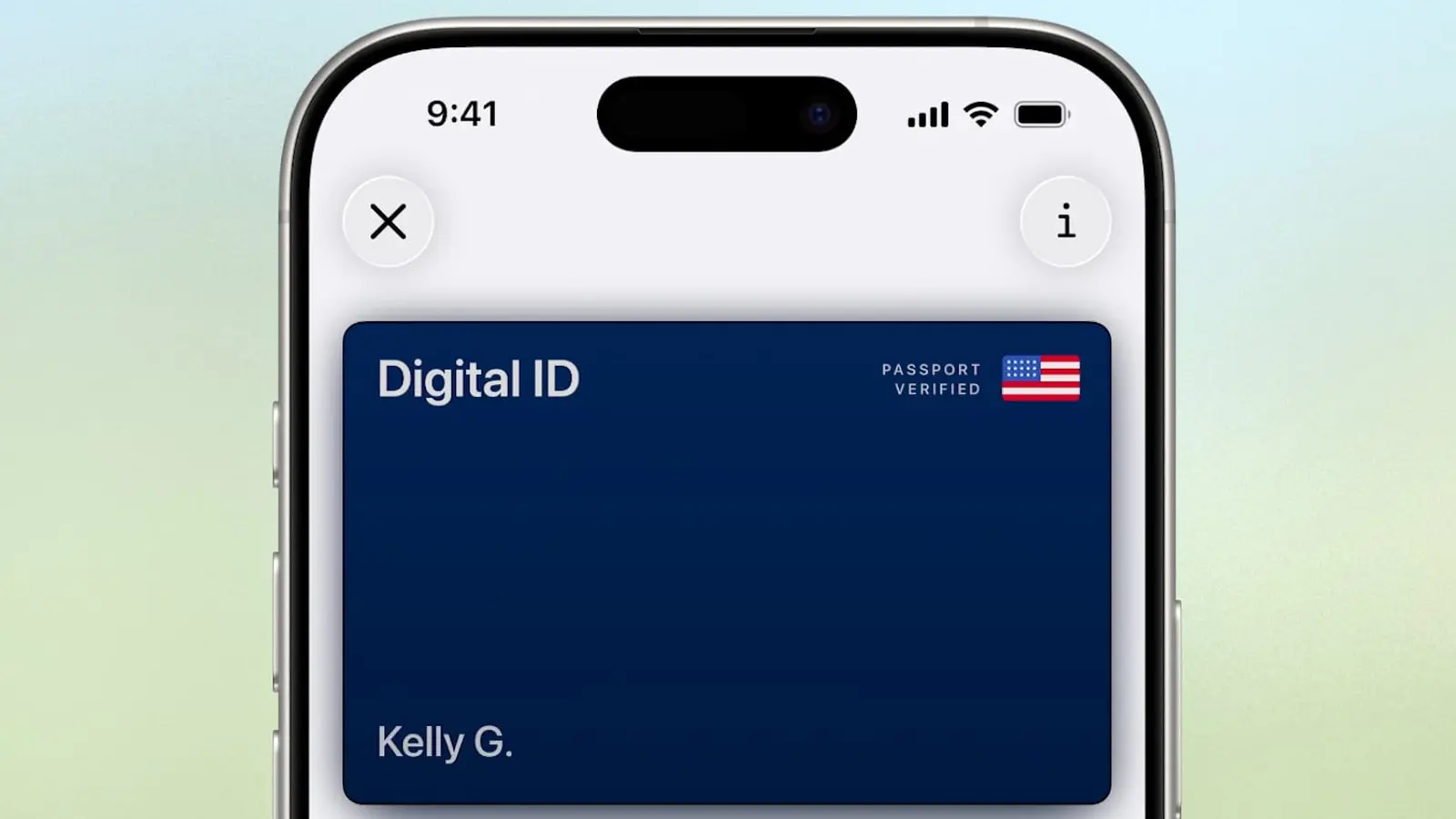
Apple has begun rolling out Digital ID support for US passports, letting travelers use an iPhone or Apple Watch to verify identity at TSA checkpoints at more than 250 airports for domestic flights. It’s a convenient addition — but it’s not a replacement for the physical passport.
Where you can use it now (and what’s coming)
Starting today, the Digital ID for US passports is accepted at over 250 airport TSA checkpoints nationwide for in-person verification during domestic travel. Apple also says more acceptance points are on the roadmap: expect select businesses and organizations to adopt the feature later for identity and age checks — in person, inside apps, and online.
How to add your passport to Apple Wallet
Setting up your passport is a guided process. You’ll first scan the passport photo page, then use your iPhone to read the embedded NFC chip so the device can confirm the document’s authenticity. Apple also requires a selfie and will ask you to perform a sequence of facial and head movements to complete identity verification.
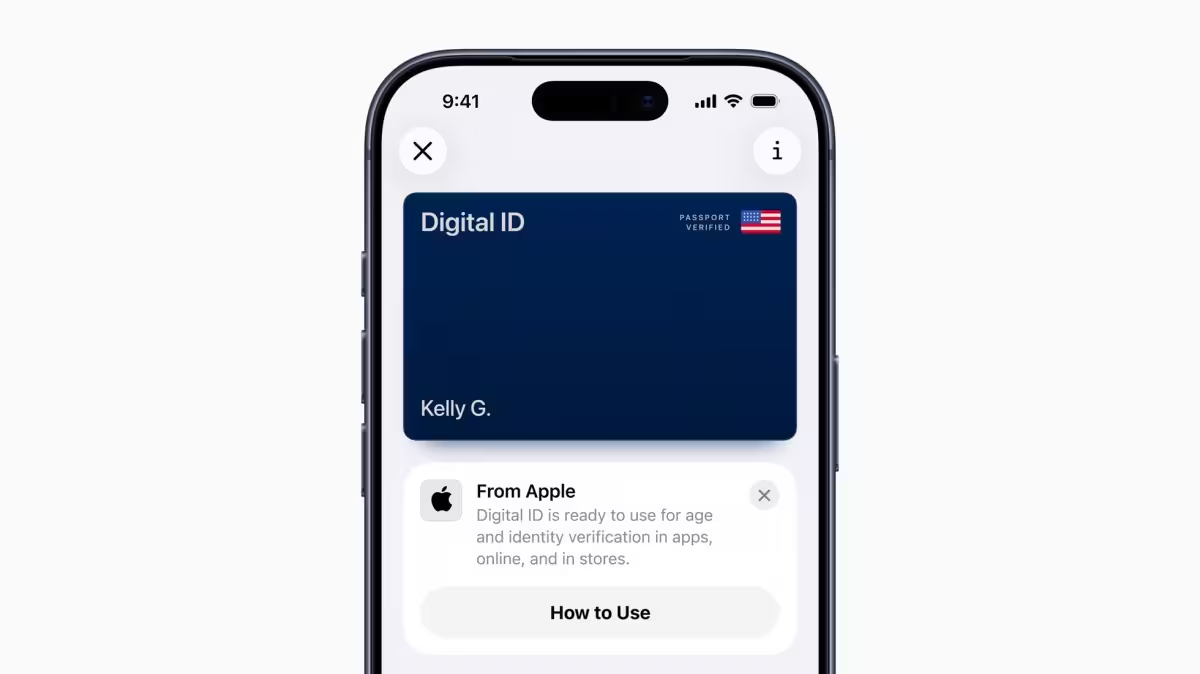 |  |
Using Digital ID at a checkpoint
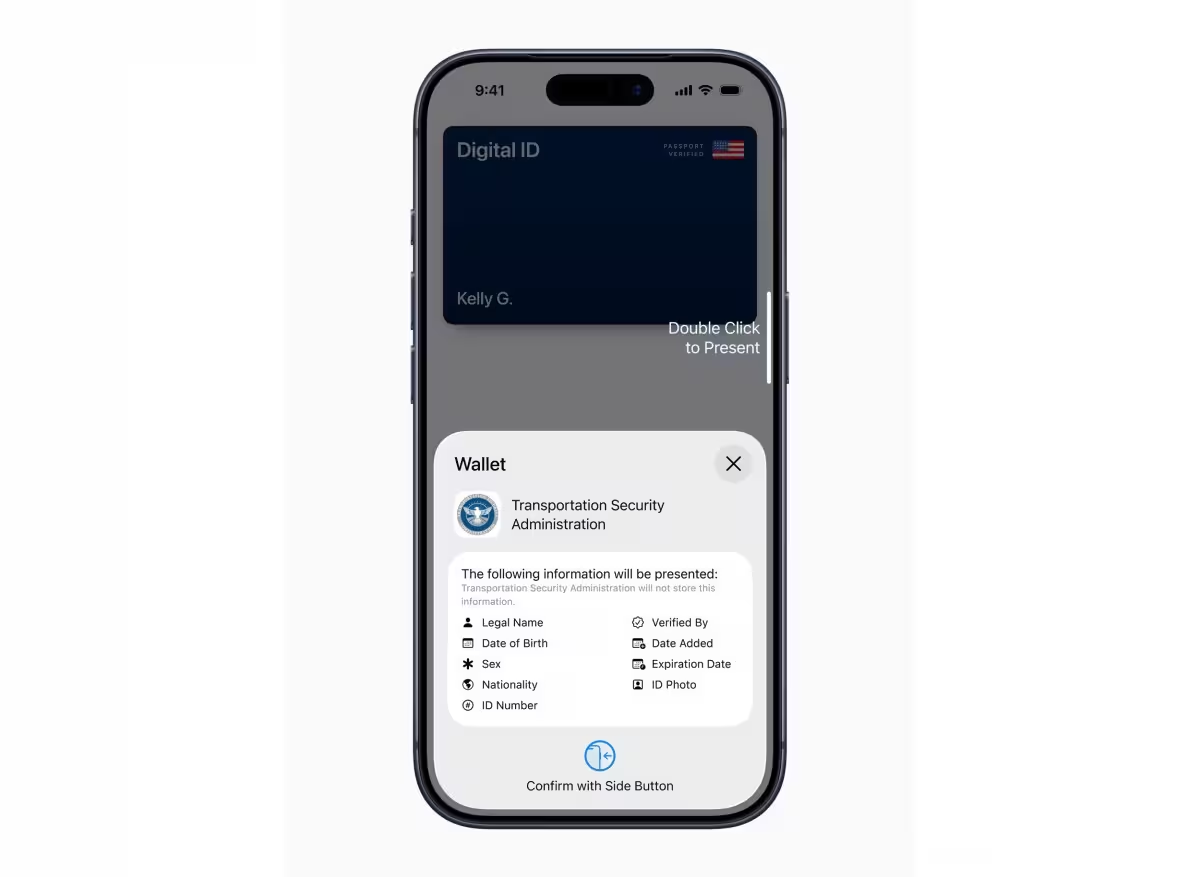
- Open Apple Wallet by double-clicking the side button (or Home button on older devices) and choose your Digital ID.
- Hold your iPhone or Apple Watch near the identity reader and authenticate with Face ID or Touch ID.
- You do not need to unlock, hand over, or fully reveal your device; only the specific information required for the transaction is shared.
Privacy, security, and limits
Apple emphasizes privacy: passport data is encrypted and stored only on your device. The company says it cannot see when or where you present your ID, nor which details are transmitted during a check. And remember — Digital ID is for domestic, in-person identity verification only. It cannot be used for international travel and doesn’t replace the need to carry your physical passport when leaving the country.
Apple first added the option to store a driver’s license or state ID in Apple Wallet in 2022. That capability is currently available in 12 US states plus Puerto Rico, and the addition of passport support expands the platform’s real-world utility for travelers.
Curious to try it? If you travel domestically often, adding your passport to Wallet could speed checkpoints and reduce fumbling for documents — just keep your paper passport handy when you plan to head abroad.









Leave a Comment
Comments
No comments yet. Be the first.