
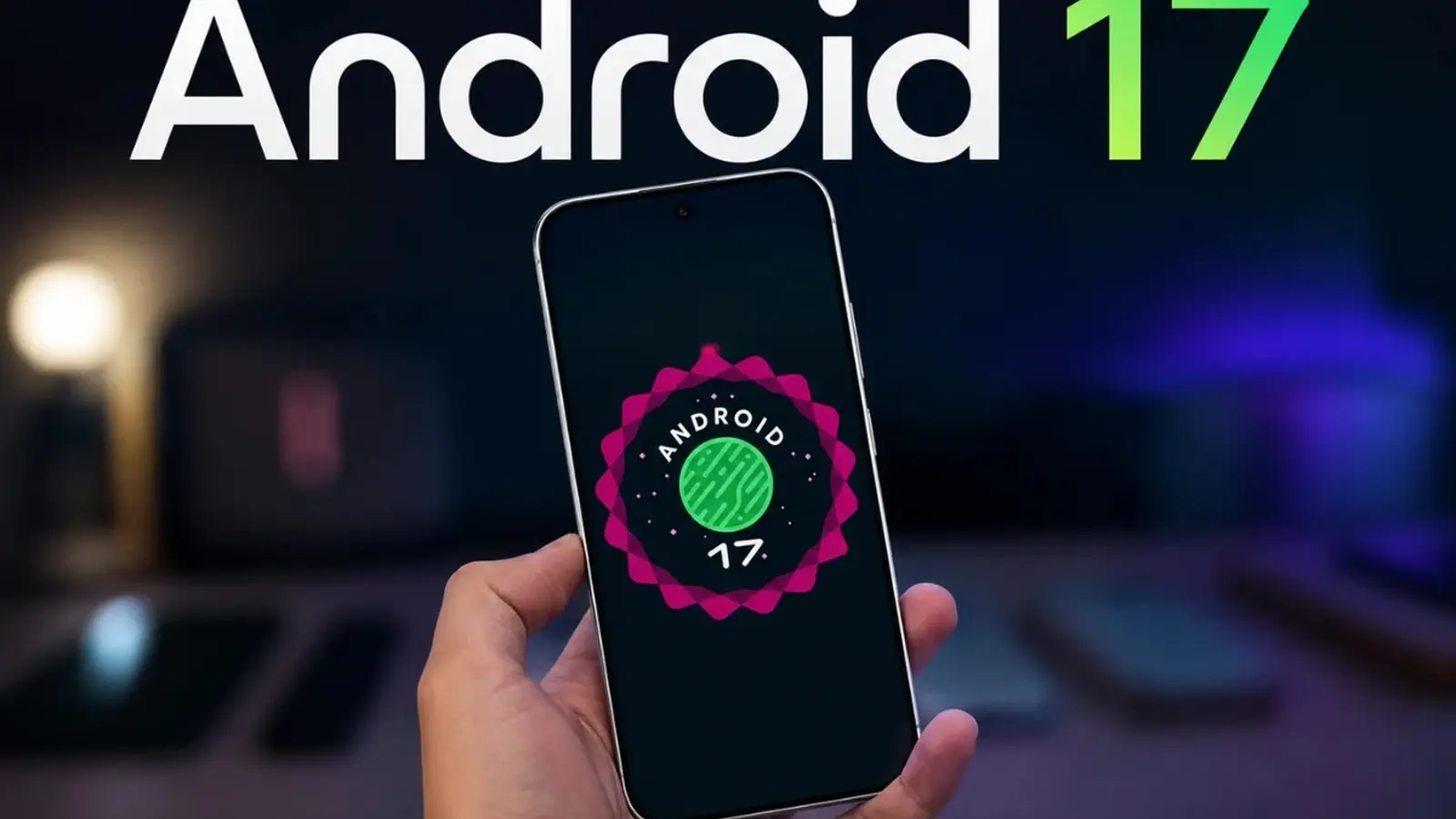
Your phone's control panel is getting personal. Google has begun seeding Android 17 QPR2 Beta 3 to eligible Pixel phones, and beyond the usual bug fixes this build quietly hands users more control over how their device looks and behaves.
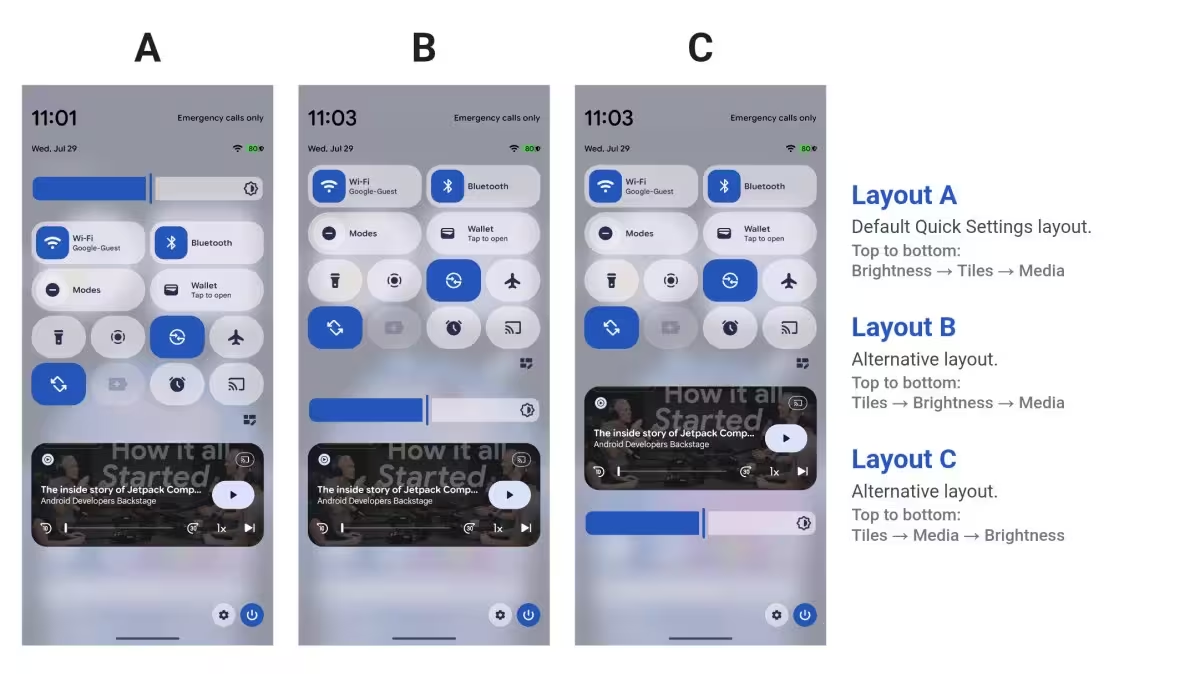
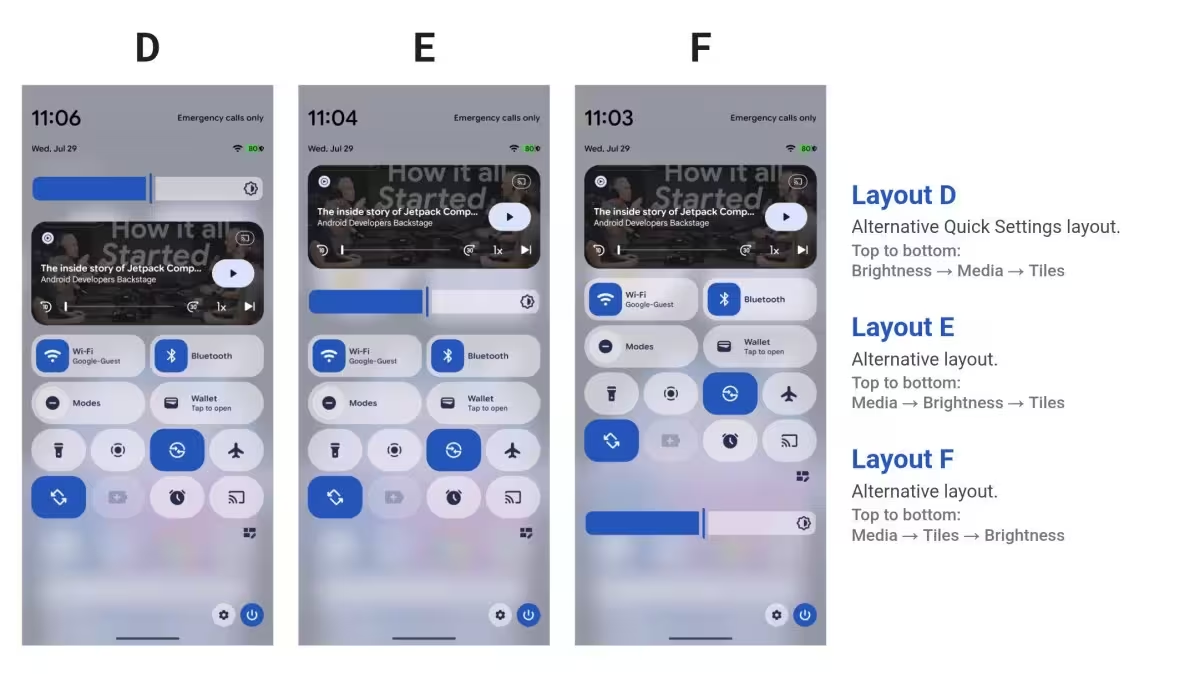
At the heart of the update is a new Quick Settings layout editor that finally treats the tiles like movable furniture. You can resize toggles into larger tiles, rearrange nearly every shortcut, and even drag the brightness slider or media player to new positions. It sounds trivial until you try it; suddenly your most-used controls sit exactly where your thumb expects them.
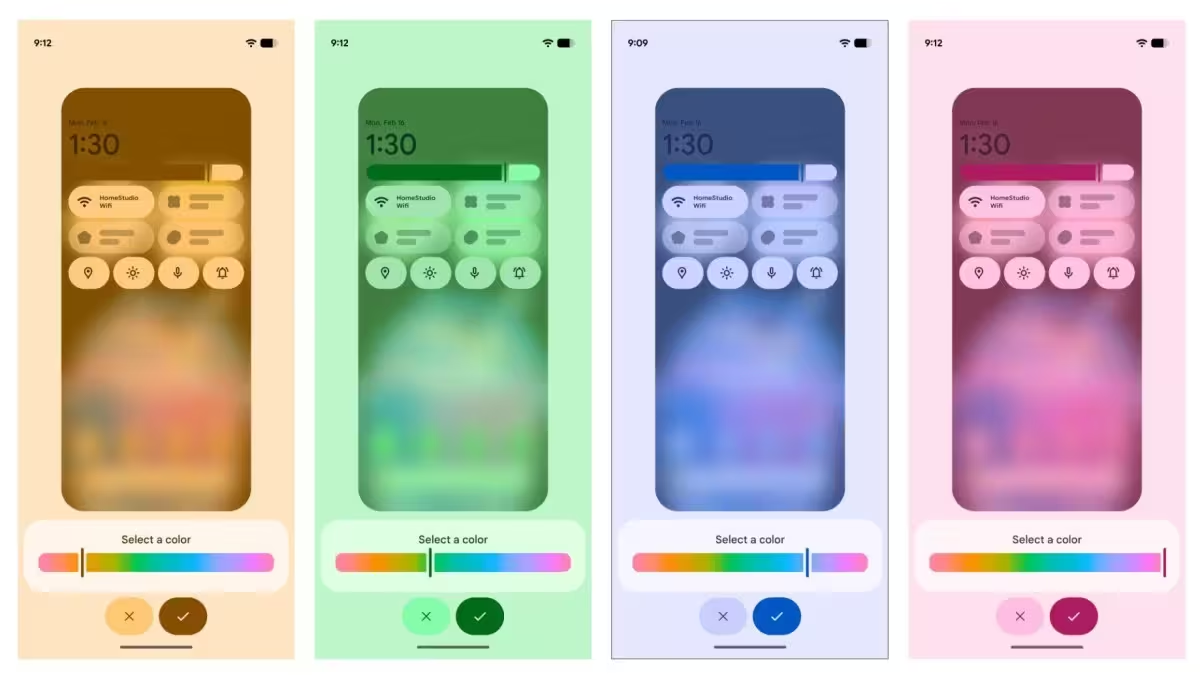
Theming is getting a nudge too. Google is expanding color customization with a slider that adjusts the hue across the four primary system colors, and blur effects are being introduced to give panels a softer, layered feel. It’s subtle, but it shifts the phone away from rigid presets toward a more personal palette.
There’s also a practical patch in this beta: extra call-protection measures designed to reduce social-engineering risks. When you attempt to place a call that could forward to another number, the system may ask for an additional confirmation. An extra tap, but potentially a big deterrent against scams that rely on accidental or coerced forwarding.
As with any beta, features can change before the public release. Some theming options are flagged as coming to the final build, which means Pixel users should expect iterative tweaks. If you’re on the QPR2 Beta track, now’s a good time to poke around those panels and see what fits. If not, the wider roll-out should bring these refinements to more devices in the months ahead.
.avif)
Customization, a cleaner aesthetic, and a small but meaningful safety upgrade: that’s the package here. So, how will you arrange your Quick Settings when these tools land on your Pixel?


Leave a Comment
Comments
No comments yet. Be the first.