
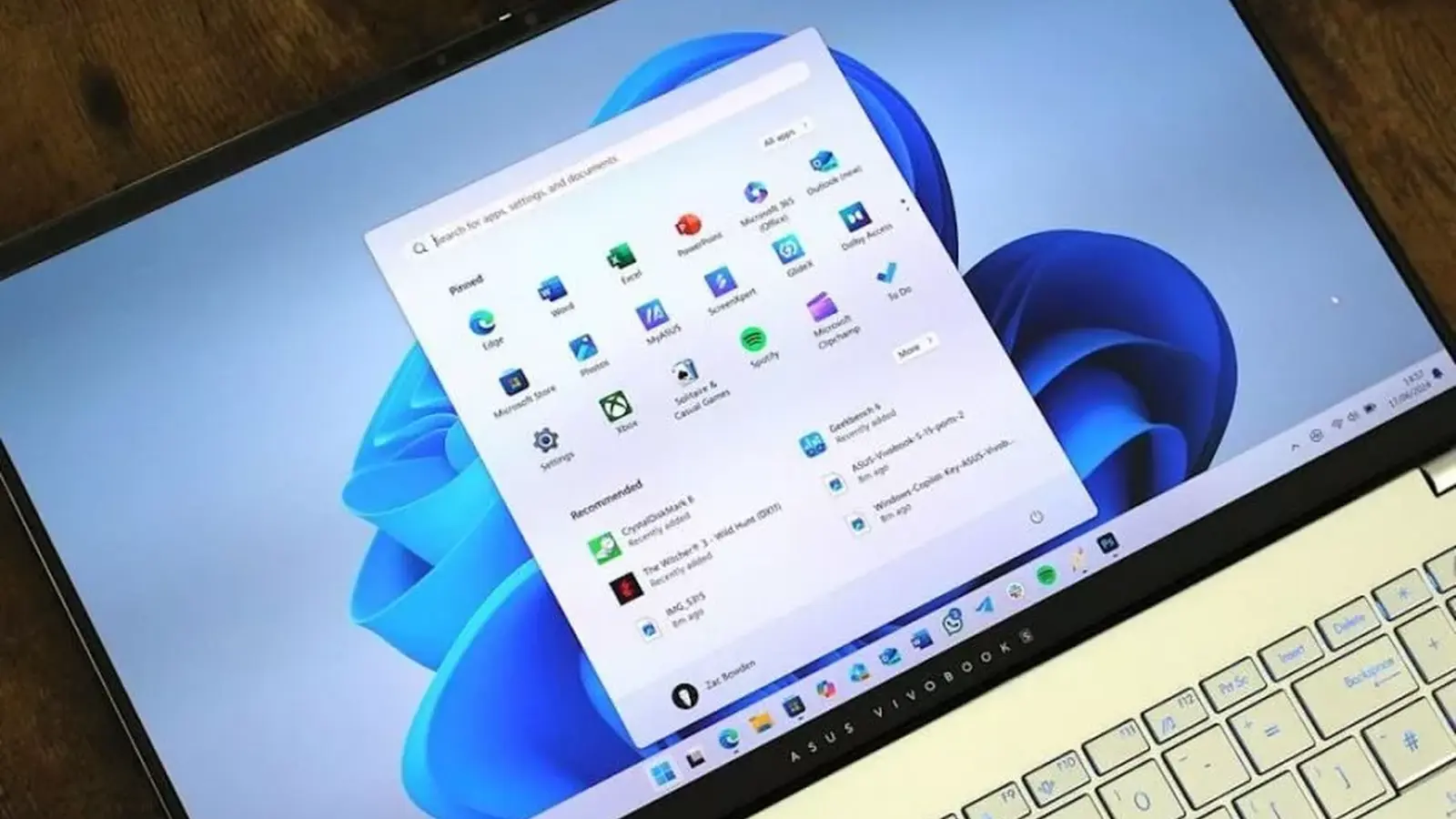
Remember when the centered icons and fixed taskbar felt like a design prison? Microsoft heard the complaints. The company has confirmed a major refresh to Windows 11’s taskbar and Start menu is now rolling into the Release Preview channel, the last stop before a full public launch.
The headline changes are straightforward and overdue: you will be able to move and resize the taskbar, and the Start menu gains finer-grained customization for sizes and sections. These were teased earlier in public previews to address some of the most persistent gripes from users—especially those who stayed on Windows 10 because they missed the old flexibility.
What matters right now is timing. When features land in Release Preview, history shows they often reach mainstream builds within two to three weeks. That cadence usually aligns with the monthly non-security preview updates at month’s end and the routine Patch Tuesday rollouts on the second Tuesday of each month. If everything proceeds normally, users who have opted for faster updates should see the new taskbar late this month, with a wider rollout following next month.

Microsoft’s move is both pragmatic and strategic: bring back beloved Windows 10 behaviors, then ease the upgrade path for reluctant users.
These changes aren’t just cosmetic. Allowing users to reposition and alter the size of the taskbar changes everyday workflows—more room for pinned apps, different layouts for multiple monitors, and a Start menu that better reflects how you organize apps. It’s small on the surface, but it matters a lot in daily use.
Beyond the immediate tweaks, Microsoft says a series of quality and UI refinements are coming through the rest of the year and into 2027. Expect smoother app performance, more consistent interaction patterns, and a gradual rollout of an updated design language across the OS. In short: this is a staged evolution rather than a single moment of change.
Curious whether you already have the update? Check Windows Update and the Release Preview channel settings. If you want to be among the first to try the refreshed taskbar and Start menu, toggle faster updates and keep an eye on the monthly preview releases.
Change is arriving quietly—but for a lot of people, it will feel like getting back something they never wanted to lose.

Leave a Comment
Comments
No comments yet. Be the first.