3 Minutes
Google is developing a new “markup” feature for Gemini that lets users draw or add text directly onto generated images, then resubmit those annotated results for quick refinements. This change aims to give people more direct control over AI outputs and speed up minor edits without retyping prompts.
Draw, type, tweak: A more hands-on way to edit AI images
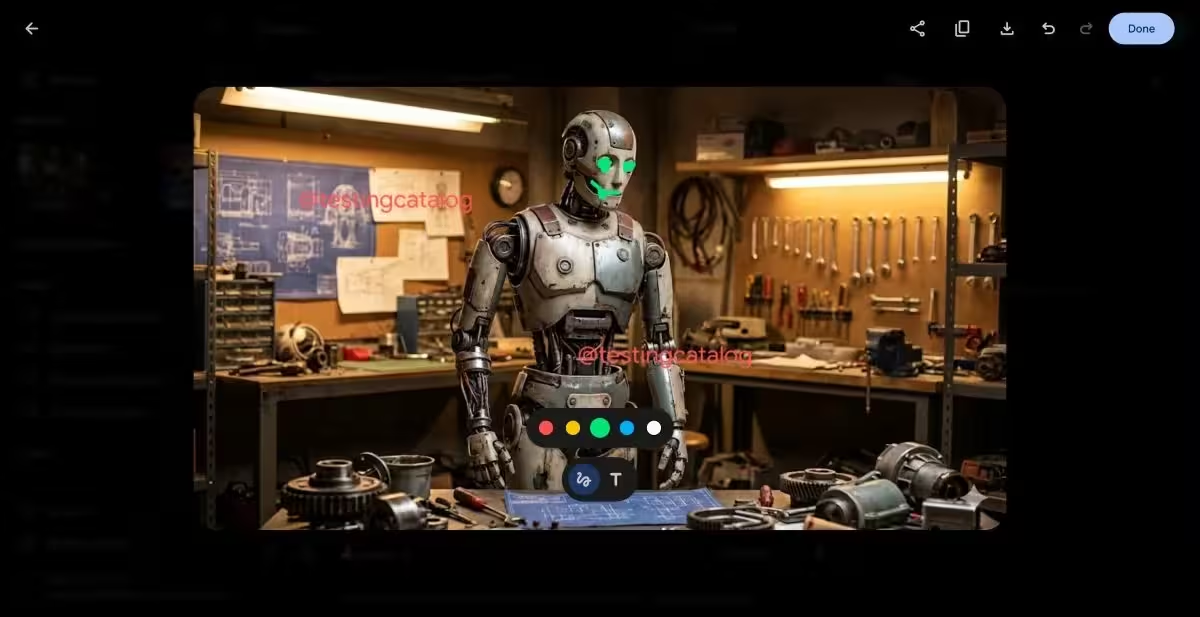
Leaked screenshots and reports show Gemini’s markup UI includes a horizontal color palette and two main tools: a wavy-line brush for freehand drawing and a “T” icon for inserting text. Instead of editing a prompt and regenerating an entire image, users can annotate the output — paint over an area, write notes, or indicate precisely what should change — then send that annotated image back to Gemini to apply adjustments.
How the resubmission workflow speeds things up
Early testers describe a simple loop: download the generated image, add sketches or textual directions on top, then upload or resubmit the annotated file so the model can interpret and act on the changes. That means small fixes — like moving an object, altering a color, or refining a facial detail — can be handled directly on the image, without reconstructing a long prompt or starting from scratch.
Why this matters for creators and teams
Imagine you’re iterating on marketing visuals or product mockups. Instead of writing, “make the logo smaller and shift it left,” you can quickly draw an arrow and circle the logo, or add the word “smaller” right on the image. It’s faster, less ambiguous, and closer to how designers already annotate assets during review.
- Faster iterations: fewer prompt rewrites and quicker visual feedback.
- Clearer intent: visual marks reduce misinterpretation compared with text-only instructions.
- Accessible edits: nontechnical users can direct AI with simple drawings or notes.
Built on Gemini’s expanding image toolkit
Google already rolled out in-app image editing inside Gemini earlier this year. That tool handles user photos as well as AI-generated images, offering background changes, object addition/removal, and multi-image blending. The markup feature extends that capability by making the output itself an editable input for subsequent passes.
Nano Banana Pro: sharper images, clearer text
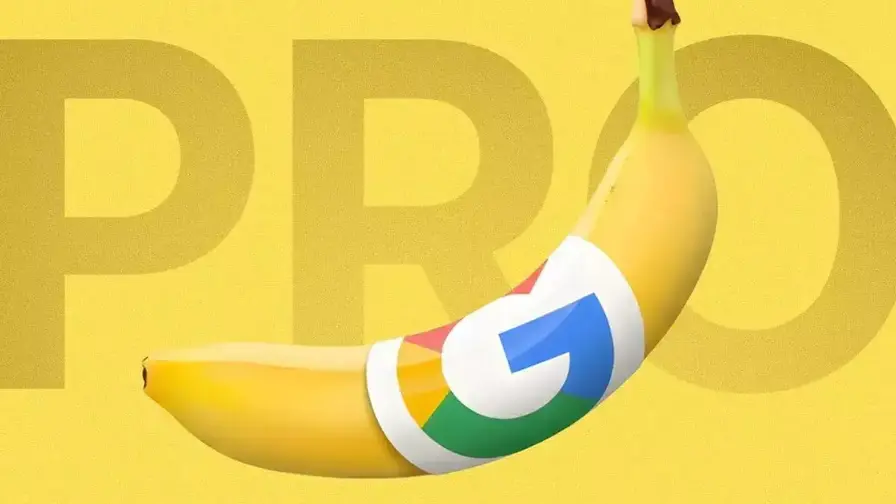
Gemini’s visual capabilities received another boost with the Nano Banana Pro model. Google says this variant produces richer content with better detail and improved legibility of fonts and text within images. Combined with markup, the result could be faster, cleaner edits where both drawn instructions and textual overlays are interpreted more reliably.
For designers, product teams, and casual creators, image markup could change how we interact with generative AI: less reliance on verbose prompts, more direct, tactile control over the final result. Keep an eye out — Google appears to be leaning into smoother handoffs between human intent and AI refinement.

Leave a Comment
Comments
No comments yet. Be the first.