
3 Minutes
Opera has rolled out a fresh set of AI features for Opera for Android, narrowing the gap between its mobile browser and the desktop flagship, Opera One. The update puts conversational AI, file-based analysis, and page-aware prompts directly into your Android browser — with privacy guardrails Opera says are designed to protect your data.
Ask AI — a faster way to switch from search to chat
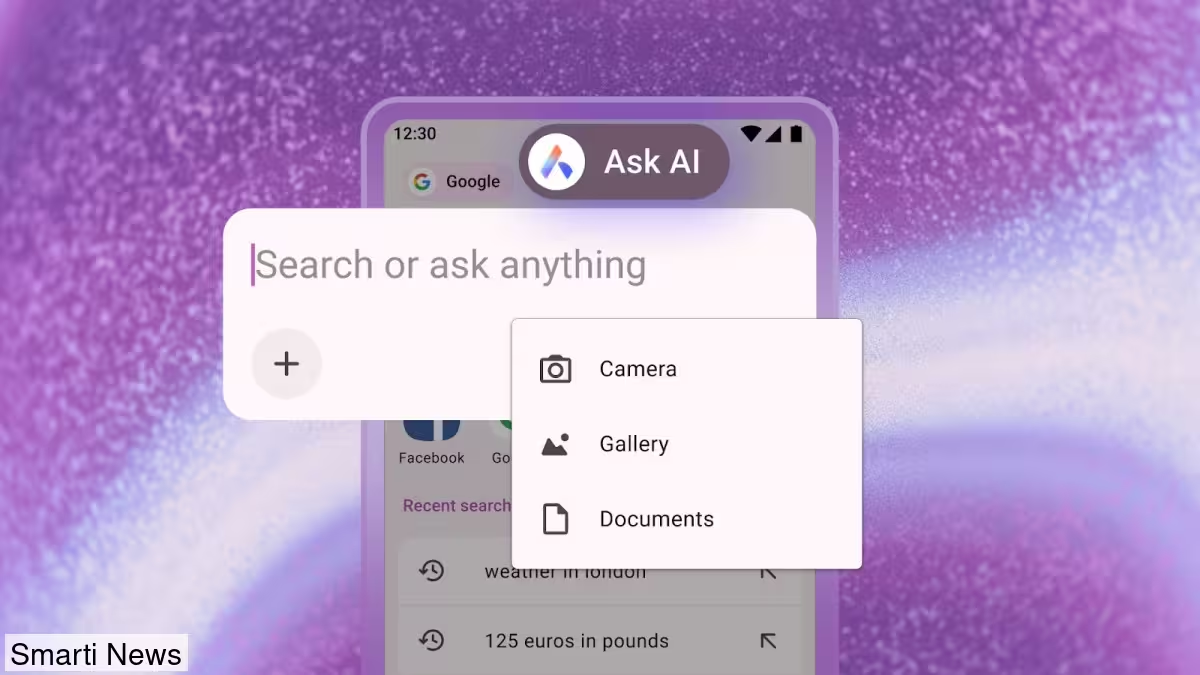
The highlight is Ask AI, a new entry point built into the browser's search area. Tap the search bar and choose Ask AI to open a dedicated AI input. That makes it simple to toggle between traditional web search and AI-assisted queries without leaving the current tab. Imagine quickly summarizing an article or asking for follow-up clarification while you keep browsing.
.avif)
Attach files and photos for smarter answers
Opera has added file attachments to the Ask AI interface, so you can upload PDFs and images for the AI to translate, summarize, or explain. To attach a file, open Ask AI, tap the plus icon, and pick a document or picture from your device. You can also snap a photo with your camera and upload it directly — useful for receipts, screenshots, or diagrams you want interpreted in a hurry.
Turn any tab into AI context
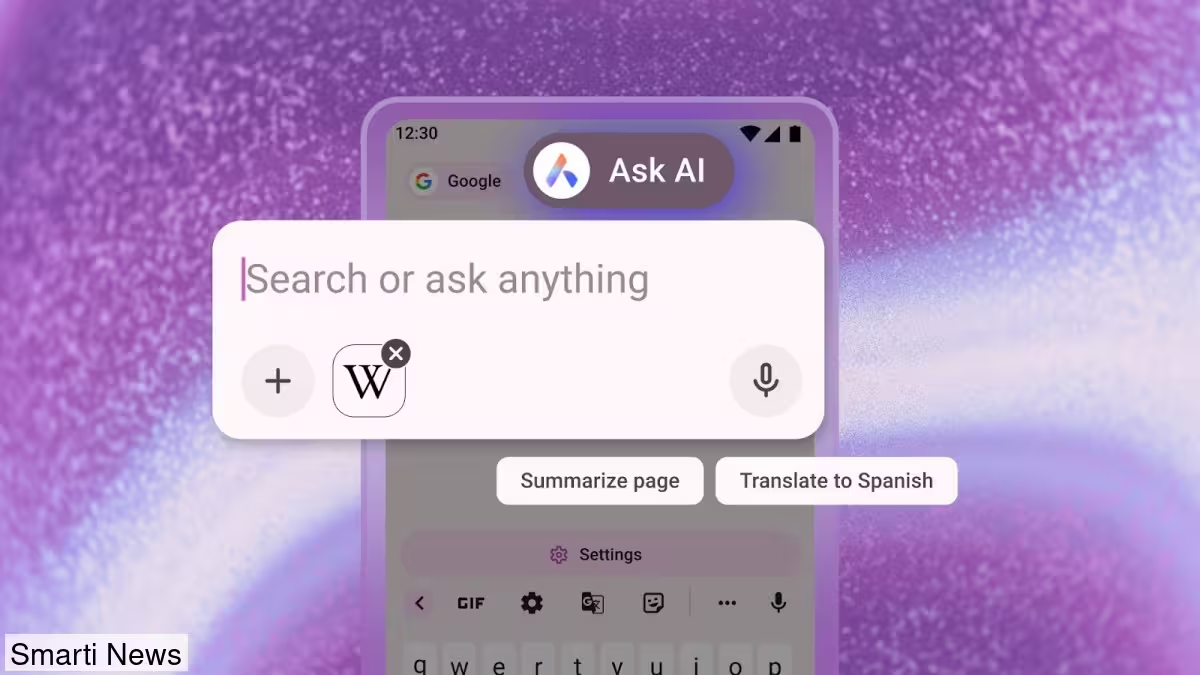
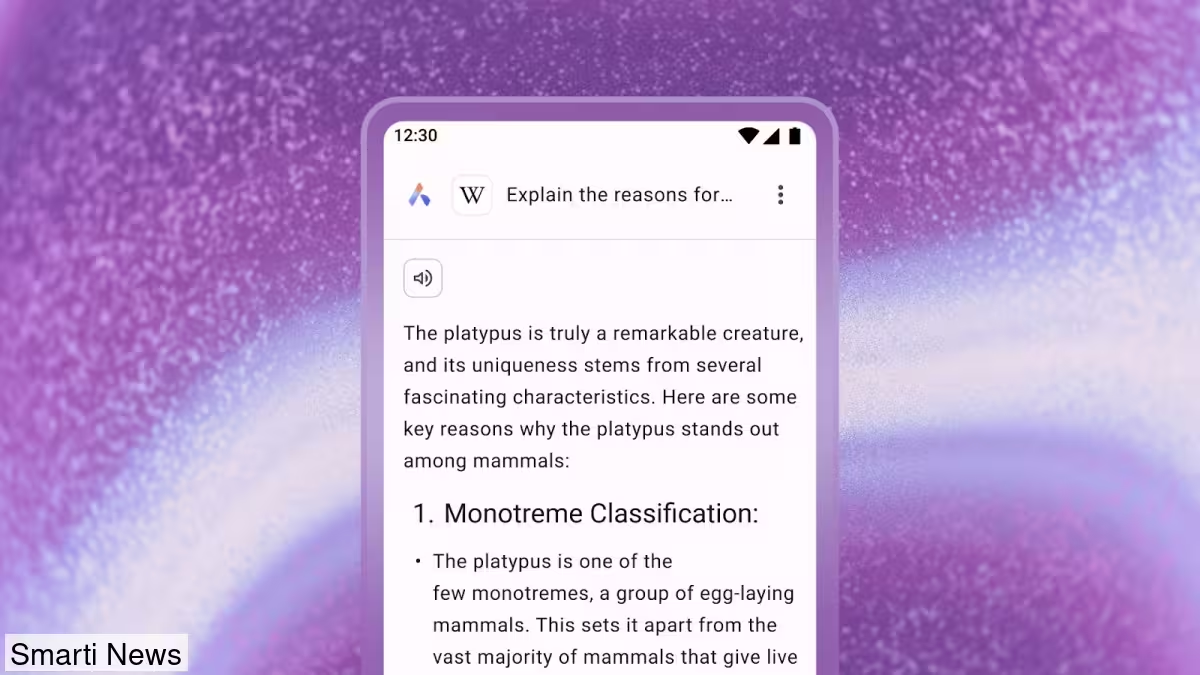
One practical trick: you can use the contents of your current tab as prompt context. Tap the three dots in the top-right corner, select Ask AI, and the page will be attached to the chat so the model can summarize, translate, or explain the page. Follow-up questions work naturally — just type into the search field to drill deeper into the same content without copying links or text manually.
Privacy guardrails and data handling
Opera emphasizes that these features are built with privacy in mind. The browser sends only the active page's context to the AI engine when needed, not your broader browsing history. Opera says prompt and page context data are encrypted, routed to the most suitable AI model, and stored for up to 30 days to preserve conversation continuity and speed processing. According to Opera, this data will not be used for AI training, advertising, or other purposes and is deleted automatically after the 30-day retention period.
- Ask AI access from the search bar for quick AI queries
- Attach PDFs, images, or camera photos for file-based analysis
- Use the current tab as contextual input for smarter responses
- Encrypted data handling and 30-day storage window, Opera says
The updates are already live. If you don't see the new features yet, update Opera for Android via the Google Play Store and try the new Ask AI workflow.










Leave a Comment
Comments
No comments yet. Be the first.