
3 Minutes
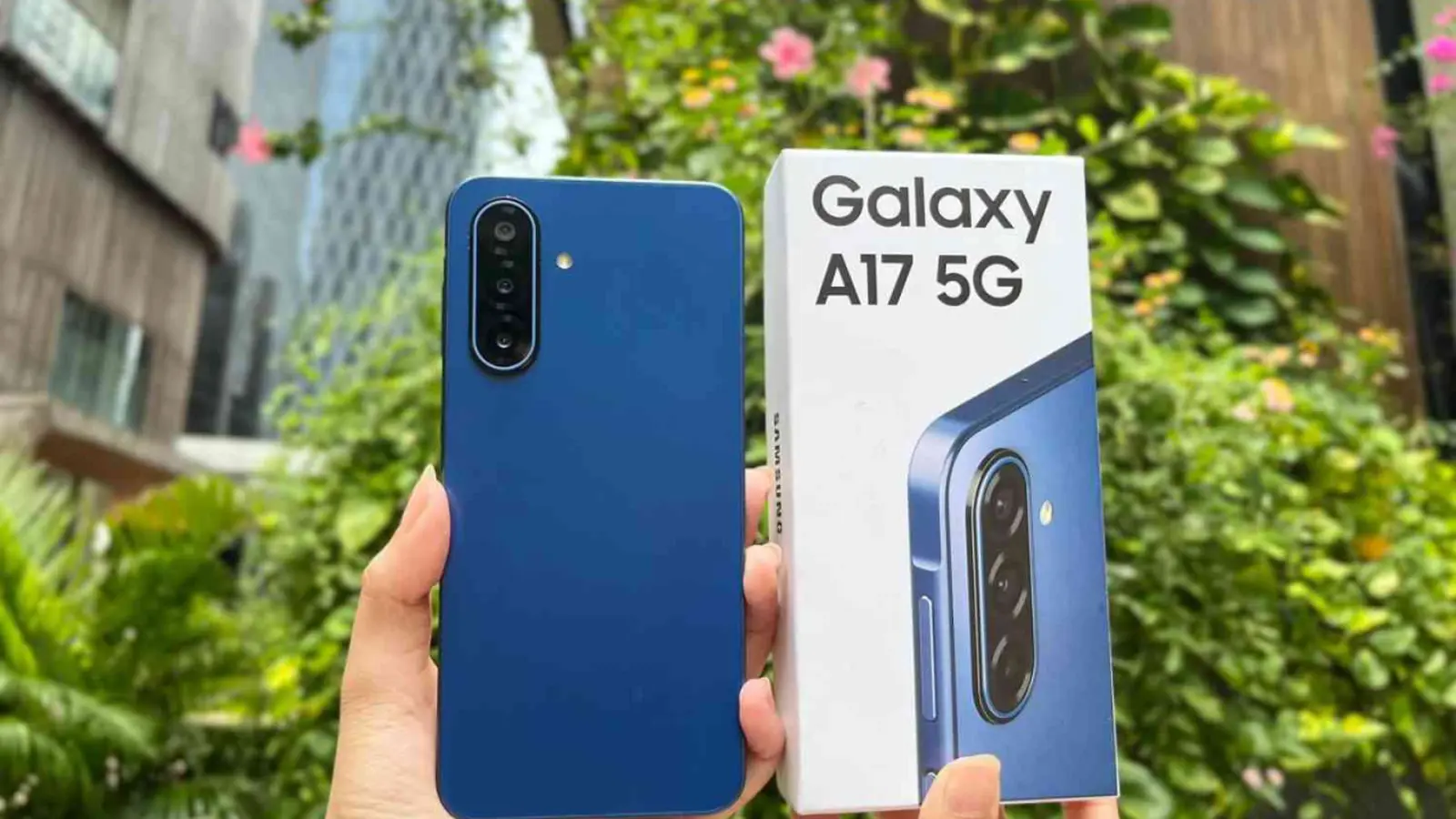
Changelogs seldom make you smile. This one might. Samsung has quietly pushed One UI 8.5 to the Galaxy A17 5G, turning what was an ordinary budget handset into something closer to a well-tuned daily driver.
It’s the phone’s second major software refresh and arrives after similar updates to the Galaxy A16 5G and A26. The rollout is live in Bulgaria, France, India, Nepal and Vietnam, carrying firmware A176BXXU5CZE9 and weighing in at roughly 2.4GB. The package also bundles the May 2026 security patch, so this is part polish and part practical hardening.
Want it now? Head to Settings > Software update > Download and install. Once downloaded, tap Install now. Your device will reboot to finish the work. Easy. Necessary. Worth the minutes it takes.
This isn’t just a security refresh — it’s a meaningful upgrade for an entry-level handset.
On the surface the interface gets a subtle face-lift: cleaner visuals, snappier stock apps and a Quick Panel you can tailor almost without thinking. Lock screen customization goes deeper too. You’ll find new clock fonts, automatic lock screen layouts and fresh downloadable wallpapers that let the A17 look less like a budget phone and more like a deliberate choice.

The Camera app picks up filters to change the mood of photos without a separate editor. Weather adds a pollen index, because small features can make daily life easier. Even the alarm screen now supports weather effects, a neat touch for people who like their wake-up call to come with context.
The Clock app gets practical upgrades as well, with a built-in time zone converter for anyone juggling calls, flights or meetings across regions. Samsung Notes gains table support — you can tweak column widths, choose colors and border styles, and the app will even run automatic calculations inside the table. That turns quick notes into working spreadsheets without leaving the note-taking flow.
Fitness and wellness features also expanded. Samsung Health offers new workout-sharing layouts and tighter Galaxy Watch integration; you can start meditation sessions and even trigger antioxidant measurements directly from your wearable. Device Care exposes more detailed battery metrics, so you don’t have to guess where the power is going.
Security and convenience received attention as well. One UI 8.5 brings Theft Protection and an early alert option for reminders. The Calculator app has started to behave a little smarter, surfacing proactive suggestions based on clipboard content — paste a price and it may offer conversions or totals before you ask.
For people who live in the browser, Samsung Internet introduces a redesigned New Tab page. Your security status is more visible and tabs open on other devices linked to your Samsung Account are surfaced more clearly, smoothing that cross-device friction Samsung often talks about.
For owners of the A17 5G, the update reads like a list of practical upgrades rather than flashy, headline-grabbing features. That’s the point. A midrange device gets refined core apps, safer software and a level of polish that changes the daily experience in small, accumulative ways.
If the update hasn't appeared yet in your country, be patient—Samsung tends to stagger rollouts. But when it does show up, it’s worth the download. Check your settings, back up your data if you prefer caution, and give the phone the few minutes it needs to install.
And if you’re watching Samsung’s update cadence, here's a simple takeaway: incremental improvements add up. Keep an eye on your device; the next helpful tweak could be only a download away.


Leave a Comment
Comments
No comments yet. Be the first.