
2 Minutes
Ever wanted your controller to match your setup down to the last pixel? Now you can. Microsoft has rolled out a modest Xbox software update that hides a few neat, practical improvements beneath a small version number.
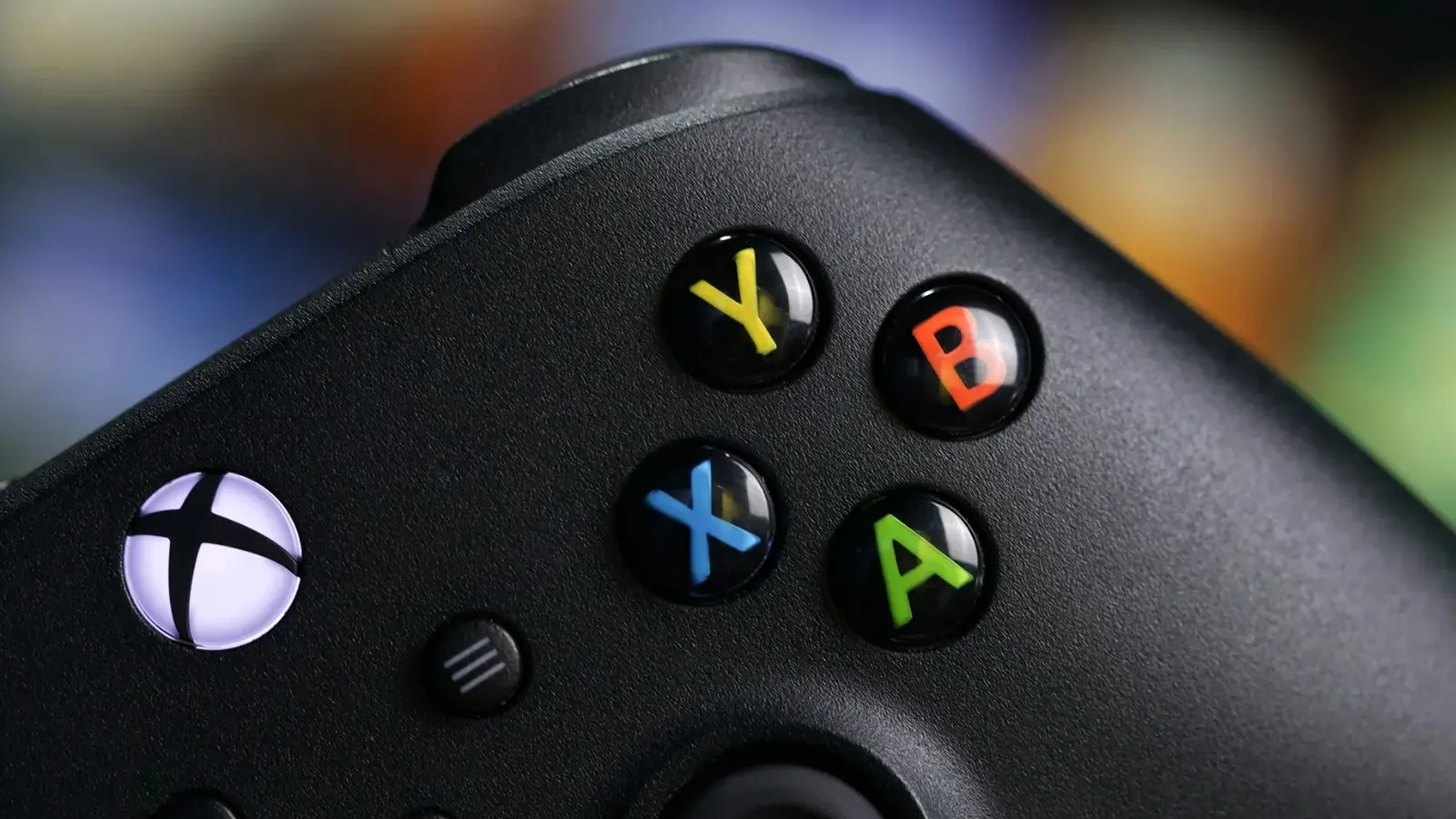
The most visible tweak lands inside the Xbox Accessories app. Plug in your controller and the app can now show a real-time image of the exact pad you've connected. It sounds simple, but for people who own limited-run designs — think a Forza Horizon 6 special edition — seeing the physical appearance mirrored in software removes guesswork and keeps customization honest.

Color customization gets a serious upgrade. Instead of choosing from a handful of presets, you can input precise Hex codes to dial in hues that match your console, headset, or stream overlay. Designers, streamers, and obsessive customizers will appreciate the granular control. Want neon teal? Type it in. Want the same mauve as your RGB strip? Yes, that too.
Finding what changed used to be a scavenger hunt. Not anymore. The update relocates the "What's New" view to the top menu on the dashboard, so new features, fixes, and tweaks surface faster. No digging through submenus. No guesswork about whether a recent patch actually added the feature you read about online.

There’s also a small but practical addition for service transparency: Xbox now surfaces confirmed service outages directly on the console. A compact alert appears in the corner of the screen when Microsoft detects an issue. It’s the kind of heads-up that saves time — and patience — when multiplayer matchmaking or cloud saves go sideways.
Microsoft is leaning on the community to help shape what’s next. Players are encouraged to drop ideas and bug reports in the Xbox Player Voice forum so future improvements reflect real user needs, not wishful guesses from a dev roadmap.

This update is lightweight but meaningful: more visual accuracy in Accessories, pixel-perfect color control via Hex codes, clearer changelogs, and direct service alerts on your console.
Try the new palette and, if something feels off, tell Microsoft what you want to see next — the platform listens when players speak up.

Leave a Comment
Comments
No comments yet. Be the first.