
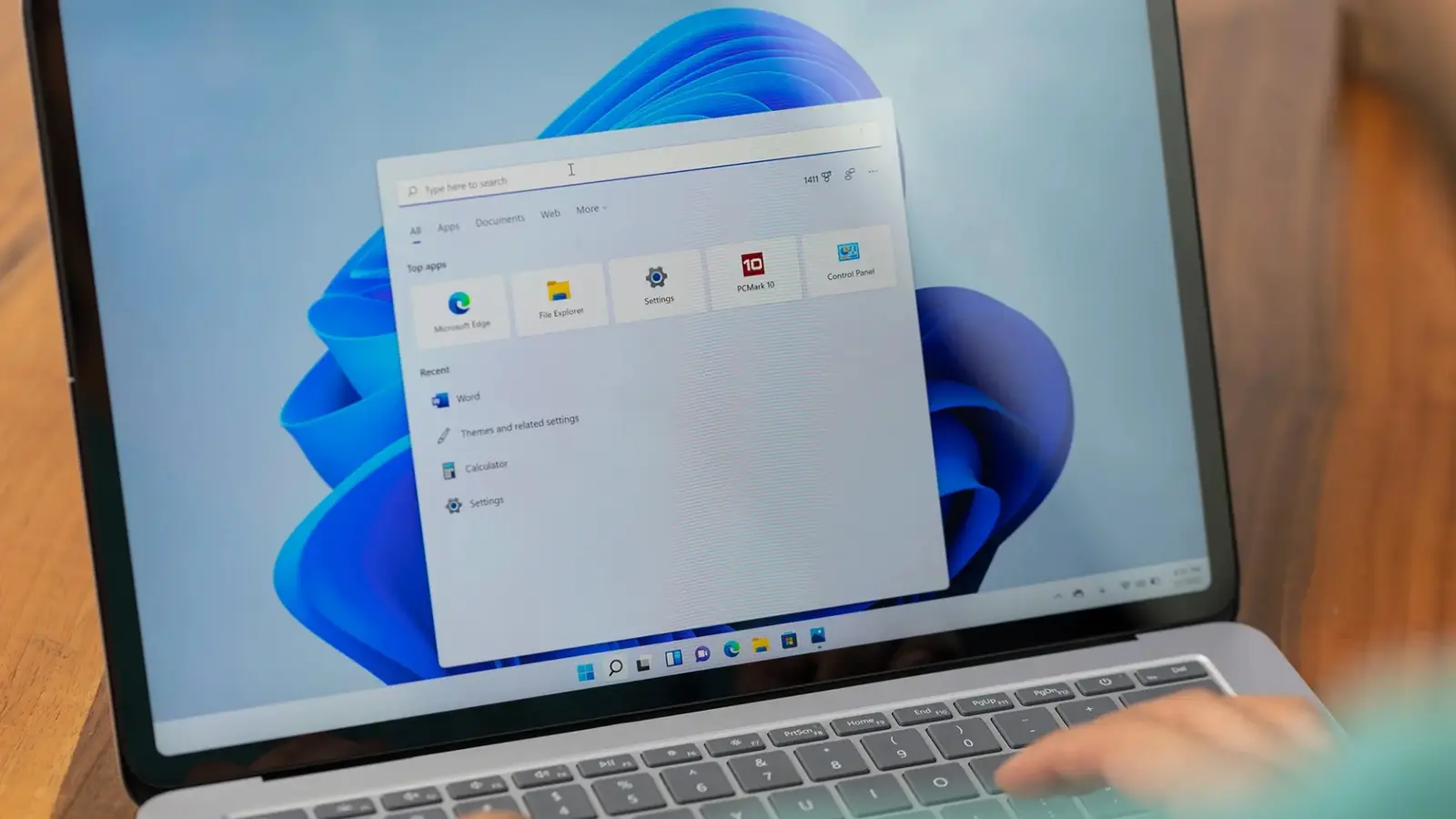
Think of your PC and phone as two roommates who finally stopped avoiding each other. They still bicker sometimes, but now they share the same coffee table. Microsoft is quietly testing a set of features that weave smartphones deeper into Windows 11, making that relationship feel native rather than bolted-on.
Windows Central first flagged the changes, and they read like a checklist for tighter integration. The Phone Companion area in the Start menu is due an upgrade that surfaces more recent phone activity right inside Windows. You won’t need to open the Phone Link app to skim recent messages or notifications; hover over an activity and you may see entire message text or images without extra clicks.
Small convenience. Big effect. A single glance saves time. And Microsoft isn’t stopping there.
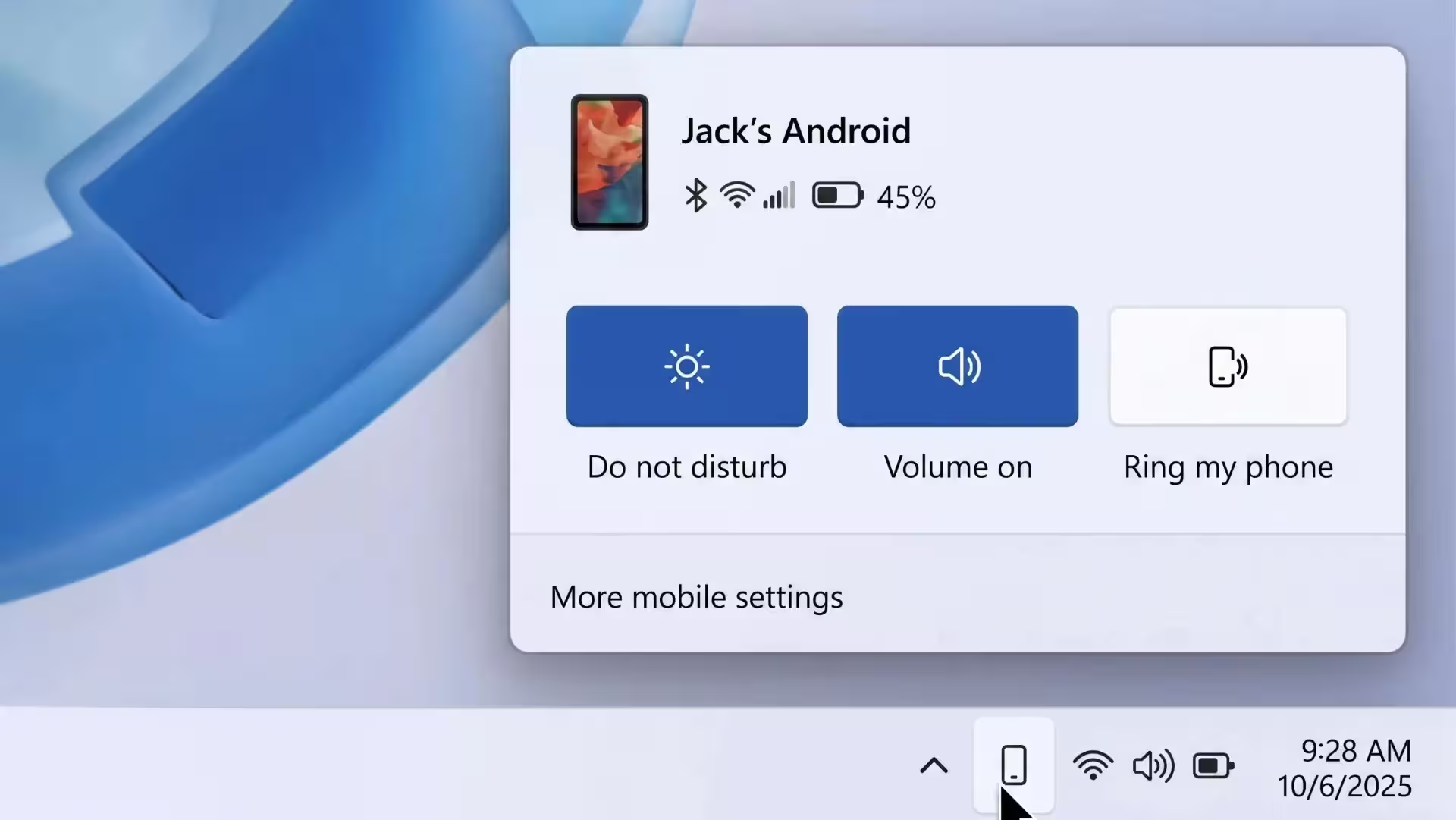
On the taskbar, a new phone icon is being trialed in the system tray. Click it and a compact status menu should appear, showing connection health and offering quick controls: toggle Do Not Disturb, trigger vibration, locate your handset, or drag and drop files straight onto the icon to move them to the phone. It’s the kind of micro-interaction that chips away at friction every day.
Clipboard syncing is getting smarter, too. Today Windows and your phone can usually share only the last copied snippet. The proposed update would sync a full clipboard history between devices, giving you access to a list of recent copies on both ends. Paste from yesterday’s text? Easy. No mental juggling required.
There’s also talk of a standalone messaging client for Windows 11 that syncs SMS and can be pinned to the Start menu like any other app. In other words: a focused, native space for text conversations rather than routing everything through Phone Link. For people who juggle conversations across devices, that could feel like finally unpacking a long-overstuffed suitcase.
All these features remain in early design and internal testing. Microsoft will lean on feedback from Windows Insiders before deciding what ships. That’s standard, but it’s worth noting—expect iterations, not a finished product overnight.

Some groundwork is already in place. Microsoft previously added the ability to browse phone files from File Explorer and to use a phone camera as a webcam, both moves intended to reduce the need to open Phone Link for common tasks. The new tests read as the next logical step: make the phone feel like another first-class citizen inside Windows 11.
Not everyone wants their phone folded into their desktop life more tightly. Privacy nitpickers and people who prefer apps over system-level hooks will have questions. But for those who want fewer context switches and faster handoffs between devices, these experiments point to a near future where your PC and phone behave less like separate tools and more like parts of the same workflow.
Curious? Join the Insider channel, test the features if you can, and tell Microsoft whether your devices should keep getting closer—or maintain a little distance.

Leave a Comment
Comments
No comments yet. Be the first.