

8 Minutes
Artificial intelligence is no longer a distant tech buzzword — it's a practical part of everyday life, now available in the palms of our hands. From smart suggestions in search results to voice assistants and predictive keyboards, AI is embedded into most modern smartphones. But the latest generation of conversational AI tools — ChatGPT, Microsoft Copilot and Google Gemini — takes that usefulness further, letting you interact with an intelligent assistant to write, translate, summarize, answer questions, plan your day and even generate images.
What does "AI on your phone" actually mean?
When we talk about AI on a mobile device, we mean a set of algorithms and systems working together to understand user intent and deliver helpful, context-aware responses. Mobile AI can run at different layers of your phone's software stack, and it can act proactively or reactively depending on how it’s integrated.
- System-level AI: Features built into the operating system — for example, adaptive brightness, automatic battery optimization, predictive text and contextual notifications.
- App-level AI: AI services delivered via applications such as ChatGPT, Microsoft Copilot or Google Gemini that let you chat with models, translate text, generate ideas and much more.
These tools allow users to interact with AI like a personal assistant: ask a question, request a draft email, summarize a long article or get help debugging code — all without switching to a desktop machine.
Top mobile AI assistants worth knowing
Three major AI services dominate the mobile landscape right now:
- ChatGPT (OpenAI)
- Microsoft Copilot
- Google Gemini
Each has different strengths, integrations and access models. Below we look at them individually and explain how to use them on Android and iPhone.
1. ChatGPT — a versatile conversational assistant
What is ChatGPT?
ChatGPT is OpenAI's conversational system powered by the GPT family of models (notably GPT-3.5 and GPT-4). It's designed to handle a wide range of text-based tasks, from creative writing to technical explanation. Typical uses include drafting articles, composing emails, translating languages, generating code snippets and answering complex questions.
How to get ChatGPT on your phone
a) Using the official app
- Download the ChatGPT app from the App Store (iPhone) or Google Play (Android).
- Sign in with your OpenAI account or create a new one.
- Choose your preferred language and start a conversation — the chat interface is optimized for mobile screens.
Note: In some countries or networks you may need a VPN or special network settings to access certain services, but in many regions ChatGPT works without restriction.
b) Using a web browser
- Open chat.openai.com in your mobile browser.
- Sign in and use the full web features directly from your phone.
Key ChatGPT features
- Text drafting and editing — from social posts to long-form articles.
- Email and message composition — speed up everyday communication.
- Language translation — quick multilingual support for conversations or documents.
- Idea generation — brainstorm marketing copy, business concepts or creative plots.
- Q&A and explanations — ask factual questions or get concept breakdowns.
- Programming help — code generation, debugging advice and snippet explanations.
2. Microsoft Copilot — productivity AI for work and life
What is Copilot?
Microsoft Copilot integrates GPT-4 into Microsoft's ecosystem, providing AI assistance within the Microsoft 365 suite and as a standalone app. Copilot is designed to help you write documents, analyze spreadsheets, summarize emails and create content, all while linking directly with Word, Excel, Outlook and Teams.
How to use Copilot on your phone
- Install the Microsoft Copilot app from Google Play or the App Store.
- Sign in with your Microsoft account (personal or work account).
- Start a conversation or use Copilot commands inside compatible Microsoft apps.
Main Copilot capabilities
- Conversational access to GPT-4 for writing and editing.
- Document drafting and data-driven content generation.
- Web-research features and live search integration.
- Image generation through DALL·E 3 (when supported).
- Data analysis and spreadsheet assistance — formulas, pivot summaries and trend spotting.
Advantage: Copilot often provides free access to GPT-4 within Microsoft's apps, making it an attractive option for users who want advanced AI features without a separate subscription.
3. Google Gemini — Google’s next-generation assistant
What is Gemini?
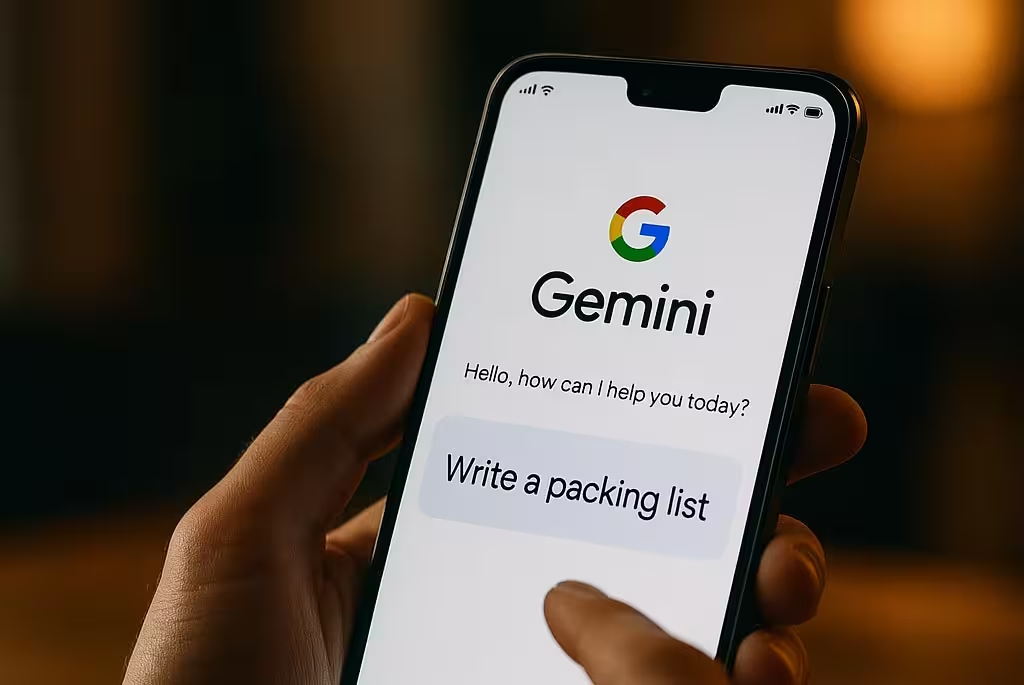
Gemini is Google's modern AI assistant, the successor to Bard. It’s increasingly integrated into Android devices and Google services, allowing you to interact with AI in the same way you would use Google Assistant — but with broader conversational skills and content generation abilities.
How to access Gemini on a phone
- Open gemini.google.com on your mobile browser or access through supported Google apps.
- Sign in with your Google account.
- Ask questions, request summaries or ask Gemini to help plan events and trips.
Gemini’s strengths
- Direct answers and conversational Q&A.
- Automatic summaries of long emails and documents.
- Help with planning: itineraries, schedules and task lists.
- Seamless integration with Gmail, Google Drive and other Google services for contextual assistance.
Side-by-side: how they compare
.avif "OpenAI Gears Up for GPT-5 Launch with Advanced Reasoning Integration and Open-Weight Model Release")
All three assistants — ChatGPT, Copilot and Gemini — are powerful, but their design goals differ. Below is a quick comparison to help you choose the right one for your needs.
| Tool | Model | Access | Support for smaller languages | Image generation |
|---|---|---|---|---|
| ChatGPT | GPT-3.5 / GPT-4 | App / Web | Good | Available in paid tiers |
| Microsoft Copilot | GPT-4 | Free within Microsoft apps / App | Good | Yes (DALL·E 3) |
| Google Gemini | Gemini family (Pro) | Google services / Android | Medium | Limited |
Practical things you can do with AI on your phone
Mobile AI unlocks a lot of practical use cases that save time and improve output quality. Here are common ways people use these assistants on the go:
- Draft articles, newsletters, social media posts and ad copy quickly.
- Translate conversations or documents in real time for travel or work.
- Get clear answers to technical or scientific questions without deep research.
- Brainstorm business ideas, product names, logos or campaign approaches.
- Learn new topics with step-by-step explanations and active tutoring.
- Generate basic visuals or designs to develop concepts before working with a designer.

Security and privacy tips when using AI apps
AI is a powerful assistant, but it's not a replacement for common-sense security practices. Keep these tips in mind:
- Never share passwords, bank details or other sensitive personal data in chat prompts.
- Prefer official apps or well-known web portals to reduce the risk of malicious clones.
- Verify facts and data from AI responses — models can produce confident but incorrect statements.
- Keep your apps and operating system updated to benefit from the latest security patches.
- If you handle regulated data (health, financial, legal), check vendor policies and compliance guarantees before uploading anything.
What’s next: the future of AI on mobile devices
AI on phones will keep evolving. In the near future you can expect deeper OS integration, smarter background services and more personalized assistants that understand long-term context. Some trends to watch:
- Keyboard-level AI: Predictive, context-aware suggestions built directly into keyboards (e.g., Gboard AI) will speed up writing across all apps.
- Smart replies and automations: Automatic message replies, meeting summaries and time-saving templates driven by on-device AI.
- Document and email summarization: Instant overviews that save time reading long threads or reports.
- Voice assistants with memory: Personal voice assistants that recall context across sessions and personalize responses.
Common questions people ask
Is ChatGPT free to use on a phone?
Yes — ChatGPT offers a free tier based on GPT-3.5, accessible via the app or web. Access to GPT-4 and some advanced features typically requires a subscription or paid plan.
Can these AIs understand smaller languages like Lithuanian?
Most leading models support many languages to varying degrees. ChatGPT and Copilot handle Lithuanian quite well for general tasks; Google Gemini’s performance is often strong for common languages and integrated tasks but can be uneven depending on the complexity of the prompt.
Which tool should I choose for everyday use?
If you want free GPT-4-powered assistance, Microsoft Copilot is a strong contender, especially if you use Microsoft 365. ChatGPT is excellent for general-purpose chat-based tasks and creative writing, while Google Gemini is ideal if you rely heavily on Google services and Android integrations.
Practical tips to get the most from mobile AI
- Be specific in prompts: give context, desired tone, length and examples when asking for text or code.
- Iterate: ask the assistant to refine or expand outputs rather than expecting a perfect result on the first try.
- Use system messages or start prompts to set the role (e.g., “You are an expert product copywriter” ) for better-tailored content.
- Combine tools: use Gemini to pull calendar context, Copilot to edit a document and ChatGPT for creative brainstorming.
AI will soon feel as natural on your phone as calling or texting. The key is to experiment responsibly: use AI to handle repetitive or time-consuming tasks, but always validate important facts and maintain basic security hygiene.

Start small — try generating a short email, summarizing a long article or asking for a trip itinerary. Once you see the time saved and quality improvements, expand into deeper workflows and integrations.








Leave a Comment
Comments
No comments yet. Be the first.