
2 Minutes
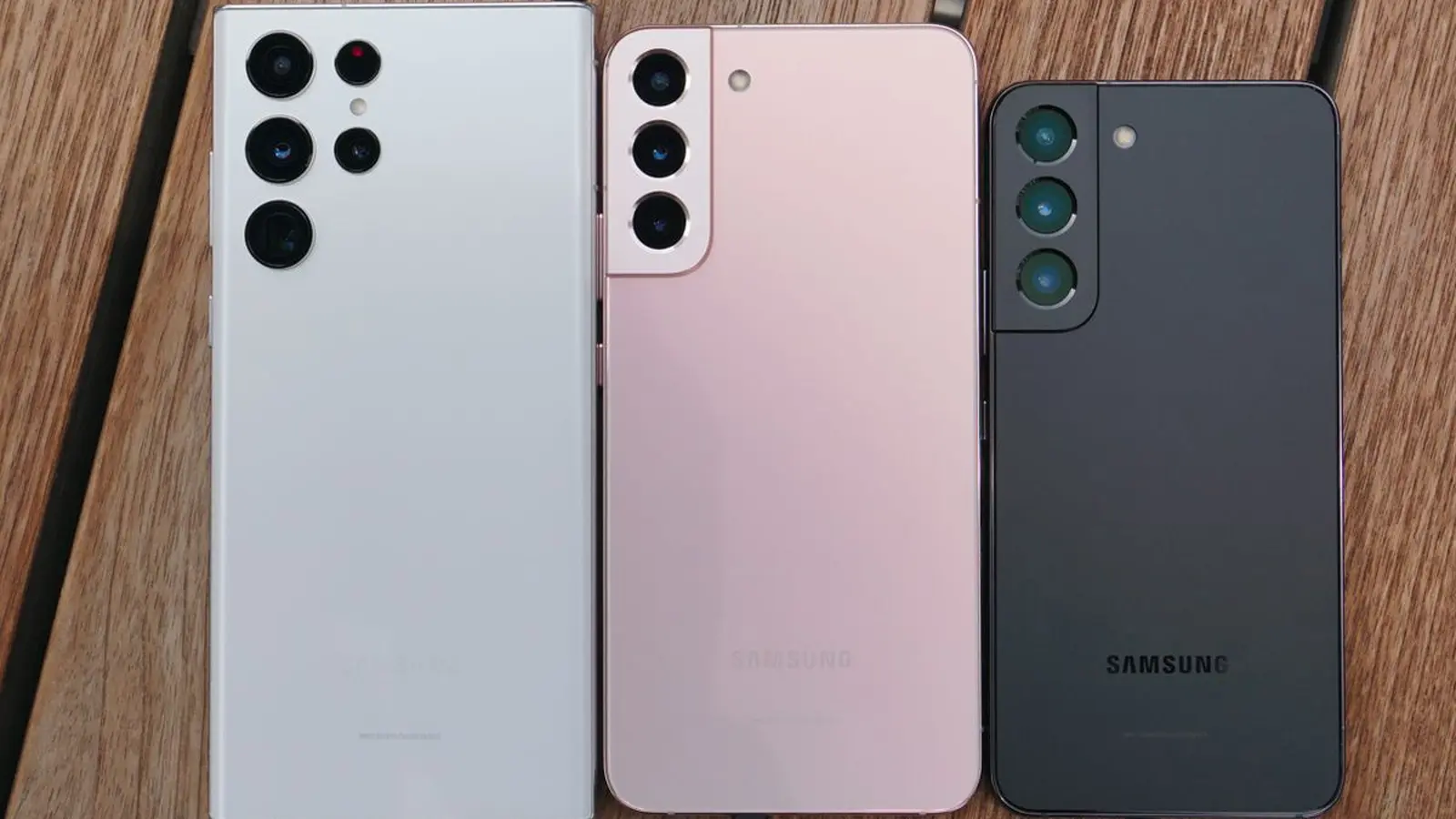
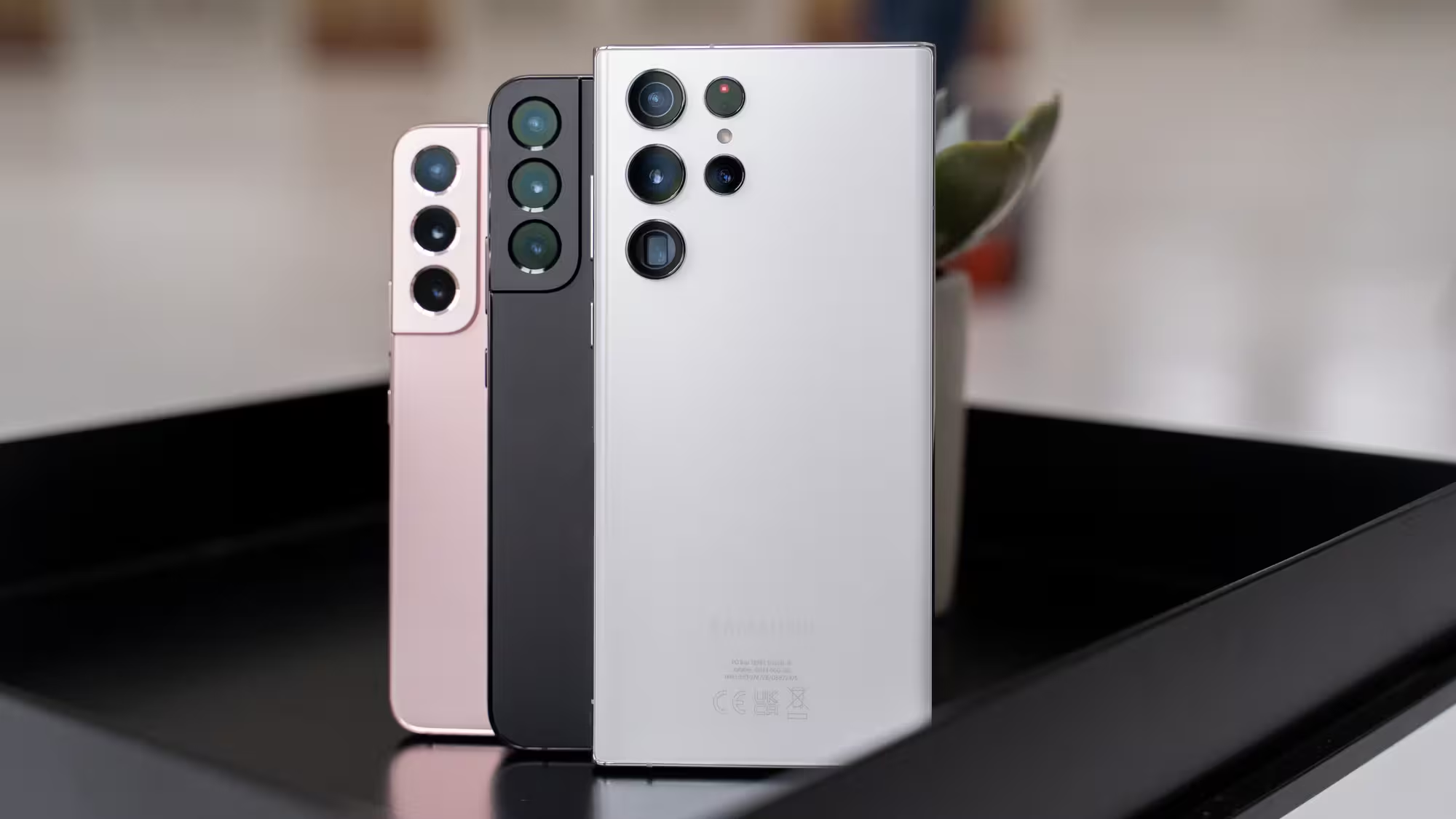
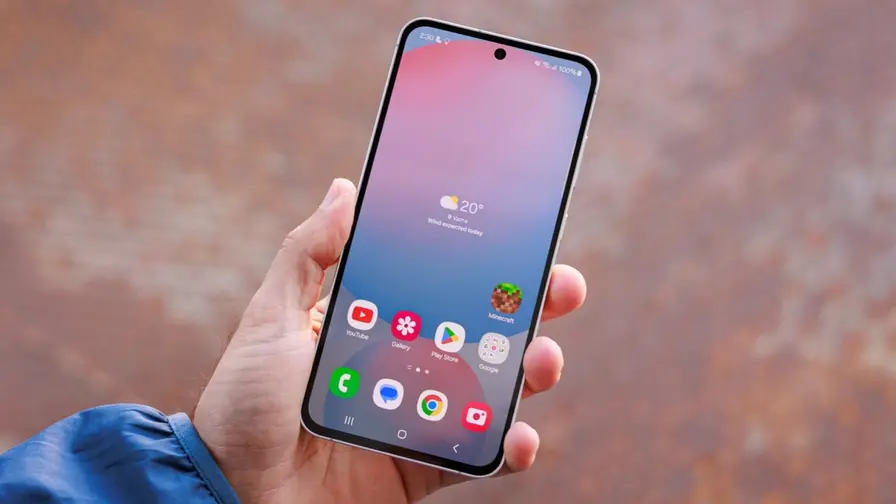
Samsung has begun rolling out One UI 8 (Android 16) to the Galaxy S22 trio — the S22, S22+, and S22 Ultra. This release delivers the fourth major OS upgrade for the series and paves the way for a future One UI 8.5 update next year.
Where the update is arriving and how to get it
The firmware is live in Europe as of today. The download clocks in at about 3,177.80 MB and arrives with build number S90xBXXUIGYI7 (reported by Tarun Vats). To check for the update manually, open Settings > Software update > Download and install. Samsung typically rolls updates out in stages, so expect other regions to see the package in the coming days.
What’s new in One UI 8 for S22 devices
One UI 8 refines Samsung’s interface with cleaner visuals and more practical tools. The release focuses on polishing the daily experience while adding several notable features:
- Updated UI elements for a more organized, modern look and improved usability.
- Expanded Modes & Routines with new actions and conditions to automate more tasks.
- Additional display rotation options and new settings when using DeX, making multi-monitor and desktop-like setups more flexible.
- Secure Folder gains stronger protections to keep sensitive data safer.
- Revamped system apps — Alarm, Calendar, My Files, Quick Share, Reminder, and Samsung Internet — receive interface and functionality tweaks.
If you own an S22 device, back up your data before updating and watch for the staged rollout in your country. For a full breakdown of changes and every minor tweak, consult Samsung’s official changelog or the update notes once the package appears on your handset.




Leave a Comment
Comments
No comments yet. Be the first.