
2 Minutes
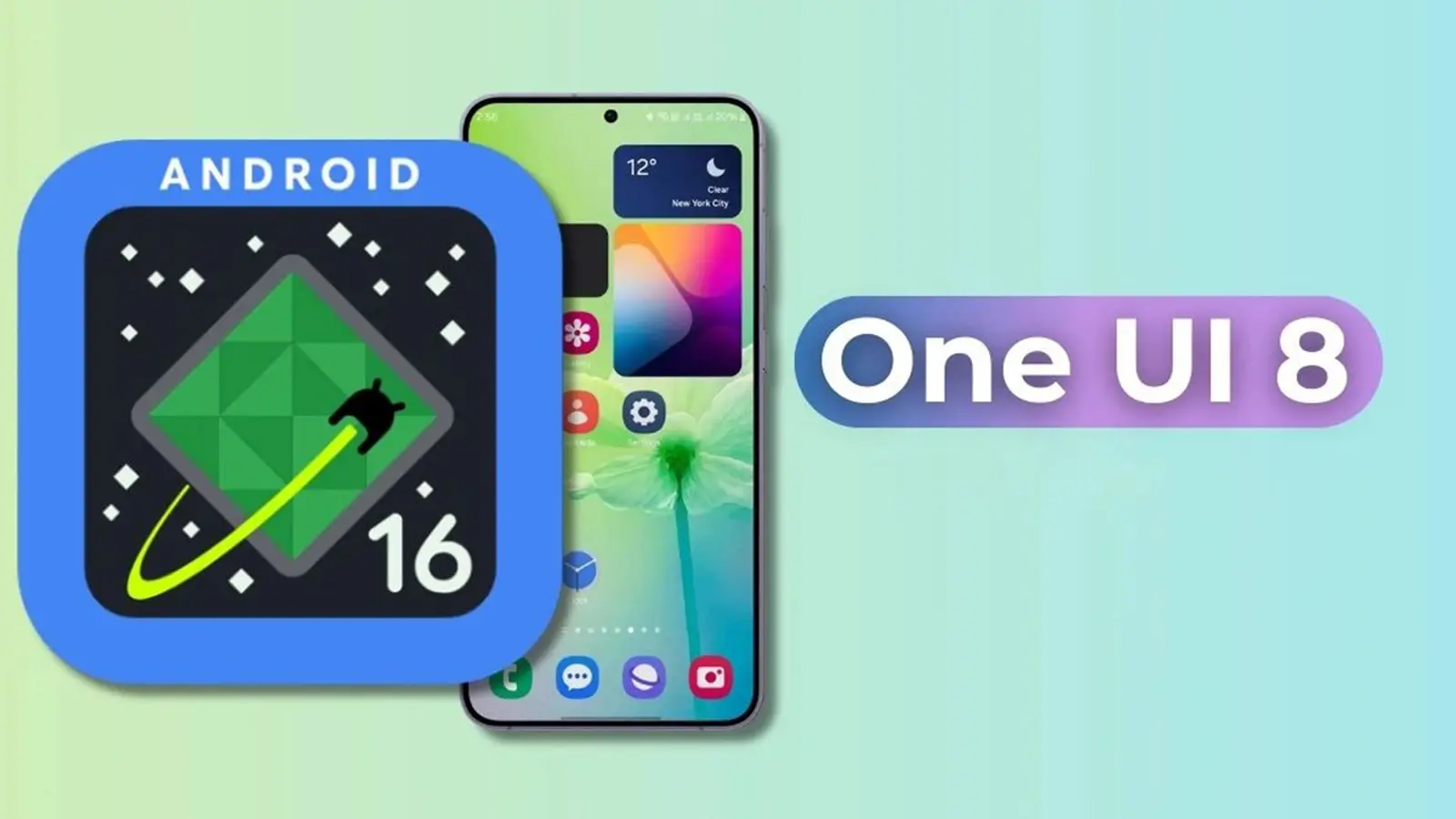
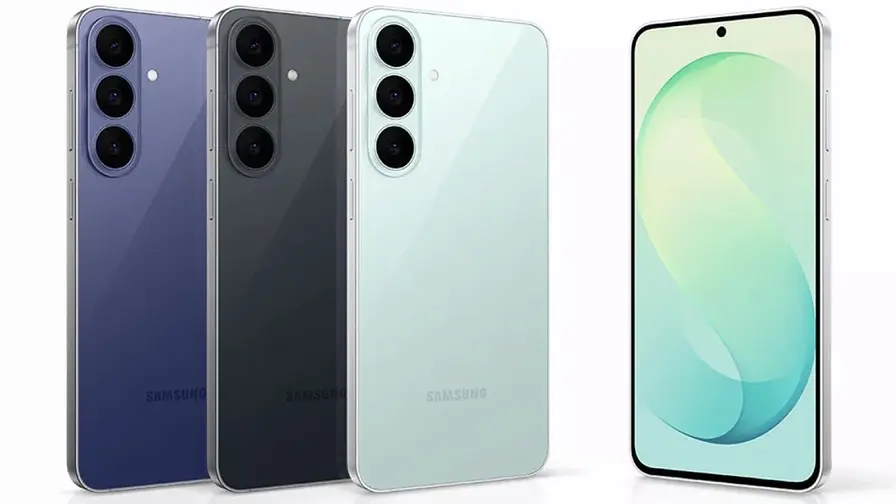
Samsung has broadened its One UI 8 stable release, pushing the Android 16-based update to seven additional Galaxy models. The rollout began with the Galaxy XCover7 last week and has now reached a wider group of devices across South Korea and India — with more regions expected to follow.
Which Galaxy phones are getting One UI 8 now?
The new batch includes rugged and midrange models, each receiving the stable One UI 8 build in select markets. Here’s the current breakdown by device and region:
- Galaxy XCover7 Pro — Receiving One UI 8 in South Korea with firmware version
BYI6. Wider distribution should come in the following weeks. - Galaxy A33 — Rolling out in South Korea as firmware
GYI3. - Galaxy A53 — Also getting One UI 8 in South Korea under firmware
GYI2. - Galaxy Wide 7 (marketed as Galaxy M15 internationally) — Seeing the update in South Korea with firmware
CYI6. - Galaxy Quantum 3 (also known as Galaxy M53 outside Korea) — Updated in South Korea with firmware
GYI4. - Galaxy M34 — Receiving the stable build in India with firmware
M346BXXU8EYI8. - Galaxy M35 — Rolling out in India as firmware
M356BXXU5CY18.
Why some models have two names
Samsung sometimes uses different model names for different regions. For example, the Galaxy Wide 7 is promoted as the Galaxy M15 outside South Korea, while the Galaxy Quantum 3 appears elsewhere as the Galaxy M53. If you’re tracking updates, check both names and the model number to avoid confusion.
How to check for the One UI 8 stable update
If you own one of the devices listed and haven’t seen the update notification yet, you can prompt the install manually:
- Open Settings on your Galaxy phone.
- Tap Software update.
- Select Download and install to look for available updates.
OTA rollouts are often staged by region and carrier, so availability can vary day to day. If your handset is carrier-locked or enrolled in a beta program, that can also delay when the stable build reaches you.
Keep an eye on Samsung’s official update pages and your device’s software update screen — and back up important data before installing major system releases.


.webp "Redmi 17C 5G: 6.9-inch Screen and 6,000mAh Power Lands")
Leave a Comment
Comments
No comments yet. Be the first.