

2 Minutes
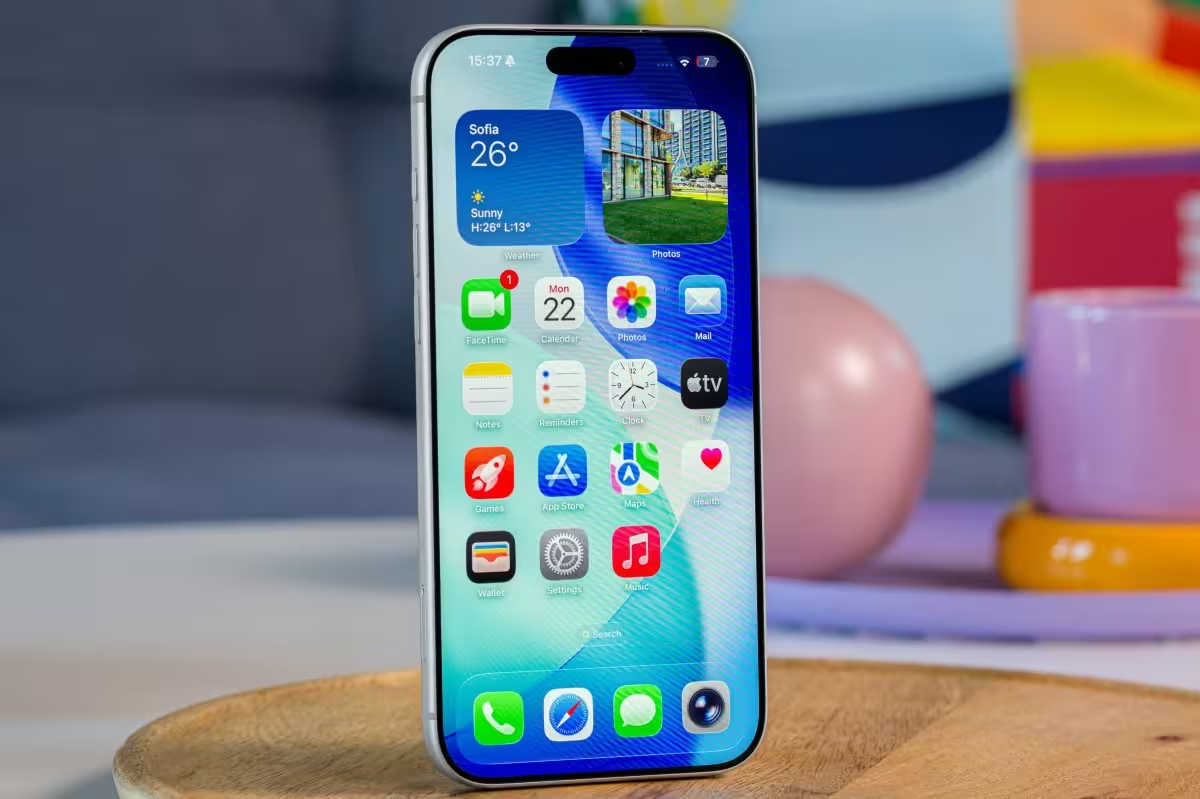
Apple has begun rolling out iOS 26.1 alongside matching updates for iPadOS, macOS Tahoe, watchOS and tvOS. This wave of releases brings a mix of visual tweaks, audio and translation upgrades, new multitasking features for iPad, and wider support for third-party AI image models.
What’s new in iOS 26.1 — subtle visuals, useful toggles
One of the headline changes is a new "Liquid Glass" toggle that lets users switch between clear and tinted UI elements, giving iPhones a fresher, more customizable look. For those who accidentally open the camera from the Lock Screen, Apple has finally added a toggle to disable the Swipe-to-Open Camera action.
The update also brings several under-the-hood and user-facing improvements: better sound quality for FaceTime audio, refinements to Apple Music playback, Local Capture enhancements, smarter alarm behavior, and updates to Apple Intelligence features. These tweaks aim to smooth everyday interactions and polish the overall iOS experience.
Translation, fitness and AirPods get smarter
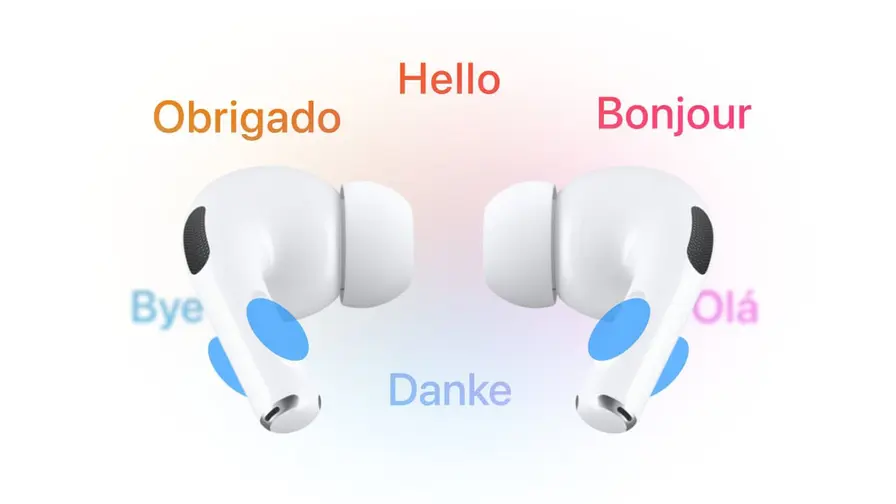
Live Translation on AirPods expands its language support with Chinese, Italian, Japanese, and Korean — a welcome change for international travelers and multilingual households. Meanwhile, the Fitness app now includes a manual workout logging option, letting users add activities that weren’t tracked automatically.
iPadOS, macOS Tahoe and cross-platform updates
iPadOS 26.1 introduces a handy Slide Over multitasking feature and a new Apple Vision Pro companion app, improving workflow for users who juggle apps and external displays. macOS Tahoe 26.1 focuses on design refinements and safety improvements; notably, the Image Playground tool now supports third-party image-generation models, opening the door to more creative workflows on the Mac.
Apple is shipping watchOS 26.1 and tvOS 26.1 alongside these releases, and all platforms include assorted bug fixes and security patches to keep devices running reliably and securely.
Should you update now?
If you rely on FaceTime for clearer calls, use AirPods for on-the-go translation, or want the option to tweak your Lock Screen camera behavior, the update is worth installing. As always, back up your device before updating and check for any known app compatibility issues if you rely on specialized tools.
Expect a staged rollout over the coming days; if the update doesn’t appear immediately, check Settings › General › Software Update later or via your device management console.

.webp "Redmi 17C 5G: 6.9-inch Screen and 6,000mAh Power Lands")
Leave a Comment
Comments
No comments yet. Be the first.