

3 Minutes
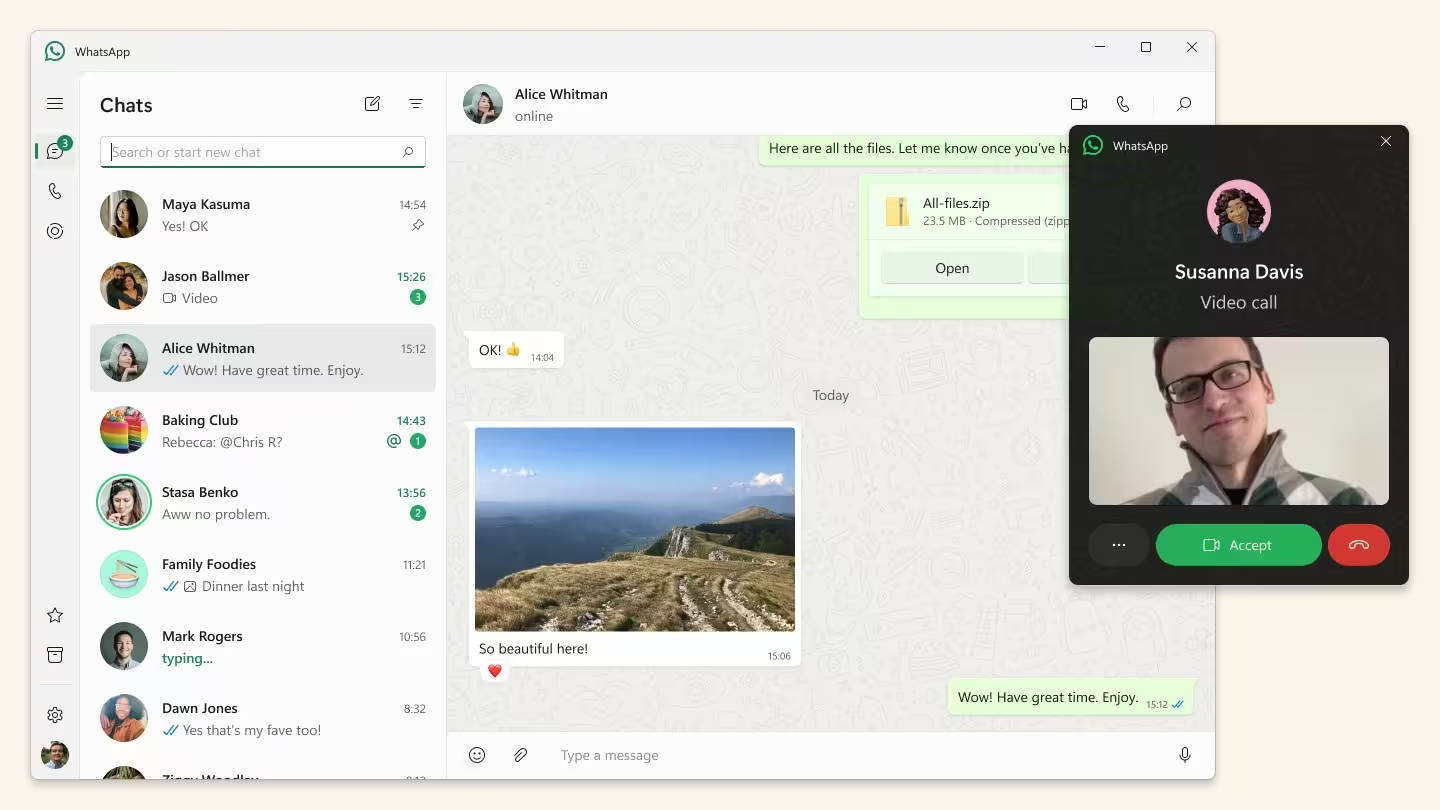
WhatsApp for Windows 11 has quietly switched gears. Instead of the native WinUI client many users relied on, Meta is rolling out a WebView2-powered build that essentially loads the web version inside Chromium. Early testers are already reporting big jumps in memory use and a less polished Windows experience.
What changed and why it matters
The new update replaces the native Windows 11 app with a WebView-based wrapper that points to web.whatsapp.com. In practice that means WhatsApp is no longer a native WinUI/UWP application but a Chromium-hosted web build. Meta shipped the update through the Microsoft Store as version 2.2584.3.0.
Why should you care? Native apps typically integrate tightly with the operating system, offering smoother animations, better notification handling, and lower resource use. The web-wrapper approach simplifies development by unifying code across platforms, but it can compromise performance and system integration.
Users seeing big RAM increases and sluggish behavior
Early reports indicate the new WebView client uses significantly more RAM. On the login screen memory usage can hit around 300MB. Once signed in, RAM often climbs past 1GB and may rise further when multiple chats, media files, or active calls are in play.
Aside from memory, performance has taken a hit. Conversations feel slower to load, animations are less responsive, and Windows 11-specific behaviors like notifications and Do Not Disturb handling don't work as smoothly as before. In short, the app feels less native and more like a browser tab pinned to your desktop.
What likely drove Meta's decision
Insiders and industry observers link the change to internal restructuring at Meta. Maintaining a single web-based codebase reduces engineering overhead and speeds deployment across platforms, but it also means the native app team may no longer be prioritized. From Meta's perspective this is efficient. For users it often means trade-offs in performance and integration.
Can you avoid the update?
If you still have the old native client installed you may be able to postpone the switch by not updating. However, reports suggest Meta will eventually force a logout and require everyone to move to the new WebView version. That makes the delay temporary at best.
Practical tips for Windows users
- Monitor RAM: Keep Task Manager handy to watch how much memory WhatsApp consumes, especially if you rely on low-memory laptops.
- Use the web client directly: If you prefer a clearer separation, open web.whatsapp.com in a dedicated Chromium browser profile instead of the store app.
- Limit background tabs and apps: Reducing other Chromium-based processes can help curb overall memory pressure.
- Watch for updates: Meta may iterate on the WebView build or restore native features over time, so install updates when they address performance or notification issues.
For anyone who depends on WhatsApp for work or heavy messaging on Windows 11, this is a shift worth tracking. It highlights a broader trend: major platforms moving toward unified web-first codebases to cut costs, sometimes at the expense of the native user experience.













Leave a Comment
Comments
No comments yet. Be the first.