
3 Minutes
Xiaomi has expanded its HyperOS 3 rollout to include three more devices: the Poco X7, Poco X7 Pro and Redmi Note 14 Pro. The Android 16-based upgrade brings visual tweaks, deeper AI features and several performance improvements — but it’s a hefty download, so plan ahead.
Which phones are getting the update (and what to expect)
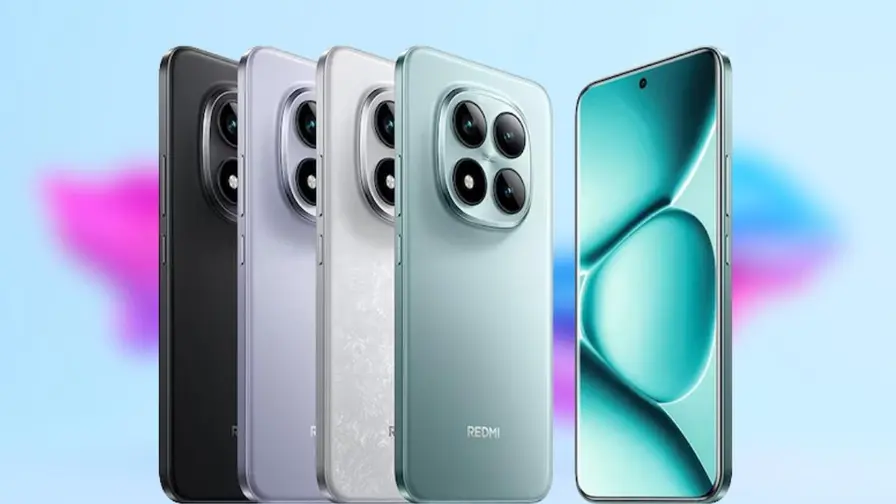
The HyperOS 3 update is now arriving for Poco X7 (OS3.0.4.0.WOOMIXM), Poco X7 Pro (OS3.0.2.0.WOJEUXM) and Redmi Note 14 Pro (OS3.0.4.0.WOOMIXM). The package is roughly 6.5GB, so Xiaomi recommends using Wi‑Fi for the download.
- Firmware versions: Poco X7 & Redmi Note 14 Pro — OS3.0.4.0.WOOMIXM; Poco X7 Pro — OS3.0.2.0.WOJEUXM
- Download size: ~6.5GB (prepare ample free storage)
- Rollout: staged — the update may take time to reach all regions
.avif)
What’s new: HyperIsland, AI tools and smoother multitasking
HyperOS 3 is built on Android 16 and focuses on three main areas: a refreshed visual layer, expanded AI features via Xiaomi HyperAI, and better cross‑device integration. The headline change is Xiaomi’s take on a Dynamic Island — called HyperIsland — which can show live activities at the top of the screen. Unlike single‑island approaches, Xiaomi supports up to three islands plus floating windows to make multitasking feel more fluid.
Design tweaks include brighter icons, rounder corners and new dynamic lock screen tools. Expect AI Cinematic Lock Screen and AI Dynamic Wallpapers that turn a plain lock screen into an immersive scene. Imagine your lock screen subtly animating to match a clip or photo — that’s the idea here.
.avif)
Smarter phone, faster results
Under the hood, HyperOS 3 adds a suite of AI capabilities. Highlights:
- Smart screen recognition and DeepThink mode for context‑aware actions.
- AI Speech Recognition to reduce background noise, transcribe recordings to text and generate instant summaries.
- AI Search that summarizes search results and indexes on‑device content for quicker answers.
Cross‑device perks — especially with Apple hardware
Xiaomi has pushed cross‑device features further. HyperOS 3 aims to blur the lines between platforms: run Xiaomi apps on iPads, open multiple phone apps on a Mac in desktop‑style windows, or even unlock a Xiaomi phone using Touch ID or Face ID from another device. It’s a notable attempt to improve workflows for users who mix Android phones with Apple tablets and Macs.
How to get the update safely
Want to upgrade? Open Settings > About phone > System update to check. Remember these quick tips before you tap install:
- Use Wi‑Fi and ensure you have enough free storage for the 6.5GB package.
- Charge the device to at least 40% (or keep it plugged in during the install).
- Back up important data — it’s a major system update and backups are a good safety net.

Devices already on HyperOS 3
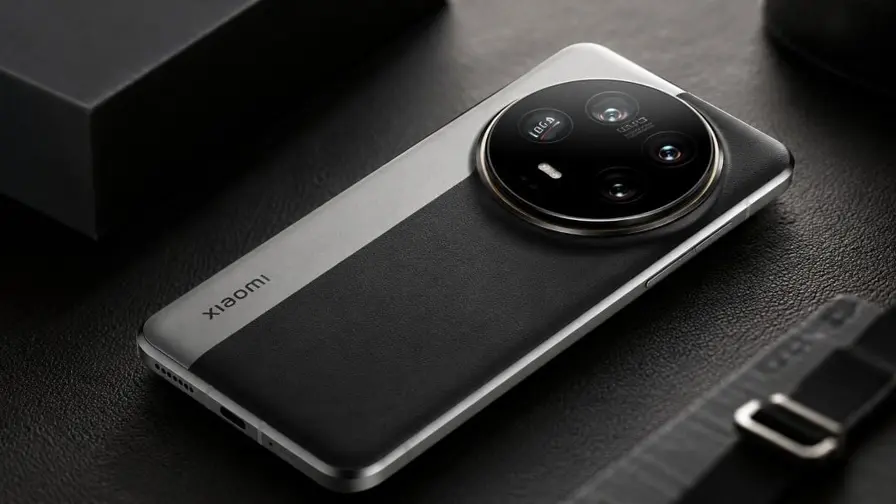
Aside from the newly added phones, Xiaomi has already updated several models to HyperOS 3, including:
- Xiaomi 15 Ultra, Xiaomi 15, Xiaomi 15T, Xiaomi 15T Pro
- Xiaomi Pad 7 and Pad 7 Pro
- Poco F7 Ultra
- Redmi Note 14 series (Pro and Pro Plus 5G)
- Poco X7 Pro and Poco X7
If you own one of the newly supported models, keep an eye on the staged rollout. The wait can be worth it: HyperOS 3 brings fresh visuals, real AI improvements and more flexible cross‑device work patterns — a modern update for people who expect their phones to do more than just ring.






Leave a Comment
Comments
No comments yet. Be the first.