
2 Minutes
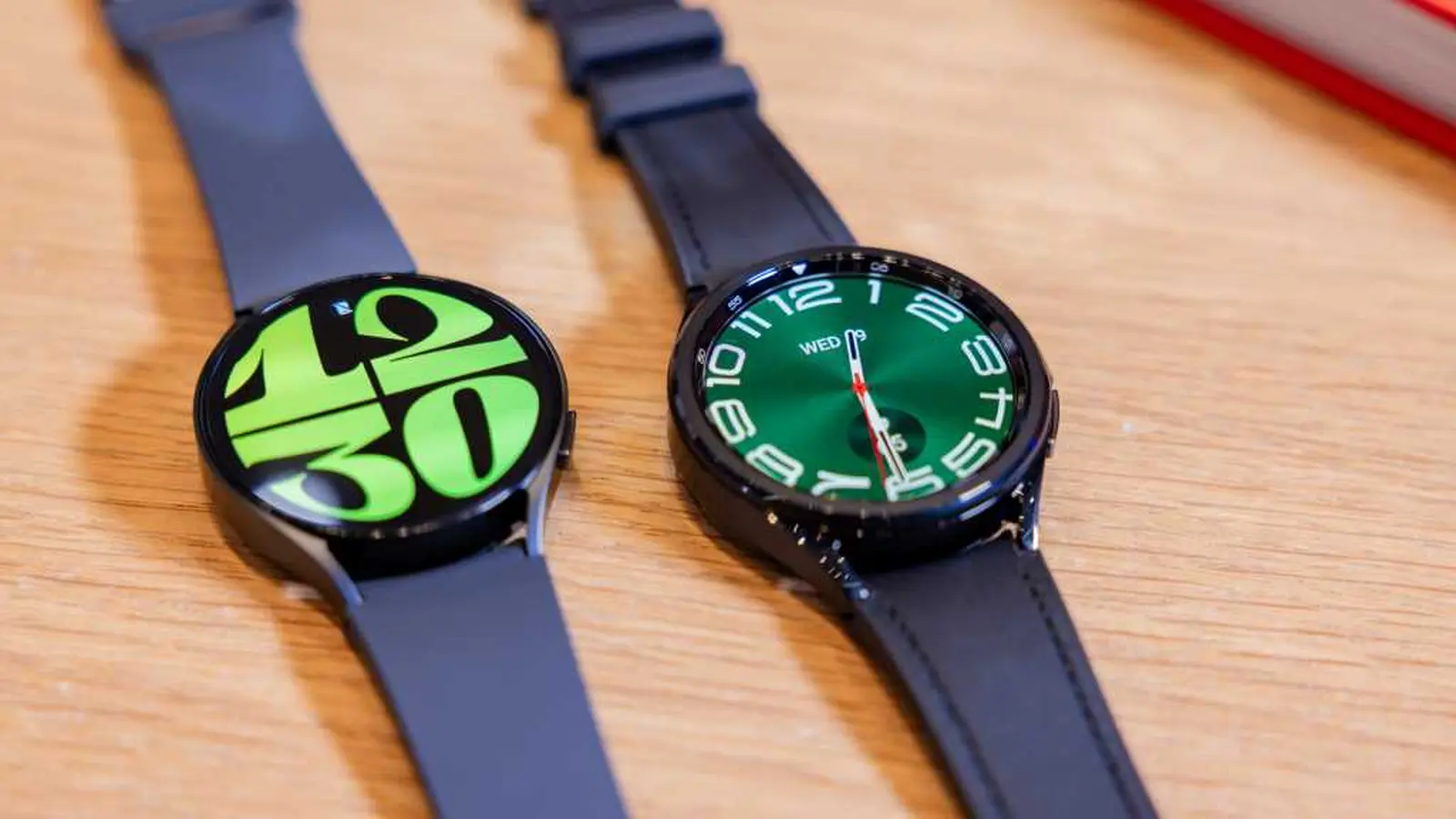
Samsung has begun the official rollout of One UI 8 Watch (Wear OS 6) for the Galaxy Watch 6 and Galaxy Watch 6 Classic. The stable update lands first in South Korea, promising a refreshed interface and a batch of new features for owners ready to upgrade.
Where the update is available right now
The stable build is currently seeding in South Korea with firmware version CYK2. Samsung recently closed the One UI 8 Watch beta in the region, and the move signaled a quick transition to the public release. Expect the update to reach additional markets in the coming days as the company expands the rollout.
How to check for and install the update
Installing the update is straightforward. On your phone, open the Samsung Wearable app and follow this path: Watch settings > Watch software update > Download and install. A few practical tips:
- Make sure your watch and phone are nearby and connected via Bluetooth.
- Charge your watch above 50% or keep it on the charger during the update.
- Updates sometimes roll out in waves — if you don’t see it immediately, check back after a few hours or days.
What One UI 8 Watch brings to your wrist
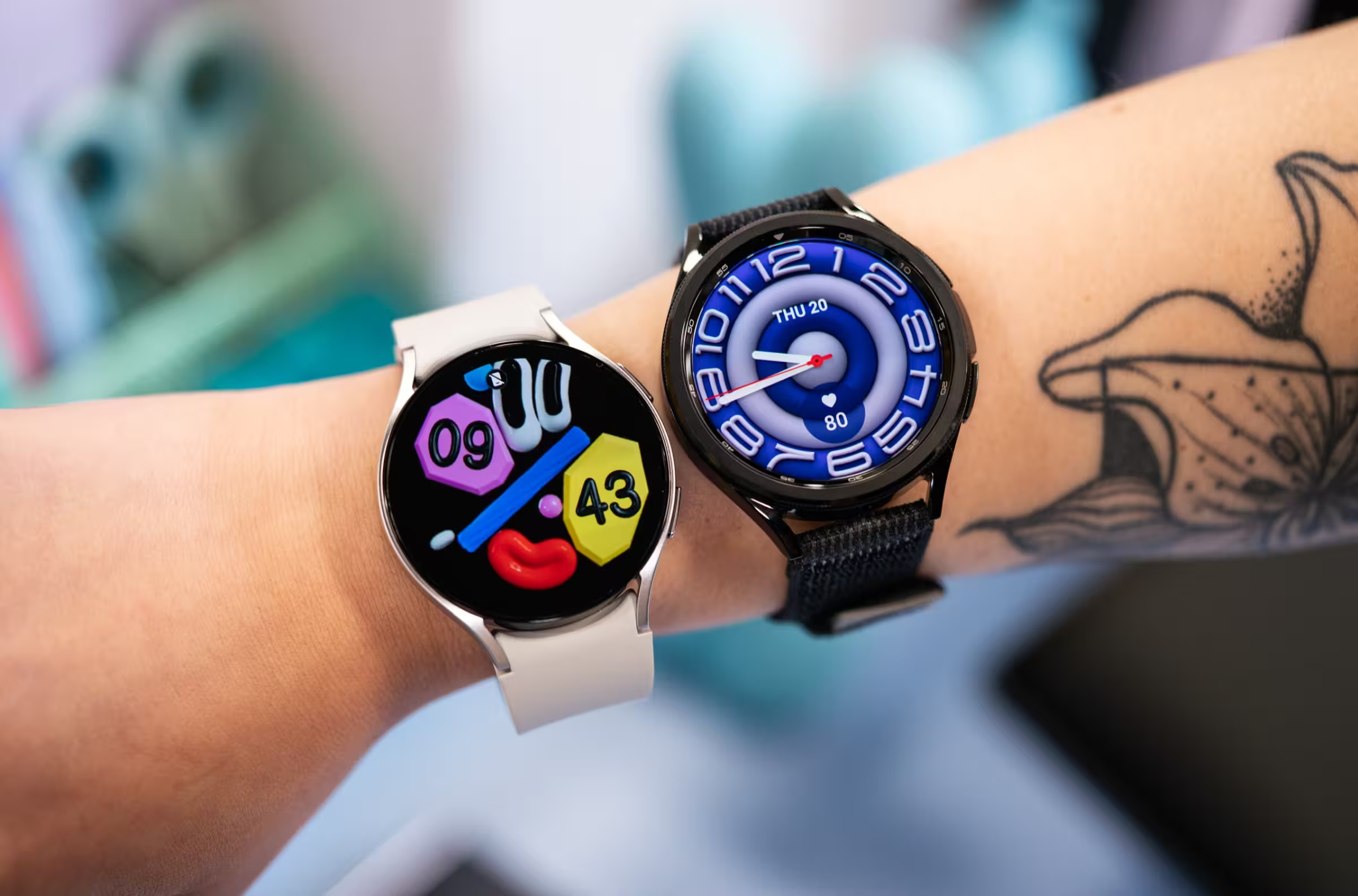
One UI 8 Watch refreshes the visual experience with a redesigned interface and more customization options, giving the Galaxy Watch 6 lineup a noticeably modernized feel. While Samsung’s full changelog varies by region, users can typically expect refinements like updated watch faces, smoother animations, and additional health and usability improvements that breathe new life into the wearable.
Keep an eye on the Wearable app over the next several days if you don’t see the CYK2 update yet — the global rollout is likely to follow South Korea’s lead.




Leave a Comment
Comments
No comments yet. Be the first.