
2 Minutes
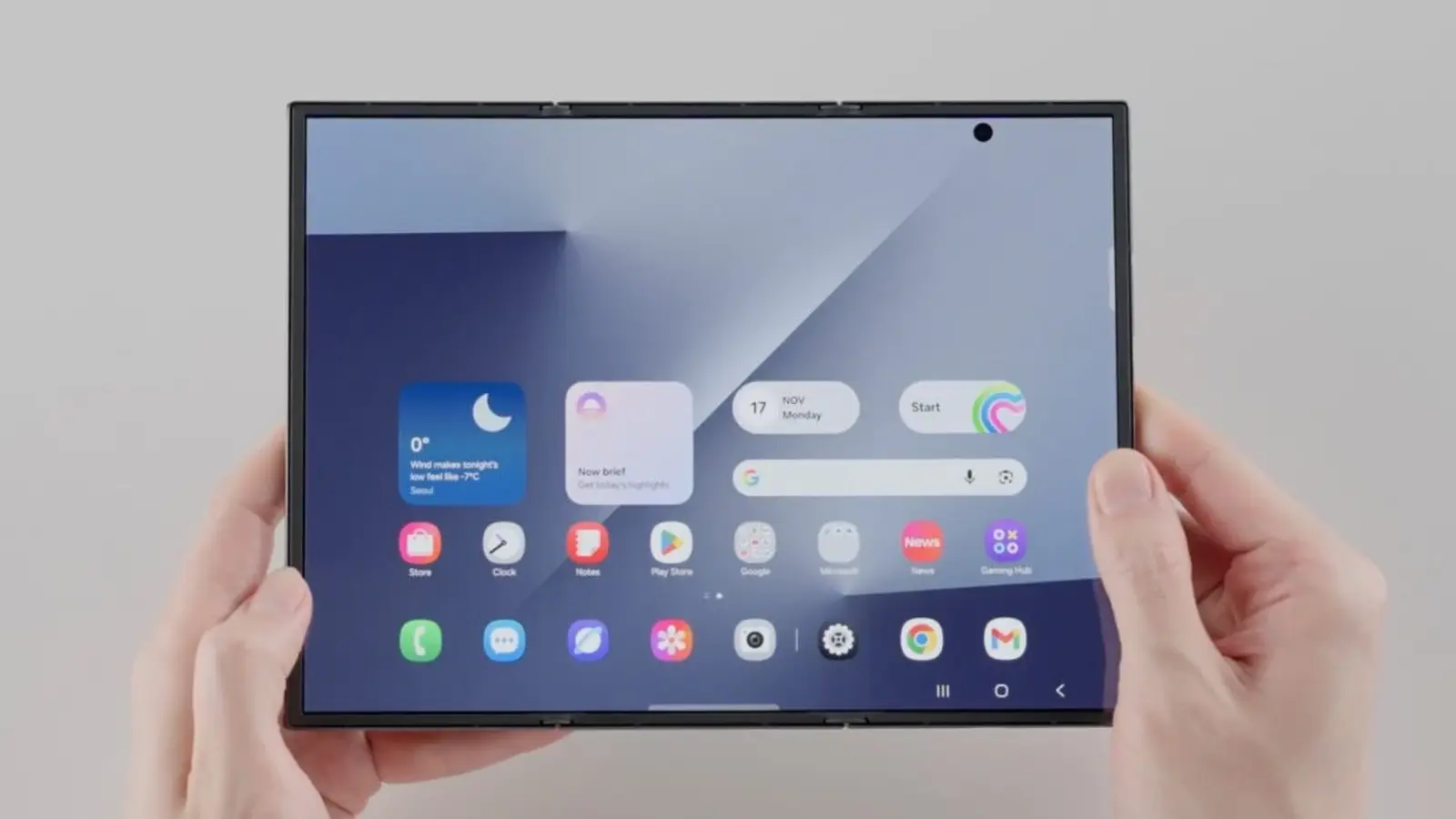
Samsung's Galaxy Z TriFold isn't just a flashy foldable — it's a flexible productivity tool. With a 10‑inch OLED that can behave like a compact phone or a tablet-sized display, the TriFold also doubles as a wireless second monitor for Windows PCs, no cable required.
Turn the TriFold into a PC second display — wirelessly
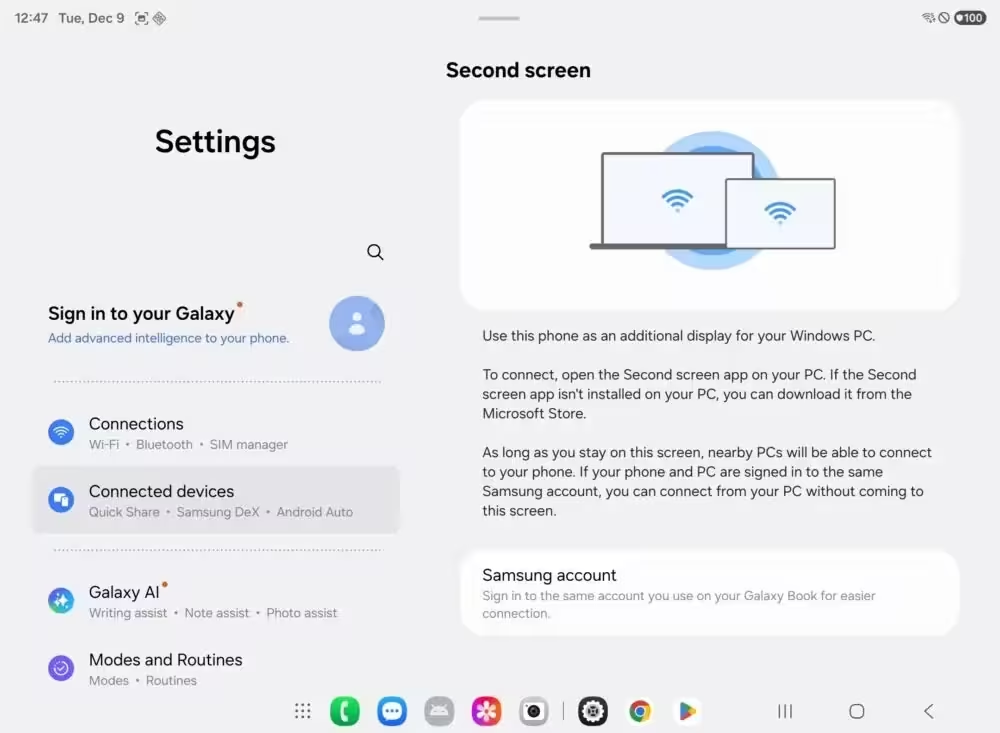
If you need extra screen real estate on the go, the Galaxy Z TriFold supports Miracast-based wireless mirroring through Samsung's Second Screen feature. That means you can extend or mirror your Windows desktop to the TriFold quickly and without messy wires.
How to connect (quick steps)
- On the Galaxy Z TriFold: open Settings > Connected devices > Second screen and enable the feature.
- On Windows: go to Settings > System > Display and choose "Connect to a wireless display" — or press Windows + K to open the Cast menu.
- Pair the devices and choose Extended Mode to use the TriFold as an additional monitor or Mirror Mode to duplicate your screen.
Why this matters for mobile productivity
Think of the TriFold as a portable 10‑inch external monitor that folds into your pocket. Video editors can drag preview windows to the TriFold while keeping their main timeline on the laptop. Writers and researchers can keep reference docs or browser tabs on the TriFold while working on the main screen. No docking station, no extra monitor — just one sleek device doing double duty.
Get more with Samsung's Second Screen app
Installing Samsung's Second Screen app on your Windows machine unlocks extra controls: adjust aspect ratio, enable auto connection, and manage power synchronization so the phone and PC behave predictably. These refinements make the TriFold more than a basic mirror — they turn it into a polished secondary workspace.
DeX, Extended Mode and what’s missing
The TriFold already runs Samsung DeX on its own display, offering a desktop‑like interface when you need it. It also supports an Extended Mode for casting to external monitors and TVs. One convenience missing today: tap‑to‑cast parity similar to the Pixel Tablet experience, which would let Galaxy phones cast media to TriFold or Tab devices with a single tap. It’s a small feature request, but one that would streamline cross‑device workflows.
All told, the Galaxy Z TriFold blends a standout foldable design with genuinely useful PC integration. For power users who juggle apps, previews, and reference material, it’s an elegant way to add a portable second screen without another bulky display.


Leave a Comment
Comments
No comments yet. Be the first.