
2 Minutes
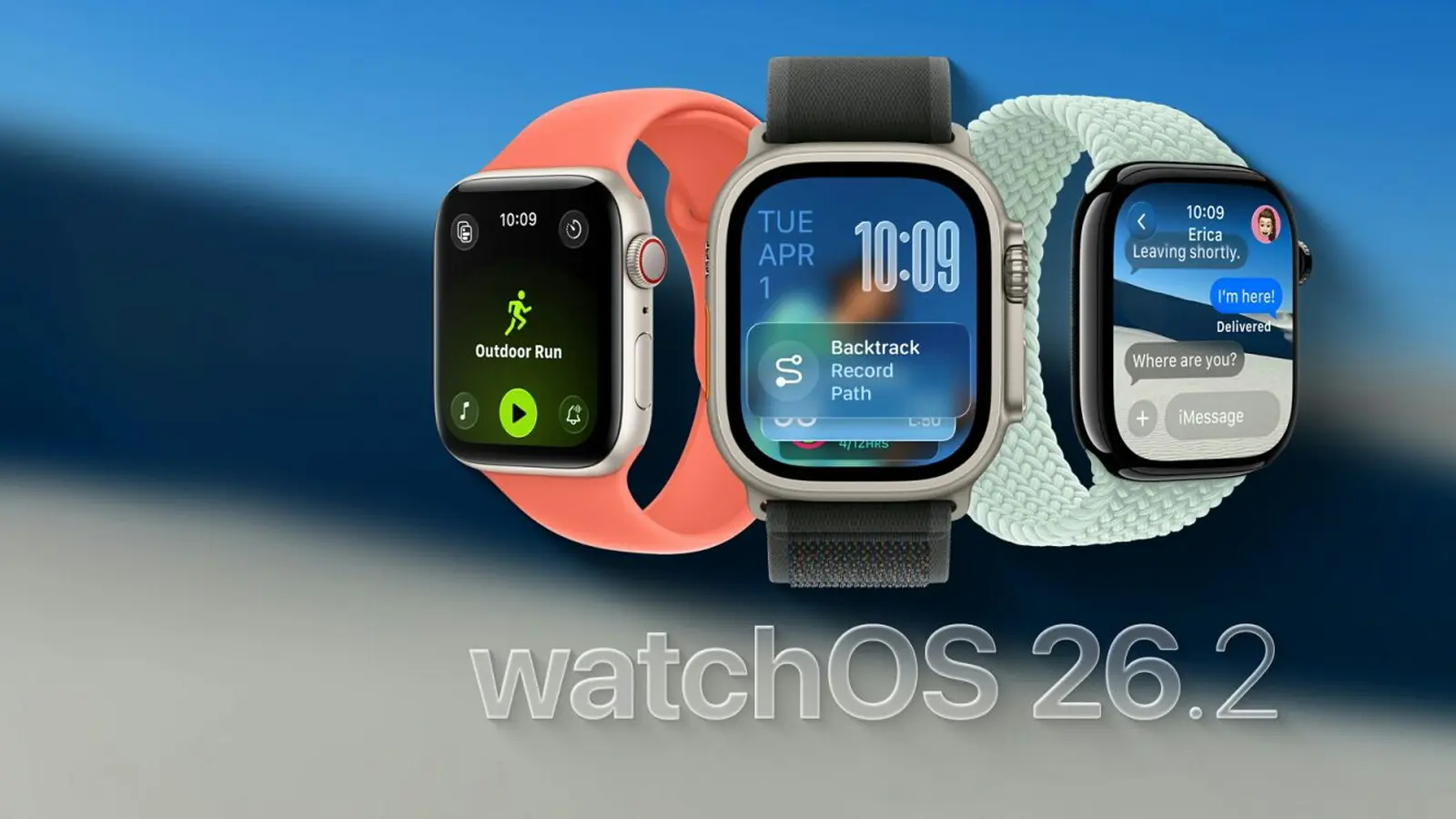
Apple has rolled out watchOS 26.2, a modest but meaningful update that sharpens Sleep Score classifications and brings expanded safety notifications to the Apple Watch. If you track sleep or rely on emergency alerts, there are a few changes worth checking out.
A finer Sleep Score scale — clearer insights at a glance
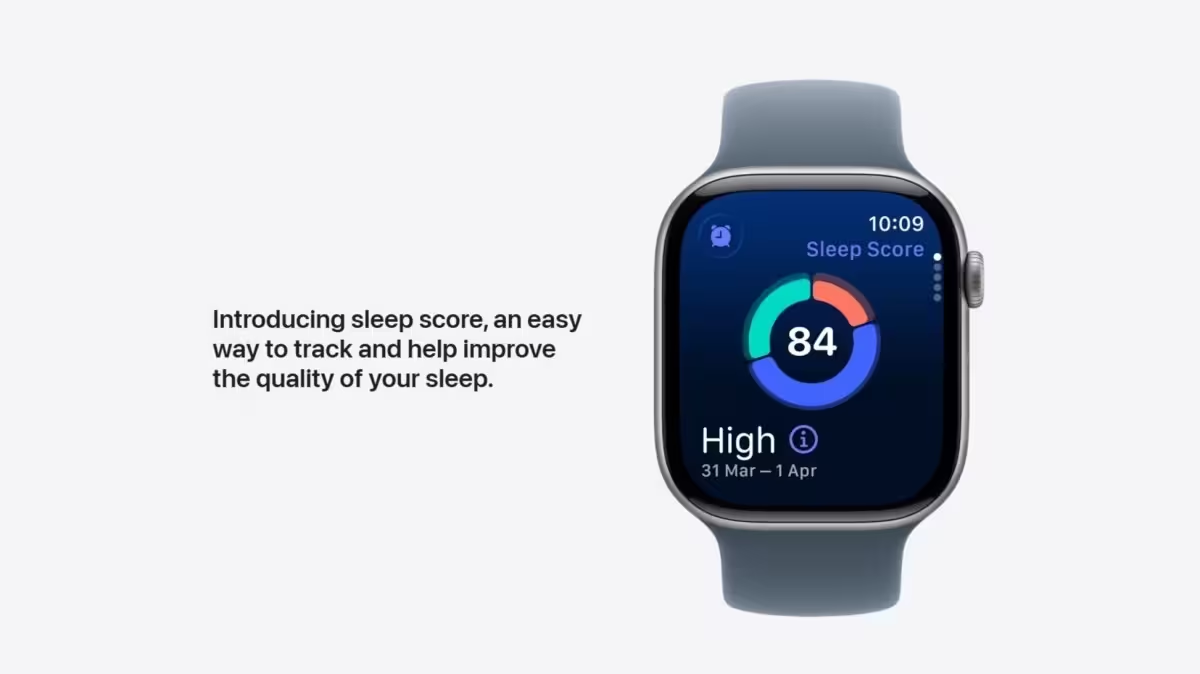
Sleep tracking on the Apple Watch gets more granular. watchOS 26.2 updates the Sleep Score categories and adjusts the score ranges so your nightly rating maps more intuitively to how you actually slept. The new classifications are:
- Very Low: 0–40
- Low: 41–60
- OK: 61–80
- High: 81–95
- Very High: 96–100
Think of this as a cosmetic and UX tweak that makes sleep summaries easier to interpret. For anyone using sleep data to tweak bedtime routines or evaluate lifestyle changes, that clearer labeling can help you spot trends faster.
Enhanced Safety Alerts: richer, map-based emergency info (US only)
watchOS 26.2 introduces “Enhanced Safety Alerts,” delivering more detailed warnings when a threat is imminent — for example, natural disasters, floods, and other serious emergencies. Alerts include helpful extras like a map of affected areas and links to additional safety guidance. At launch, Apple says these enhanced alerts are available only in the United States.
These additions make alerts more actionable. Instead of a simple push notification, you’ll get context and direction—useful when every minute counts.
Bug fixes and practical tweaks
Alongside the new features, the update includes general bug fixes. Notably, Apple patched an issue in the Music app that could prevent playback from advancing to the next track. If you’ve encountered that hiccup, this update should smooth it out.
How to install watchOS 26.2
Installing the update is straightforward, but there are two things to check first: your Apple Watch must be eligible for watchOS 26, and your iPhone needs to be running iOS 26.2.
- Open the Apple Watch app on your paired iPhone.
- Go to General > Software Update.
- Follow the on-screen prompts and keep both devices close during the install.
Once installed, you’ll see the new Sleep Score ranges in the Health and Sleep sections, and Enhanced Safety Alerts will appear where supported.
Small updates like this rarely steal headlines, but they improve everyday reliability and clarity—especially for users who depend on sleep metrics and emergency notifications. Worth the few minutes to update.



Leave a Comment
Comments
No comments yet. Be the first.