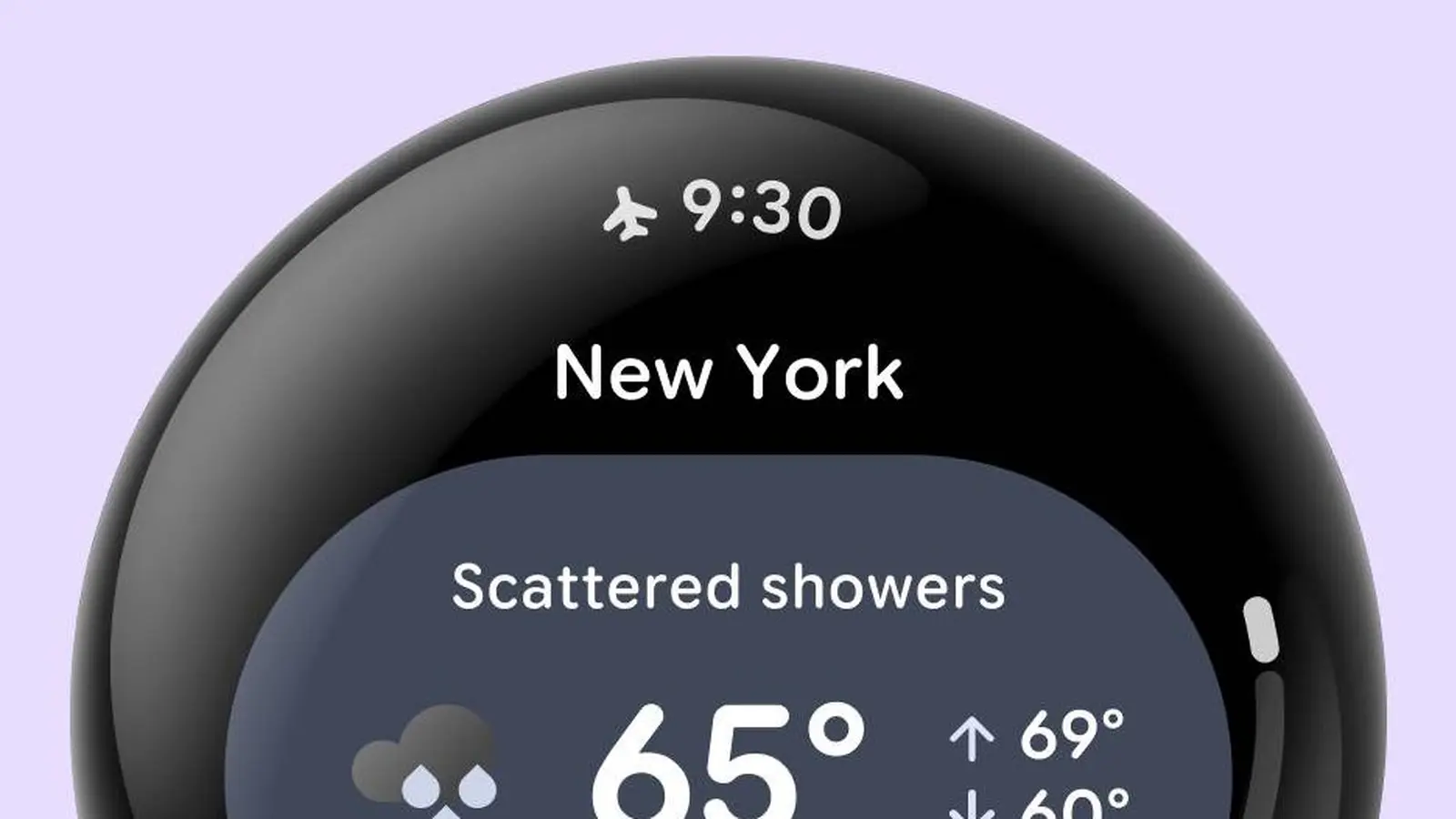
Google is testing a system status bar for Wear OS in the Wear OS 7.1 canary emulator. The bar shows the current time and a single top-priority status icon.
Google included the feature in the Wear OS 7.1 canary build and asked developers to try it and send feedback.
The status bar displays the current time and the most important status indicator; if multiple indicators are active only the top-priority one appears.
The bar hides while users scroll through content and returns after two seconds of inactivity. Full-screen dialogs also hide the status bar, and the interface avoids showing the time twice when the current screen already includes a clock.
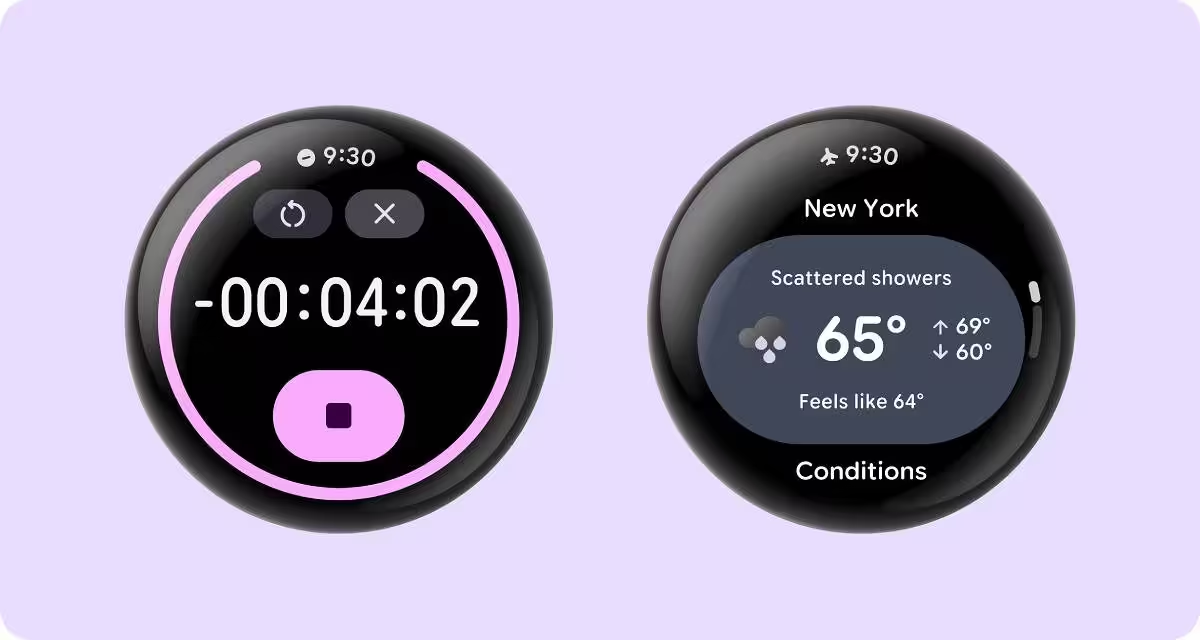
Developers can hide the status bar on specific screens in their apps if they need the extra space.
Google lists three primary benefits: visual consistency with uniform clock typography, placement and backplate across the system and apps; system status indicators such as active microphone and location indicators, connectivity status or battery information, with only one icon shown at a time based on priority; and automatic scroll and transition coordination when paired with Jetpack Compose for Wear OS 1.8, where the bar automatically hides during scrolls and reappears after a two second idle delay.
This is an experiment and is available only in the canary build of the Wear OS 7.1 emulator. It is not available in the standard Wear OS 7.1 emulator and will not ship in the Wear OS 7.1 release for watches.
Google appears to plan to include the feature in Wear OS 8 if developer feedback does not block the change.
Developers can follow the Source link in Google's announcement to learn more about changes to AppScaffold and ScreenScaffold.


Leave a Comment
Comments
No comments yet. Be the first.