
3 Minutes
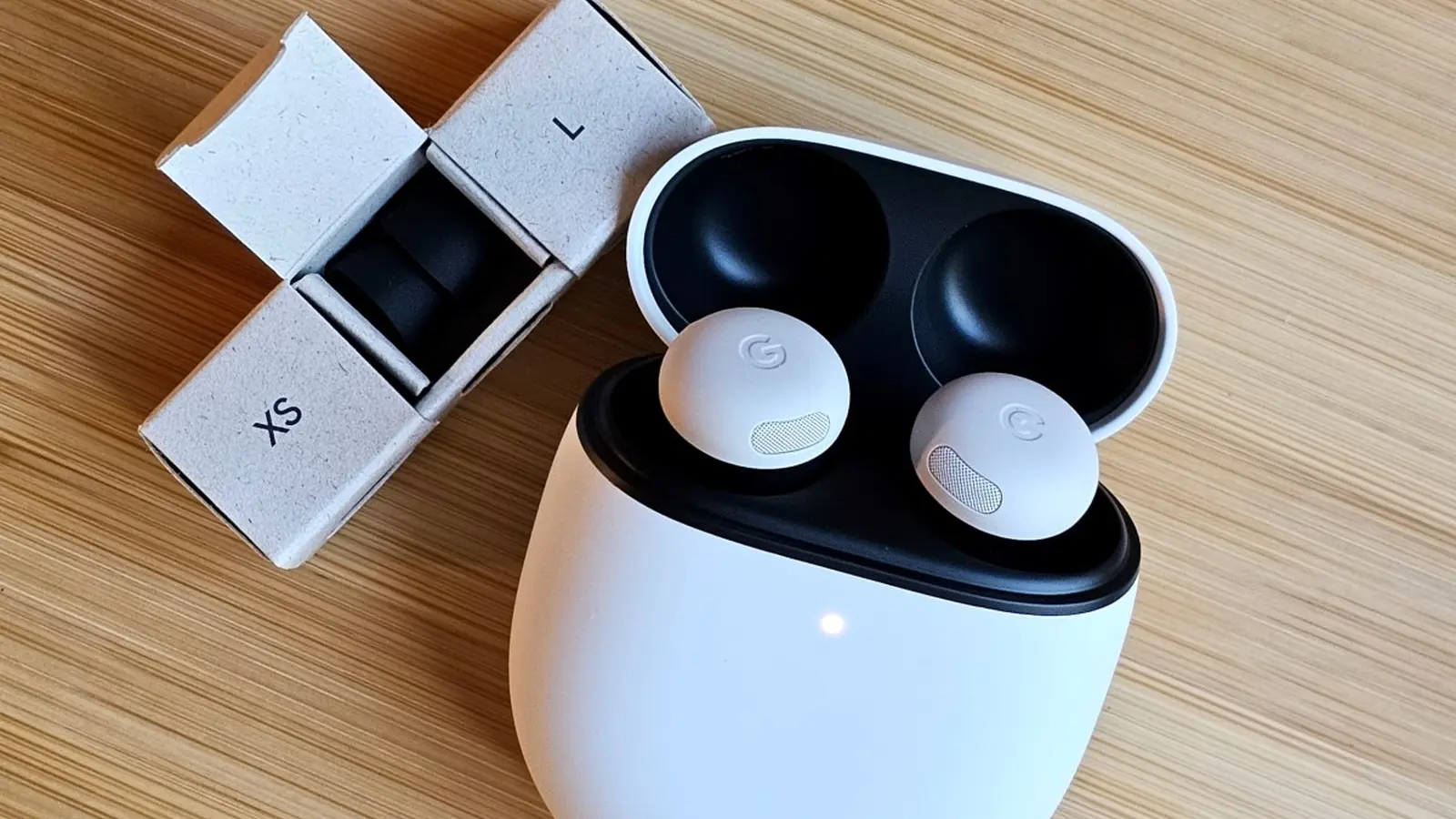
Google has started rolling out firmware version 4.467 for the Pixel Buds Pro 2, bringing Adaptive Audio, sudden-noise protection, and new hands-free controls. The minor update also improves the Gemini Live experience for clearer voice interactions in noisy places.
What’s included in firmware 4.467
The 4.467 update focuses on audio intelligence and usability. Key additions include:
- Adaptive Audio — Automatically balances ambient awareness and noise reduction so you can hear important sounds like traffic or announcements while enjoying music, podcasts, or audiobooks.
- Loud Noise Protection — Detects sudden, very loud sounds (for example, a nearby siren) and reduces their volume to help protect your hearing.
- Head gestures for calls and texts — Use simple head movements to answer, decline, or reply without touching your phone: nod to accept or reply, shake to decline.
- Improved Gemini Live clarity — Enhanced processing prioritizes your voice and filters background chatter so conversations with Gemini Live stay intelligible even in busy environments.
Hands-free controls and real-world benefits
Head-gesture support makes the Pixel Buds Pro 2 feel more convenient during commutes, workouts, or when your hands are full. The gestures are designed for everyday use—nod to pick up a call or to trigger a quick reply, and shake to decline—reducing the need to unlock your phone.
Adaptive Audio and Loud Noise Protection work together: Adaptive Audio keeps you situationally aware, while Loud Noise Protection reacts to sudden spikes in volume to avoid startling your ears. Together they aim to improve both safety and comfort in urban or high-activity settings.
How to download and install the update
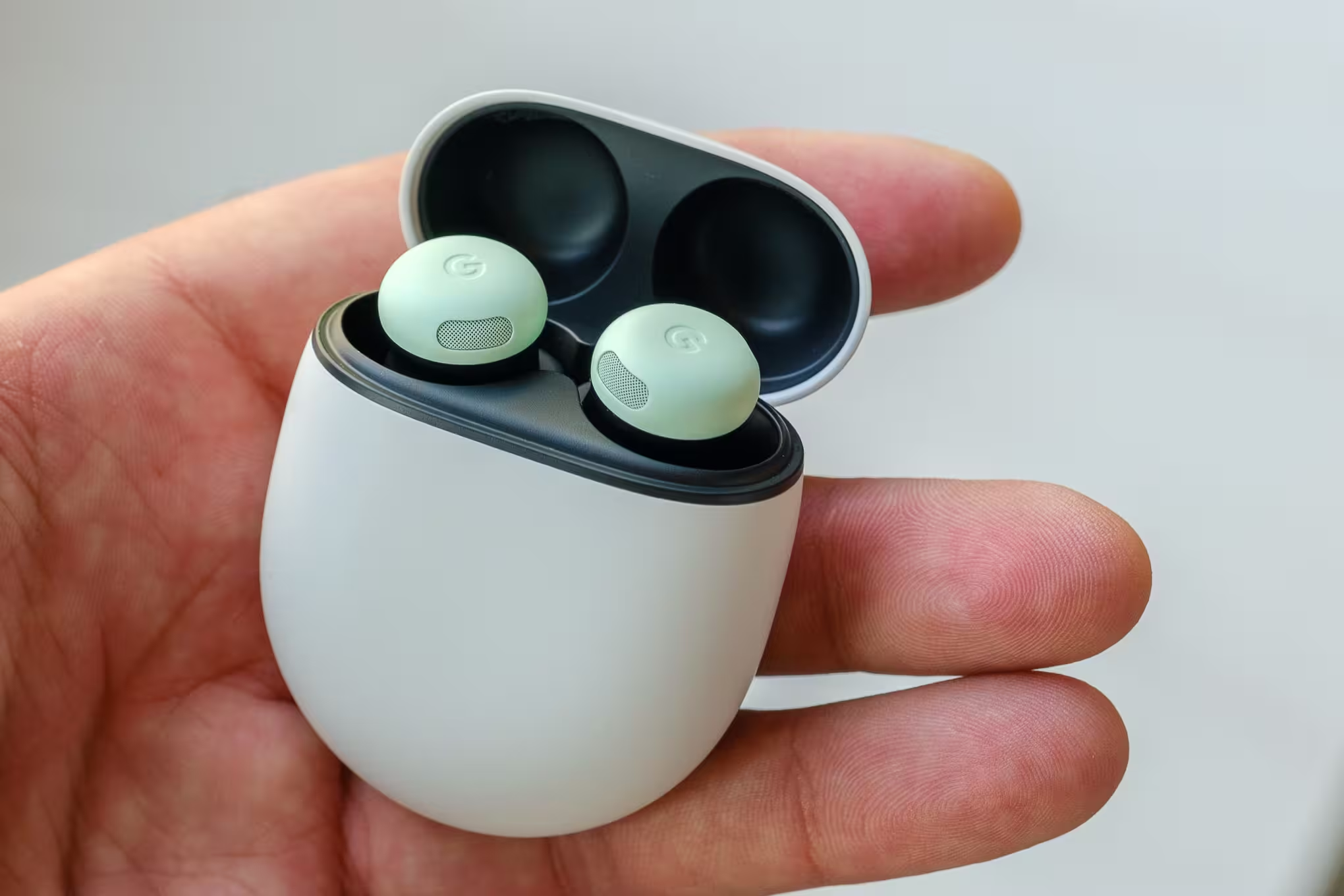
The rollout is gradual and will download automatically when your Pixel Buds Pro 2 are connected to a Pixel phone or any Android device running Android 6.0 or higher. The download normally takes about 10 minutes and you can continue using the Buds while it downloads. Installation occurs the next time you place the Buds in their charging case with sufficient charge; that process also takes roughly 10 minutes.
If automatic updates are disabled or the update doesn't appear, you can install it manually:
- Place the Pixel Buds Pro 2 in their charging case.
- Open the Google Pixel Buds app on your Android device.
- Go to More settings > Firmware update and tap "Manual update available."
- Follow the on-screen steps—the manual process may take about 15 minutes.
You can also use the web companion at mypixelbuds.google.com to check for and apply the latest firmware if you prefer a browser-based option.
Conclusion
This 4.467 firmware refresh refines the Pixel Buds Pro 2 experience with smarter audio behavior and improved hands-free interactions. If you own the Buds, watch for the automatic download or follow the manual update steps to get Adaptive Audio, Loud Noise Protection, and the enhanced Gemini Live performance.




.webp "Redmi 17C 5G: 6.9-inch Screen and 6,000mAh Power Lands")

Leave a Comment
Comments
No comments yet. Be the first.