
3 Minutes
Google has begun rolling out Gemini for Home in the United States, but the rollout is gated behind an early access program. If you want to test Google’s new home AI on compatible devices, there are a few setup steps and important trade-offs to understand first.
How to request early access (step-by-step)
Joining the early access pool isn’t automatic. To request access to Gemini for Home, follow these steps carefully:
- Open Google Groups settings and go to Global Settings — make sure "Add me to their groups" is checked.
- Open the Google Home app and tap your profile picture or initials.
- Select Home settings, then look for the Early access option and tap to request access.
After submitting the request, approval isn’t guaranteed. If Google grants access, Gemini for Home will be activated on your compatible smart home devices.
What changes when Gemini replaces Google Assistant?
Here’s the big catch: enabling Gemini for Home replaces Google Assistant on supported devices. That switch is one-way — once you accept Gemini, you can’t revert back to Google Assistant. So think it through before you flip the toggle.
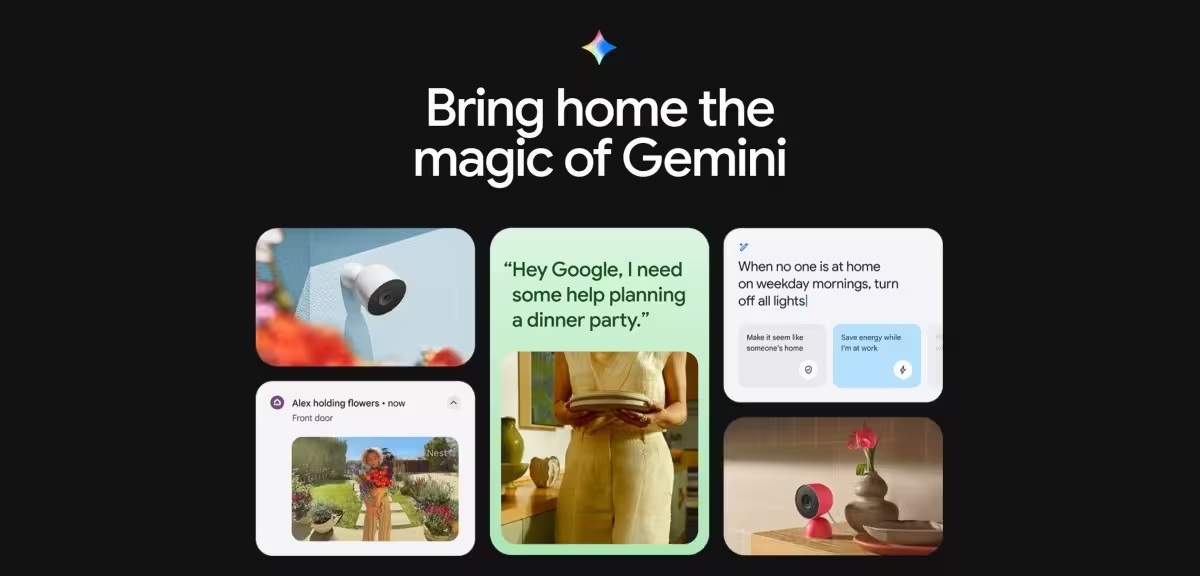
Expect a different voice experience focused on generative AI-driven interactions and new features that tie into Google’s broader Gemini model. But that comes with tighter integration and some new limitations tied to subscription features.
Which features require a paid subscription?
Not everything in Gemini for Home is free. Two notable features require a Google Home Premium subscription:
- Gemini Live — enhanced live AI capabilities for real-time interactions.
- Camera history search — the ability to search your home camera history with Gemini for Home.
So even if you get early access, some of the more advanced perks will cost extra.
Is Gemini for Home right for you?
Imagine asking your home AI to summarize a day’s worth of security footage or to provide a creative, context-aware response to a household query. For early adopters and smart home enthusiasts, that’s exciting. For users who rely on specific Google Assistant routines or want the ability to revert, the irreversible swap may be a deal-breaker.
If you value cutting-edge AI features and don’t mind paying for premium add-ons, Gemini for Home could be worth testing. If you prefer stability and full control over voice assistant choice, you may want to wait until Google expands availability and clarifies long-term device support.
Quick checklist before you opt in
- Confirm your device is listed as compatible with Gemini for Home.
- Back up important Assistant routines or settings you might lose.
- Decide whether you’ll need Gemini Live or camera history search — plan for the subscription cost.
Google’s early access rollout for Gemini for Home is a deliberate, measured step toward bringing generative AI deeper into our living rooms. Proceed with curiosity — but also with caution.











Leave a Comment
Comments
No comments yet. Be the first.