
3 Minutes
Microsoft’s December 2025 cumulative update for Windows 11 — KB5072033 — was intended to improve security and reliability, but many users say their PCs are now feeling slower. Reports point to increased CPU, memory and disk use after installing the patch on versions 24H2 and 25H2.
What changed and why users noticed it
The heart of the problem is a subtle change to the AppX Deployment Service (AppXSVC), the background service that installs and updates built-in Microsoft Store apps like Calculator and Photos. Before the patch, AppXSVC typically used a "Manual" start mode and only launched when needed. The December update flipped that behavior to an "Automatic" startup, so the service now launches at boot and may stay active or repeatedly restart in the background.
That switch has pushed some systems — especially lower-powered machines — to higher CPU, memory and disk usage. AppXSVC-related performance complaints aren’t new, but users say the update made the symptoms more visible and frequent.
Why IT teams are especially frustrated
In managed environments, the new start/stop behavior can rattle monitoring systems. Tools like Zabbix may see repeated AppXSVC activity as crashes or errors, generating a flood of alerts. One IT administrator reported having to suppress alerts manually to regain visibility of genuine incidents.
Workarounds, risks and Microsoft’s take
Microsoft acknowledged the change in a support note, saying the Automatic startup was intended to improve reliability "in certain isolated scenarios." The company also warned that disabling AppXSVC could prevent Microsoft Store app updates from working correctly.
- Some power users are tweaking service settings or editing the registry to restore the old Manual start behavior, but Microsoft advises against this because it can break app updates.
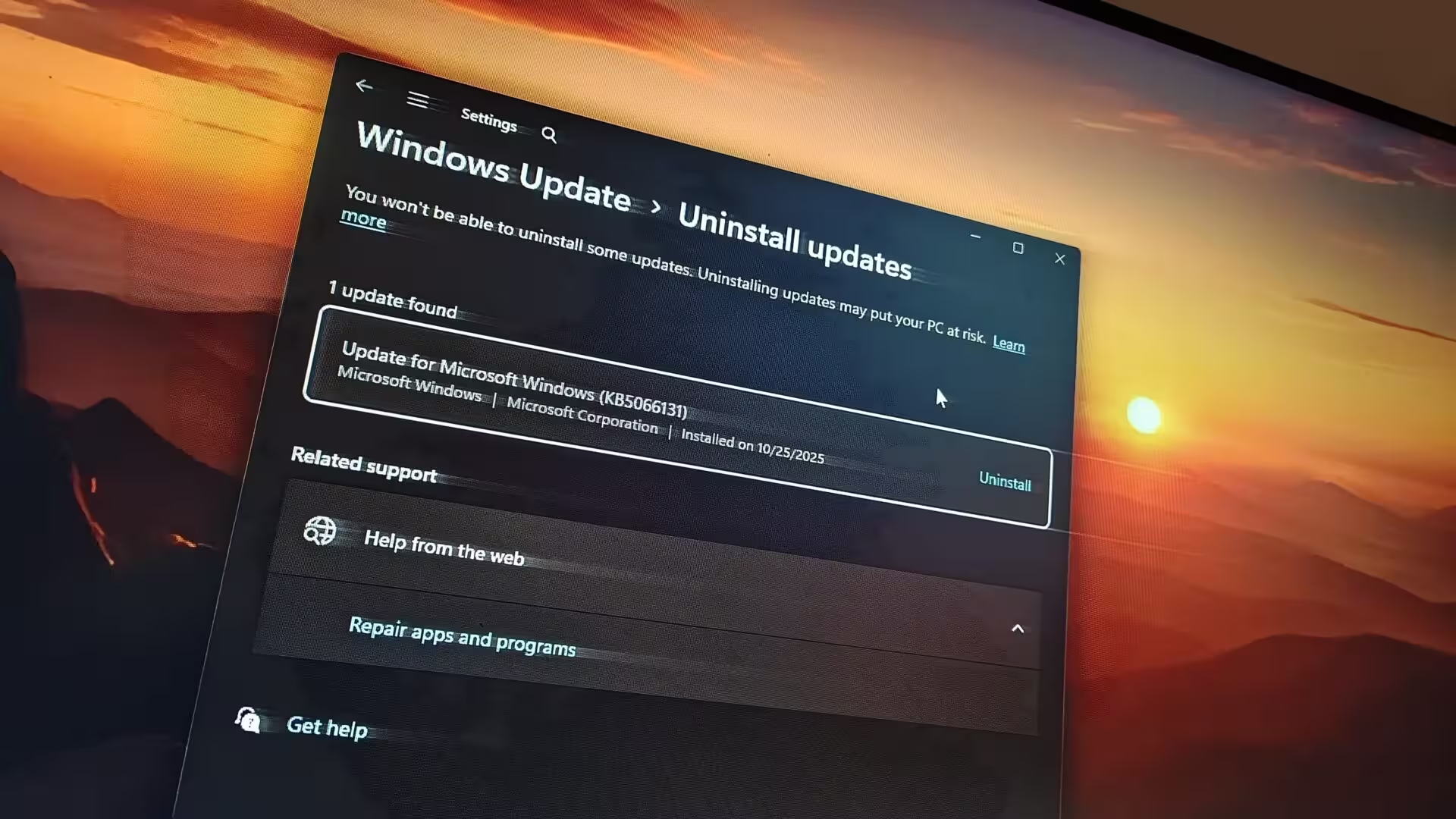
- Others are monitoring resource use and rolling back the update in managed environments until a fix is provided.
- For IT teams, filtering or tuning monitoring alerts temporarily can reduce noise while administrators investigate.
What to watch for and next steps
If your PC feels sluggish after the December patch, check Task Manager for AppXSVC activity and monitor CPU, memory and disk spikes. If you manage multiple systems, test the update on a subset of machines before broad deployment. Keep an eye on Microsoft support channels for patches or guidance; the company has explained the intent behind the change but hasn’t recommended a safe, permanent workaround that restores the old behavior.
Ultimately, users are balancing a potential reliability improvement against a tangible performance hit. For now, cautious testing and careful monitoring remain the best path forward.














Leave a Comment
Comments
No comments yet. Be the first.