
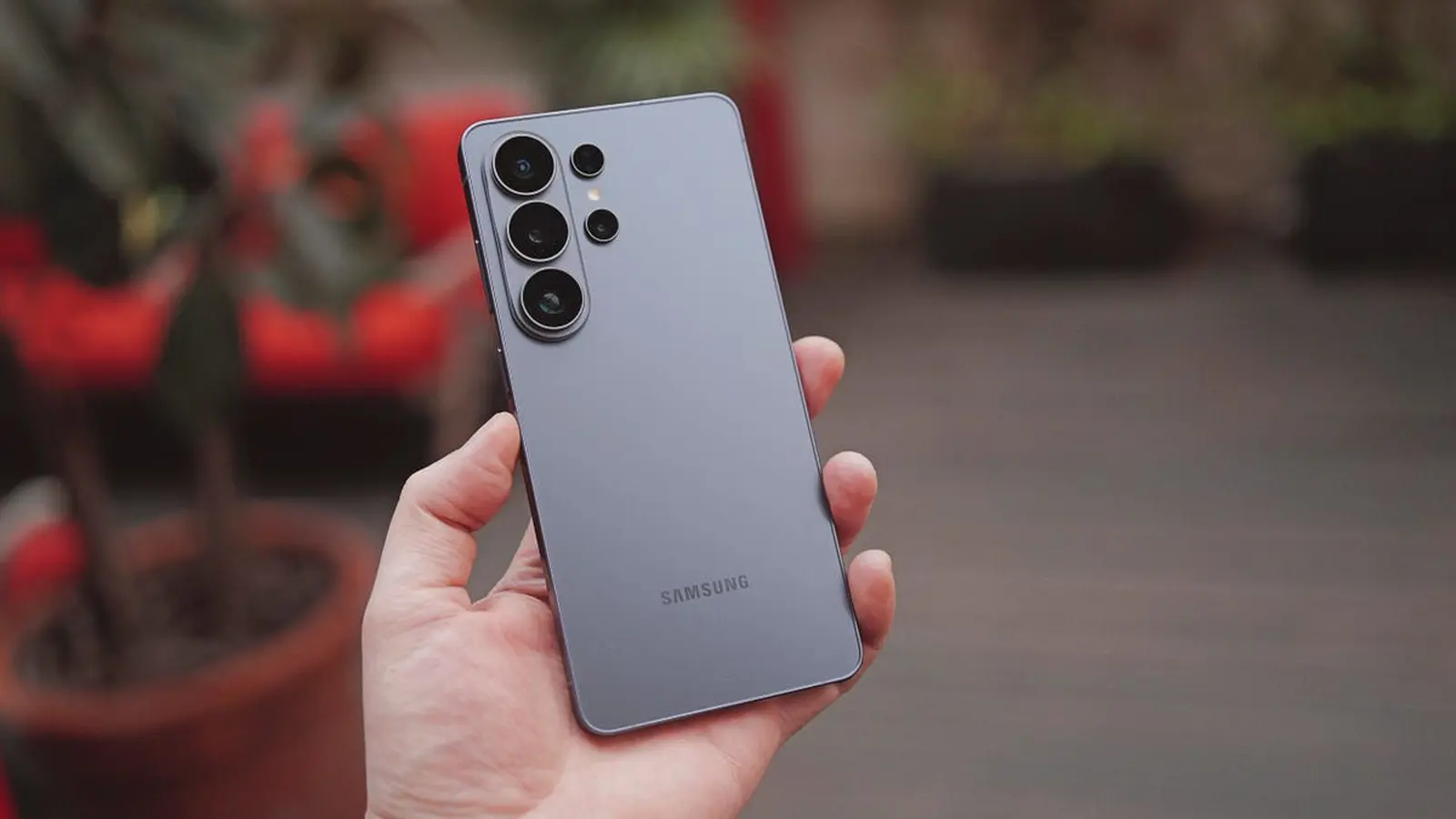
If your S26 felt like it needed a spring cleaning, Samsung just handed it a toolkit. The company has started rolling out the third One UI 9 beta for the Galaxy S26 family — a roughly 1.7GB download that focuses squarely on smoothing out rough edges rather than adding flashy features.
The update targets the Galaxy S26, S26+, and S26 Ultra and is currently arriving in select markets including India, South Korea, Poland and the UK. South Korea units carry firmware S948NKSU3ZZF7; builds for other regions are appearing as S94xBXXU3ZZF7. If those strings look cryptic, think of them as the version stamps that tell Samsung and carriers which fixes you just received.
What’s actually different this time? The changelog reads like a little mercy mission for everyday annoyances: privacy display glitches when enabling routines or toggling the Quick Panel have been corrected, and a camera preview cropping bug under certain conditions is gone. Lock screen widgets such as weather and battery now refresh properly. Lens users should notice improved focus at 30x zoom. Pen users get a fix so the home screen swipes left and right again. My Files no longer refuses to scroll to the end. A handful of intermittent problems — a white background during incoming calls, a one-off reboot while streaming video, and a black backdrop when pulling down the status bar — have been patched as well.

These are small fixes, but they add up. A camera preview that behaves, a stable streaming session, reliable widgets — those are the tiny frustrations that reshape a device from 'good' to simply dependable. Why does that matter? Because once you stop thinking about your phone’s quirks, you can actually use it.
If you’re enrolled in Samsung’s One UI 9 beta, check Settings > Software update to pull the build manually. If you don’t see it yet, be patient: staged rollouts can take days as carriers and regional servers sync the release.
Expect more refinements as the beta cycle continues — and for anyone watching the S26’s path to a public Android 17 release, these incremental patches are the clearest sign that Samsung is chasing stability over headline features. Keep an eye on your update menu; the difference between a jittery phone and a smooth one can be a single download away.


Leave a Comment
Comments
No comments yet. Be the first.