
2 Minutes
Curious about Samsung's Galaxy AI but don't own a Galaxy device? You don't have to wait. Samsung's Try Galaxy web simulator lets anyone test One UI 8 and the latest Galaxy AI features from any phone—no app store visit required.
Take One UI 8 and Galaxy AI for a test drive
Samsung updated its Try Galaxy experience to showcase One UI 8 and the software found on its newest flagships. The interactive web app simulates popular devices like the Galaxy Z Fold 7, Galaxy Z Flip 7 and the Galaxy S25 series, so you can peek at the interface and features as if you were holding the hardware.
It’s not limited to phones either. Try Galaxy also demonstrates parts of Samsung’s wearable ecosystem, including the Galaxy Watch 8 lineup, Galaxy Buds 3 and the Galaxy Ring—handy if you want to see how the whole ecosystem works together before committing.
What Galaxy AI features can you test?
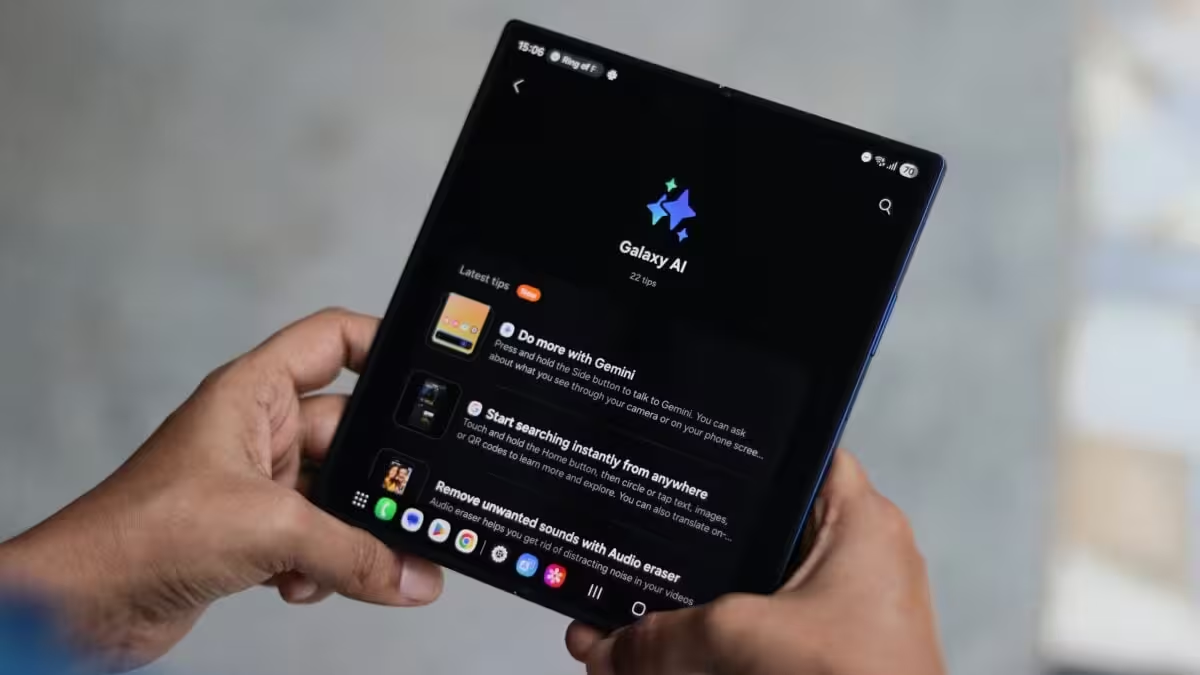
Wondering what’s inside the Galaxy AI suite? The Try Galaxy simulator gives you hands-on access to many headline features, such as:
- Photo Assist — smart photo edits and suggestions
- Audio Eraser — remove unwanted sounds from recordings
- Now Brief — concise AI summaries for quick reading
- Instant Slow‑mo — create dramatic slow-motion clips in a snap
- Gemini Live — live AI enhancements for streaming and calls
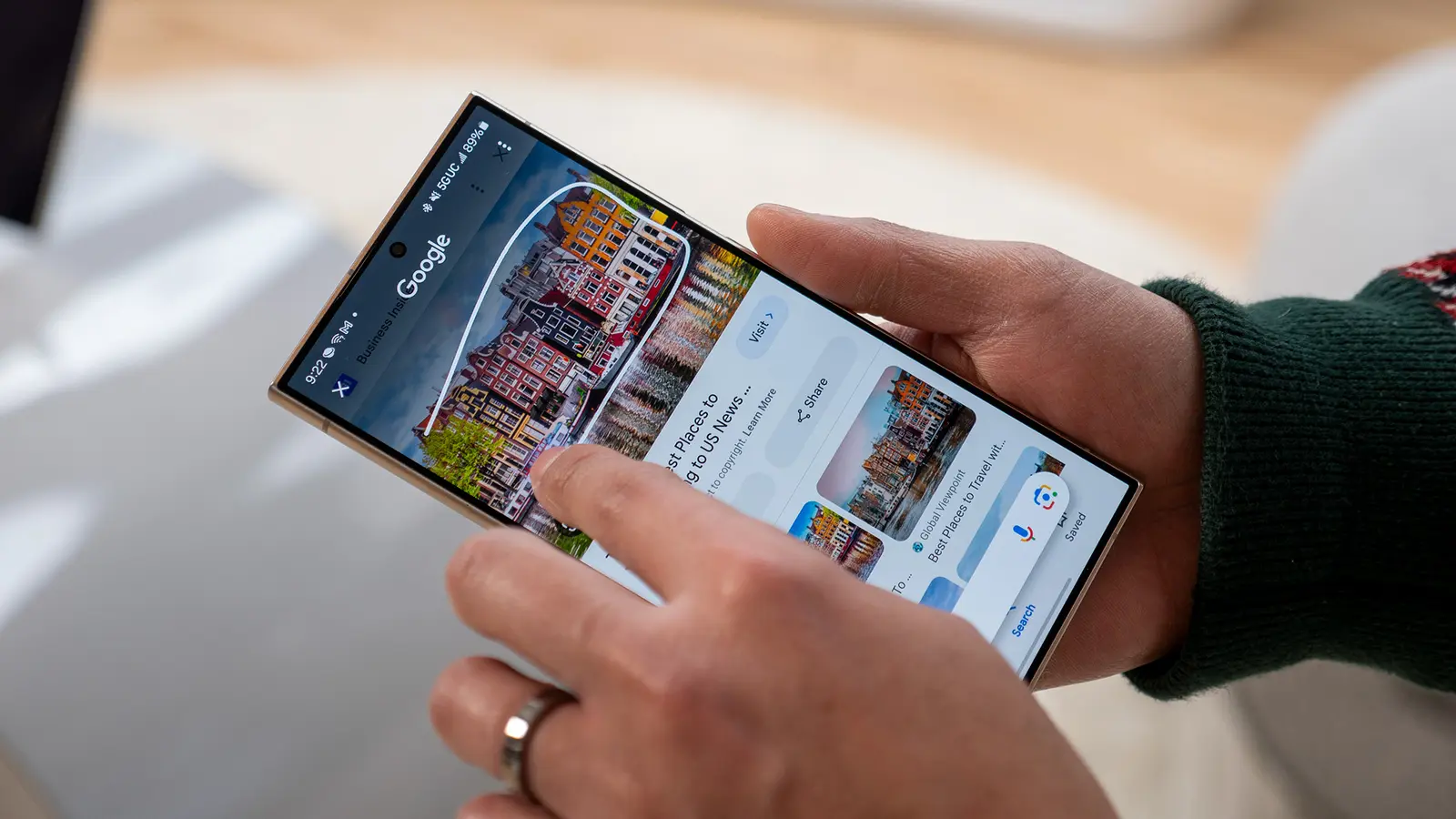
- Circle to Search — visual search shortcuts built into the UI
On top of those, you’ll experience the visual and usability upgrades that come with One UI 8—layout tweaks, navigation improvements and more intuitive controls.
No downloads. Just open your browser.
The best part: Try Galaxy is web-based. Open your phone browser and go to trygalaxy.com. The simulator runs on both Android and iOS, so you can explore the One UI 8 demo and Galaxy AI tools without installing anything or owning a Samsung phone.
Perks while you explore
As you navigate the simulator you may encounter exclusive promotions or trade-in offers available in your region. That means you can not only test the features but potentially unlock deals on the latest Galaxy hardware while deciding whether to buy.
Want a quick test? Head to trygalaxy.com, play with the Galaxy AI demos and see whether One UI 8 and Samsung’s AI enhancements are worth the upgrade for you.






Leave a Comment
Comments
No comments yet. Be the first.