

2 Minutes
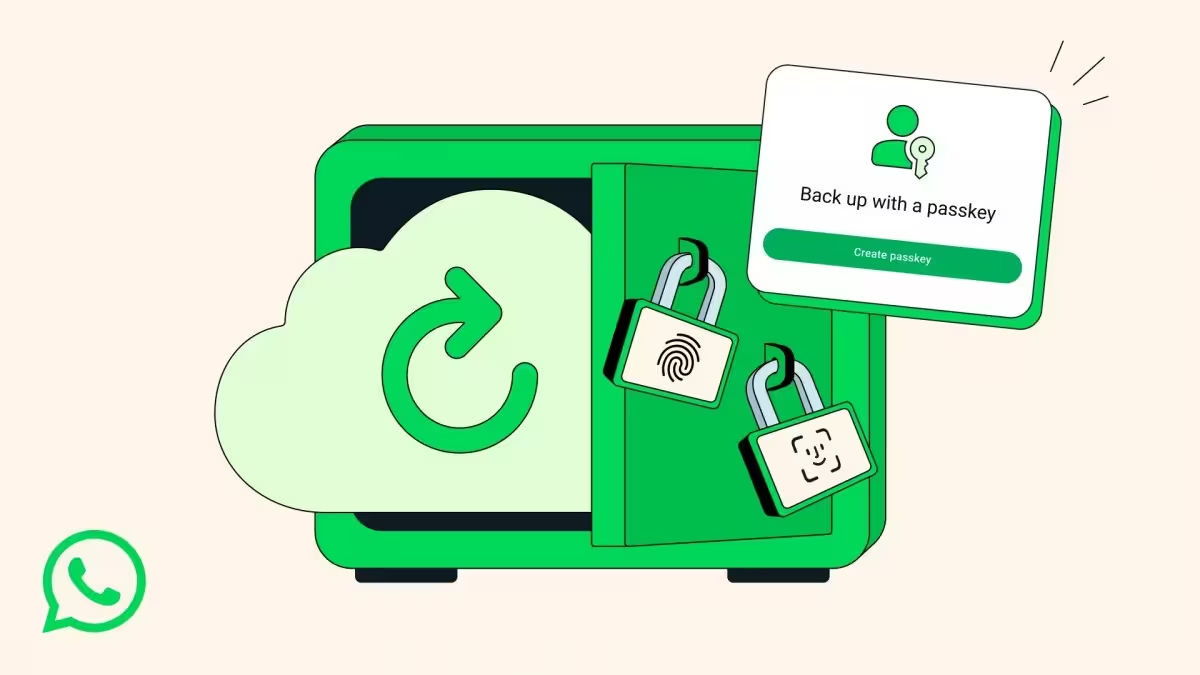
WhatsApp has started rolling out passkey-encrypted backups, letting users secure their chat history with a fingerprint, Face ID, or screen lock code instead of memorizing a password or storing a long encryption key. The change aims to bring the same ease and protection you get when unlocking the app to your stored backups.
What’s different — security that’s simple to use
Until now, encrypting WhatsApp backups required a password or a cumbersome 64-digit encryption key. With passkeys, the company says a tap or a glance applies the same end-to-end protection that secures your chats and calls to your backups. That means your messages remain private and accessible — without the stress of remembering a complex key.
How to enable passkey-encrypted backups
When the feature shows up for your account, enabling it is straightforward. Open WhatsApp and follow these steps:
- Go to Settings > Chats > Chat backup.
- Select End-to-end encrypted backup.
- Choose the passkey option and confirm with your fingerprint, Face ID, or device screen lock.
That’s it — your future backups will be encrypted using the passkey method tied to your device authentication.
Availability and practical notes
WhatsApp says the feature will roll out gradually "over the coming weeks and months." Expect a staged release across Android and iOS, so it may take time before everyone sees the option. Passkeys simplify security, but remember they’re tied to your device’s authentication: if you switch phones, follow WhatsApp’s guidance for restoring encrypted backups.
Why this matters
Passkeys reduce friction and the risk of losing backup access because of a forgotten password or misplaced 64-digit key. For everyday users who want strong privacy without extra hassle, this is a meaningful upgrade. And for security-conscious readers, it’s a welcome blend of modern authentication and end-to-end encryption.
Have you enabled passkey backups yet? If it’s not available on your device, keep an eye on app updates — the rollout is gradual, but the change is coming.


.webp "Redmi 17C 5G: 6.9-inch Screen and 6,000mAh Power Lands")
Leave a Comment
Comments
No comments yet. Be the first.