
3 Minutes
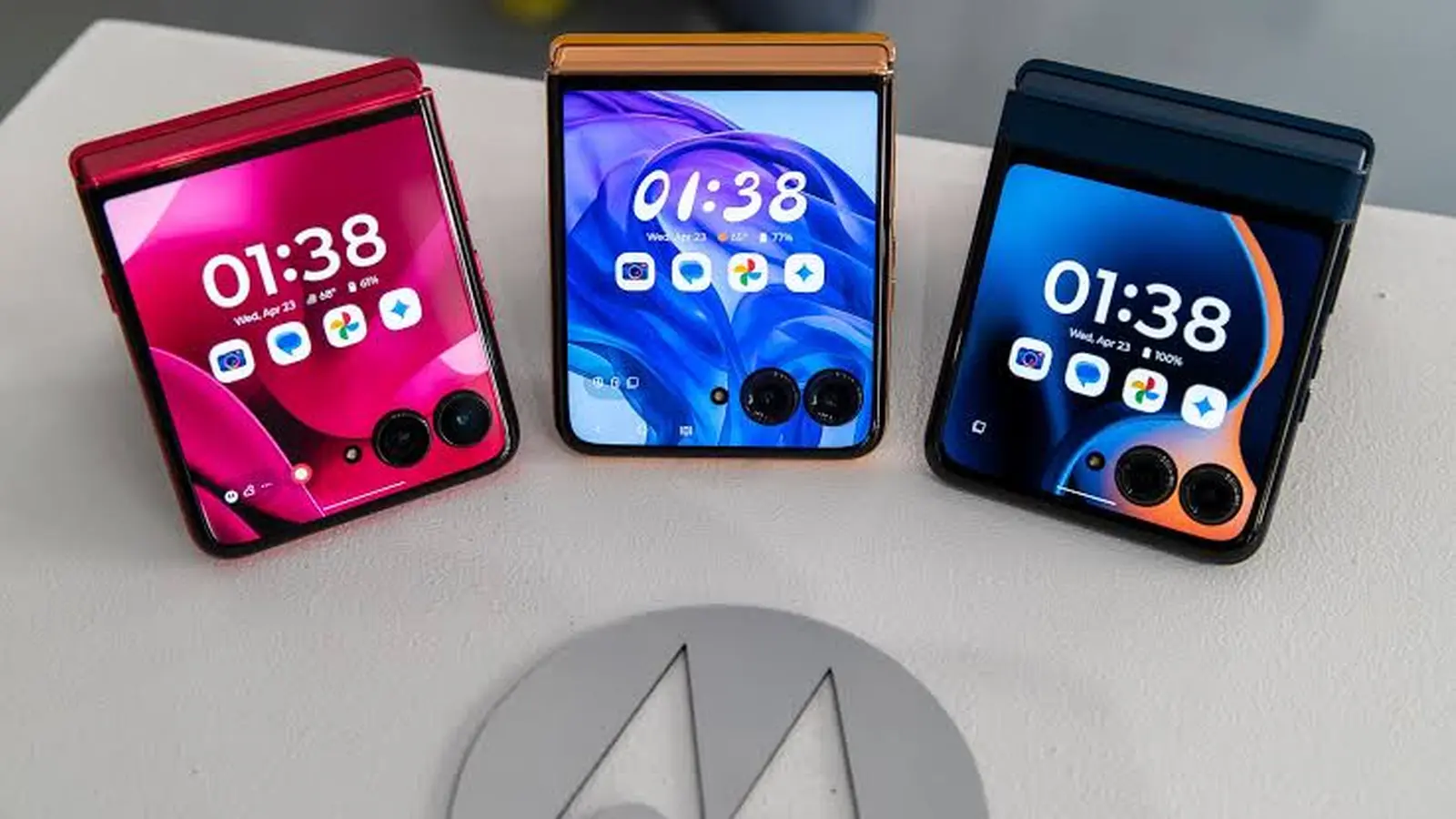
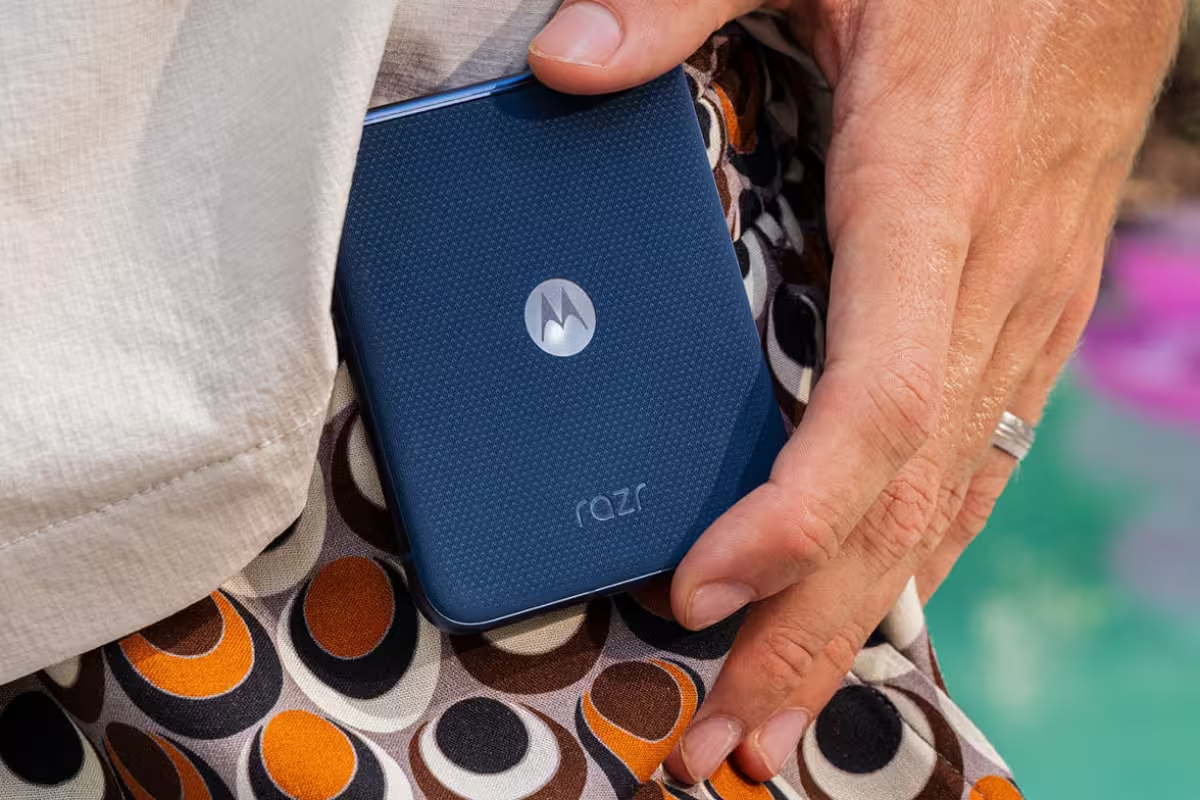
Motorola has begun rolling out Android 16 to the Razr 2025 foldable (sold as Razr 60 in some markets). Early reports from India show the update arriving now, with a phased rollout expected to reach North America and other regions soon.
A closer look at the rollout: who gets it first?
The new firmware carries the version W1UC36H.96-24-4 and has already been spotted on devices in India, where the Razr 2025 is marketed as the Razr 60. Motorola hasn’t posted an official global schedule, so expect the update to emerge in waves — some users may see it within days, others might wait a few weeks.
What’s in the download and how big is it?
The Android 16 package for Razr 2025 is substantial: about 2.26GB. That makes a Wi-Fi connection the sensible choice for downloading. If you haven’t received a notification yet, manually check: Settings > System updates > Check for updates.
Key improvements and features you’ll notice
This release focuses on system refinements, accessibility gains, and small but meaningful convenience features. Highlights include:
- Centralized Modes: Do Not Disturb, Bedtime, and Driving modes are now grouped in Settings > Modes. You can create custom modes to control who and what apps can interrupt you, and toggle them directly from Quick Settings.
- One-tap Wi‑Fi & hotspot pairing: If your phone and the device you want to join the hotspot share the same Google account, you can connect without entering a password — handy for family devices or second phones.
- Better hearing-aid support: Low-energy audio hearing aids get improved handling: choose between the hearing aid’s microphone or your phone’s mic during calls, and adjust the amount of ambient sound the aid captures for clearer conversations in noisy places.
- Security, compatibility and stability: Android 16 brings enhanced protections against emerging threats, improved app compatibility for newer apps, general performance optimizations, and numerous bug fixes aimed at smoother, more reliable daily use.
How to prepare for a smooth upgrade
Upgrading a foldable device is straightforward but worth a little prep. Follow these steps:
- Connect to a stable Wi‑Fi network before downloading the 2.26GB package.
- Charge your phone to at least 50% or plug it in during installation.
- Free up storage if space is low so the installer can unpack and complete the upgrade.
- Back up important data to your cloud account or locally, just in case.
Still not showing the update?
Remember: rollouts are phased. If you’re patient you’ll get Android 16 soon. Meanwhile, you can try a manual check (Settings > System updates > Check for updates) or follow threads from other Razr users in communities like Reddit to see when peers in your region receive it.
Have you already updated your Razr 2025? Notice anything new or different in daily use? Share your experience — these small reports help others decide when to install large OS upgrades.


Leave a Comment
Comments
No comments yet. Be the first.