
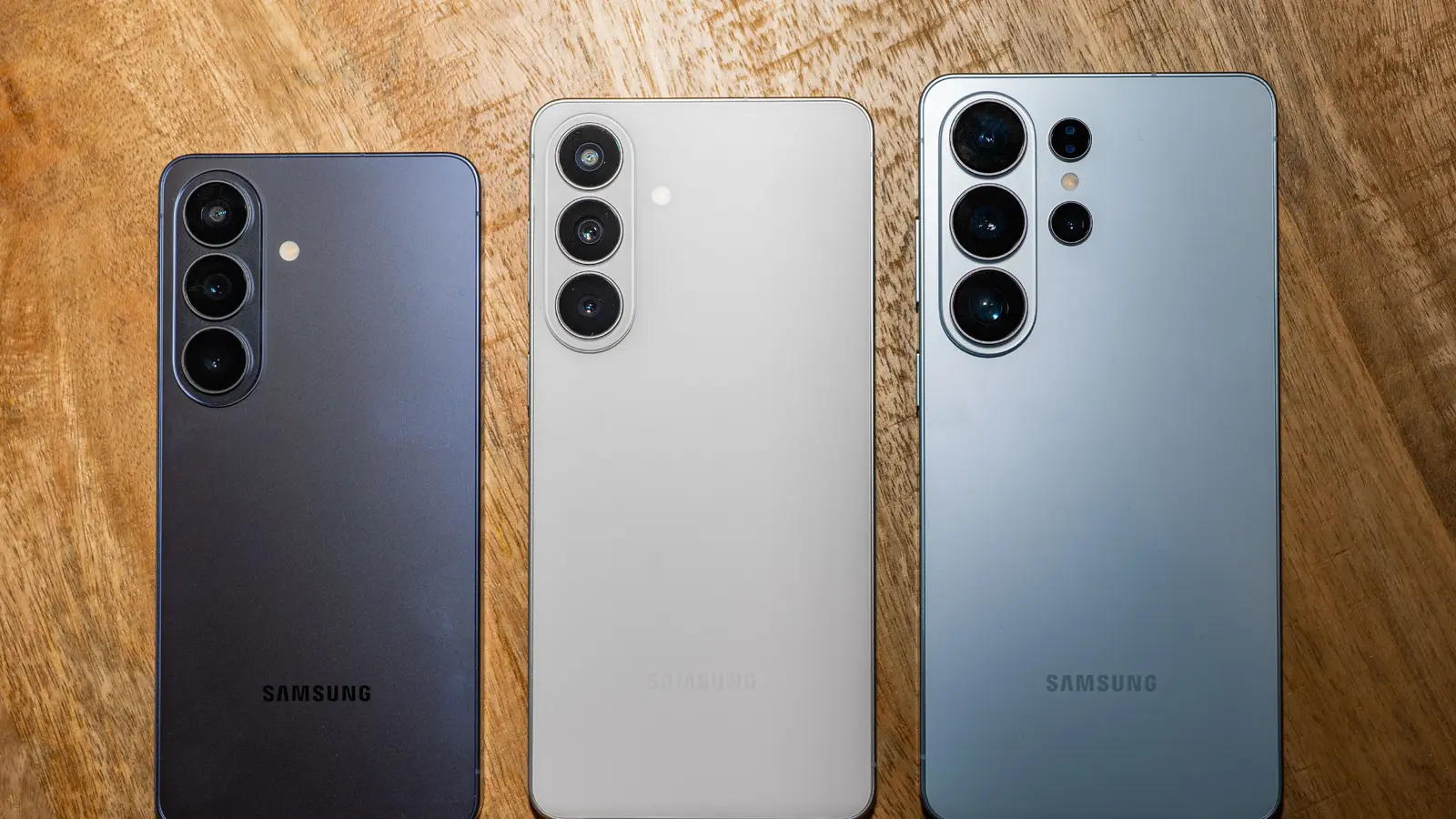
Samsung just pushed another One UI 9 beta to the Galaxy S26 lineup, and this one brings a handful of practical fixes alongside a tiny but thoughtful tweak to how AI tools behave on your phone. If you’ve been juggling beta builds, this is the update you’ll want to install sooner rather than later.
The download weighs in at about 851MB and carries the August 5, 2026 security patch. It’s rolling out now in Germany, India, Poland, the UK and Korea, with a U.S. appearance expected soon for enrolled beta testers. Once installed, your handset will show build ZZHE.
What’s fixed? A few annoyances that actually affect day-to-day use. Display glitches tied to the Now Brief widget and home screen have been addressed. Camera users will appreciate a repair for photo-saving problems when shooting with Expert RAW at 24MP on certain focal lengths. There’s also a patch for a camera widget quirk that sometimes interfered with quick access.
 |
The update also introduces a small but smart option in Settings > Display > Edge panels: a toggle labeled “Touch and hold for AI select.” Turn it on and a long-press on the Edge panel peek window launches AI Select. Turn it off and long-pressing does nothing—handy if you’ve been triggering AI features by accident. You can still keep AI Select as a shortcut on the Edge panel and use it from there, so Samsung hasn’t taken functionality away; it’s simply given users more control.
AI Select is Samsung’s evolution of Smart Select. Think of it as a Swiss Army knife for screen captures: select any portion of the display to pull editable text, snip a clip and convert it into an animated GIF, or send an image straight into Generative Edit or Drawing Assist. If you’re picturing Google’s Circle to Search, you’re on the right track—Samsung has built a more integrated, edit-focused spin on that concept.
It’s not a headline-grabbing makeover. But these smaller refinements—bug fixes, a security patch, and a deliberate nudge toward more sensible AI interactions—add up. For anyone testing One UI 9, this beta tightens the experience and reduces the little frictions that make daily use annoying. Watch your update prompt; you might enjoy the smoother ride.


Leave a Comment
Comments
No comments yet. Be the first.