
2 Minutes
Ever tried watching a livestream in a noisy café and wished you could mute the world? Samsung quietly turned that wish into reality.
Audio Eraser first turned heads when it debuted in One UI 7.0 on the Galaxy S25 lineage as an AI-powered fixer for video clips stored in Gallery. Tap the AI button and unwanted background sounds—traffic, chatter, a barking dog—could be stripped from recorded footage. Practical. Useful. Hidden in plain sight.
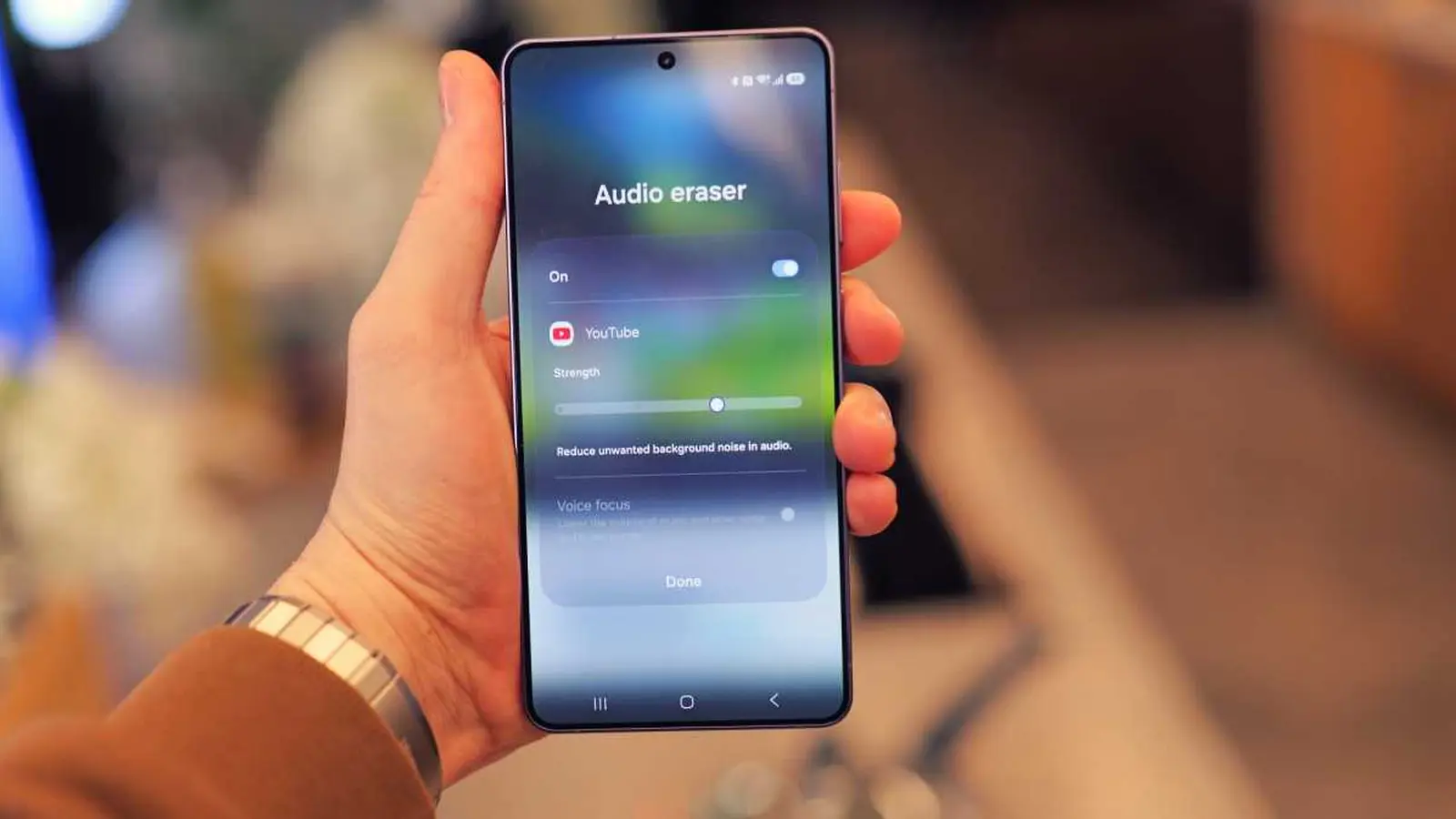
Fast-forward to One UI 8.5 and the Galaxy S26 family, and the feature has broken out of the Gallery cage. It now works on live streams inside third-party apps—YouTube, Netflix, Instagram, and more. Any live feed, Samsung claims. That’s a shift in both scope and intent. Audio Eraser is no longer a post-editing trick; it’s a live viewing tool you can flip on while content plays.
Using it is almost annoyingly simple. Swipe down the status bar during a livestream and hit the Audio Eraser toggle in the quick panel. No app jumping. No stopping the stream. It behaves a lot like Live Captions in terms of accessibility and convenience—fast to enable, fast to forget about because it just works.
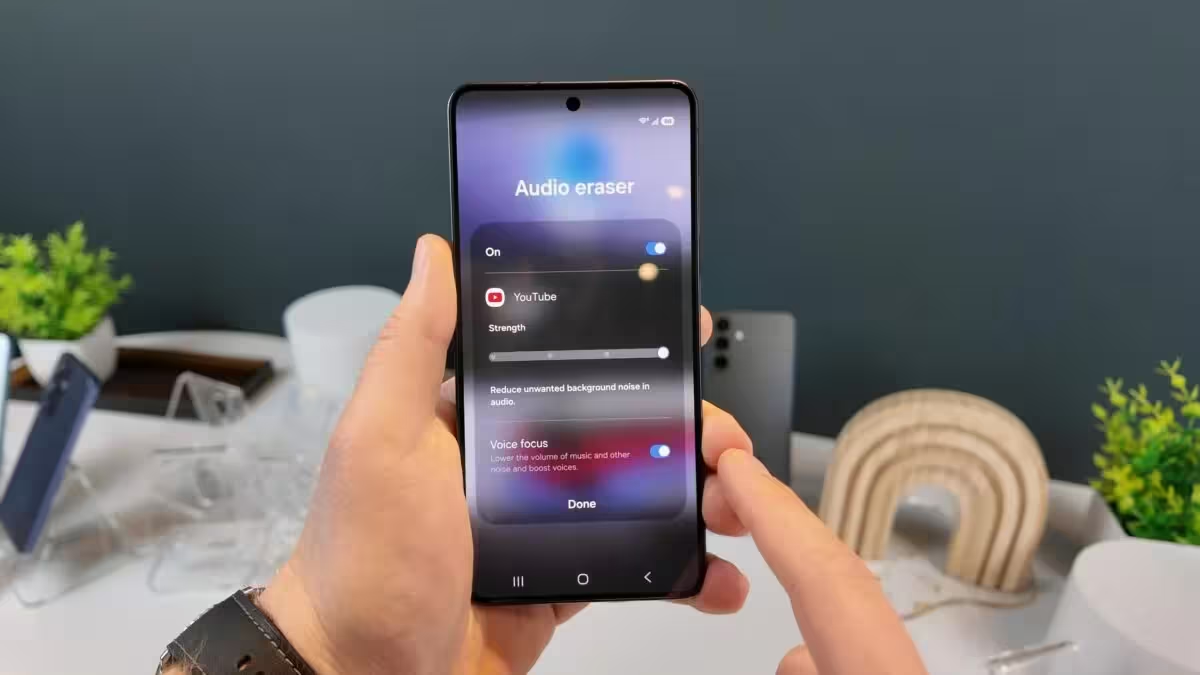
This update reframes Audio Eraser from an editor’s tool into a day-to-day feature for casual viewers and commuters.
There was some early confusion over hardware limits. Initially, Audio Eraser’s advanced capabilities were linked to Qualcomm’s Snapdragon 8 Elite. But Samsung has been pushing the feature through One UI updates to other devices, including Exynos-based models. Practically speaking, that means the S26 and S26+ will run on the Exynos 2600 in most markets and the Snapdragon 8 Elite 5 in others, while the S26 Ultra ships with the Snapdragon chip globally. Either way, the improved Audio Eraser is available across the lineup via software, not only on one silicon variant.
Why this matters beyond convenience is worth a moment of thought. Media consumption habits have shifted toward live and ephemeral content. People watch streams in noisy places, on commutes, or while multitasking. A toggle that cleans audio on the fly reduces friction and makes content more accessible without demanding technical know-how from the viewer.
Expect more of these quiet, smart upgrades—features that you don’t announce with a trumpet but notice the first time they save you from a chaotic background and a missed punchline.


Leave a Comment
Comments
No comments yet. Be the first.