

Android devices have, by default, been attaching the SIM card phone number to every Google account signed in on the device since September 2025, including work and secondary accounts, according to Google support documentation. Google has not explained why the number is being added to all accounts.
An Android Authority review found that Google support pages were updated between August and October 2025 to indicate that phone-number verification is enabled by default. The Google Play services changelog dated 8 September 2025 also notes that the verification runs automatically during device setup. Many users only became aware of the change after receiving emails from [email protected] informing them that their number had been verified.
How the automatic linking works and its limits
Per Google’s support page, the mechanism covers both numbers already on the device and numbers added later. If a user adds a new Google account to the phone, the device’s SIM number will be added to that account. Likewise, swapping the SIM card causes the new number to be added to every Google account signed in on the device.
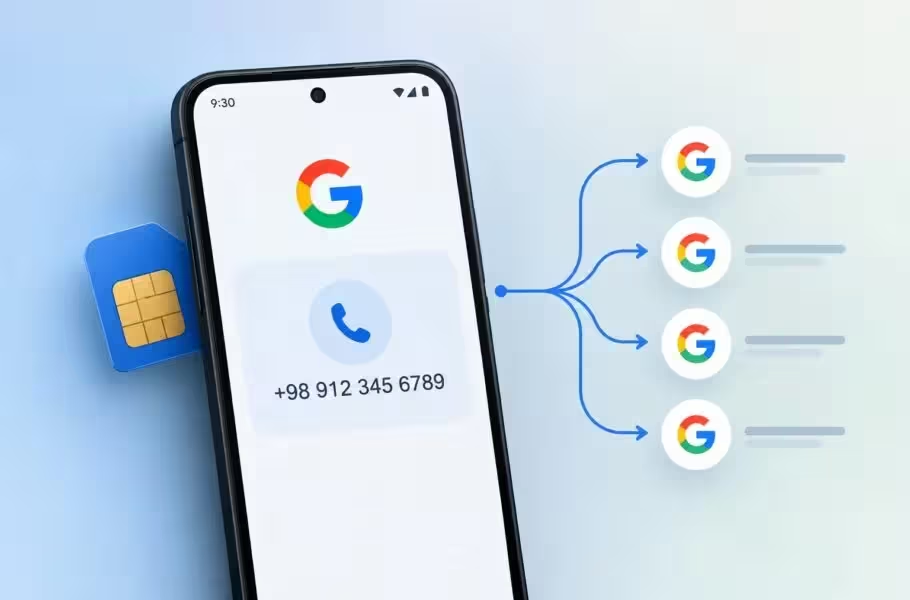
Google and the mobile carrier periodically reverify these numbers, a process that the support page warns may incur a cost to the user. Management of the feature is only possible on the device itself. Google also links the verified phone number to other account functions; signing in with a phone number, finding a lost device, emergency location services, and Quick Share rely on the verified number.
How to disable automatic phone-number verification and remove linked numbers
To stop Android from automatically verifying the SIM number, open Settings, then follow Google > All services. Under Privacy & security, open Phone number verification and turn off Verify phone numbers automatically. On some phones the Google section may appear as Google services and preferences.
Turning off the automatic verification does not remove numbers that have already been added to accounts. To delete those numbers, open each Google account’s settings and remove the number manually via Personal info > Phone.
This change is documented by Google and reflected in Google Play services logs, but Google has not provided a public rationale for adding SIM numbers to all accounts on a device.


Leave a Comment
Comments
No comments yet. Be the first.